Select an item in the folder, click "More", and select "Settings" to modify the prototype size or model in the pop-up panel.
Note: Only custom size items support customizing the length and width of the prototype.
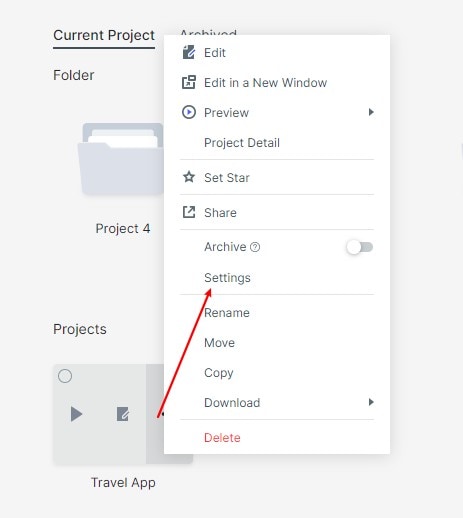
Select an item in the folder, click "More", and select "Settings" to modify the prototype size or model in the pop-up panel.
Note: Only custom size items support customizing the length and width of the prototype.