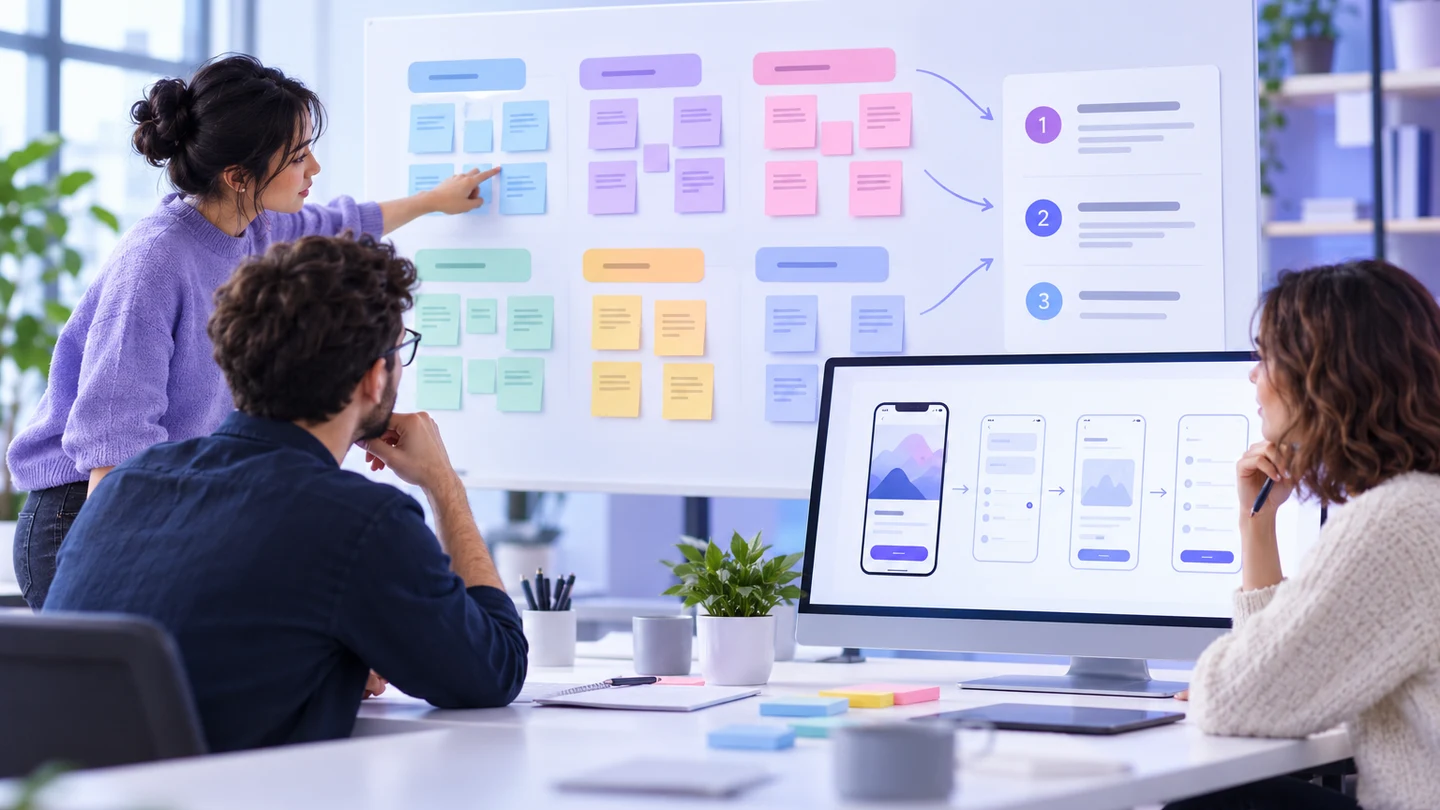
Short answer: synthesize prototype feedback by separating observations from interpretations, grouping comments by the user task they affect, and prioritizing changes by evidence, impact, and cost. Keep the reviewed version fixed, attach each finding to a screen or transition in an online collaborative workspace, and turn the highest-confidence findings into a small, testable change list.
Feedback becomes difficult when every comment is treated as a requirement. “I do not like this button,” “I could not find the next step,” and “the permission rule is unclear” may all arrive in the same thread, but they need different responses. A synthesis pass turns scattered reactions into decisions the product and design team can verify.
What prototype feedback synthesis should produce
By the end of the pass, you should have:
- a fixed review version and the scenario each participant or stakeholder saw;
- an evidence table that preserves the original observation and context;
- themes tied to a task, screen, state, or decision;
- a priority and confidence rationale for each proposed change;
- a short change set with owners and a way to retest it.
The output is not a popularity contest and not a rewrite of every screen. It is a defensible bridge from feedback to the next design or research decision.
Step 1: Freeze the evidence before interpreting it
Record the prototype version, participant or reviewer type, task prompt, device context, and date. If the prototype changed during a session, split the evidence by version. Otherwise a later correction can be mistaken for proof that an earlier problem never existed.
Capture feedback in its smallest useful unit. Keep the exact quote or observed behavior, the task step, the affected screen or transition, and the source. Distinguish what someone did from what they said they wanted. For example:
| Raw note | Useful observation | Interpretation to test |
|---|---|---|
| “I do not know where to continue.” | Two reviewers paused after selecting a plan. | The next action lacks a clear label or placement. |
| “This looks broken.” | An error message appeared below the fold on a narrow viewport. | Recovery guidance is not visible at the moment of failure. |
| “Can I edit this later?” | Reviewers asked about changing a value before confirmation. | The flow may need an explicit edit path or scope explanation. |
Do not upgrade an interpretation into a fact until it has supporting evidence. A single preference may be valuable, but it is different from a repeated task failure or a known product constraint.
Step 2: Normalize without erasing context
Use consistent labels for the kind of feedback: task success, comprehension, navigation, content, visual hierarchy, accessibility, state coverage, technical feasibility, or scope. Add the context that changes the meaning, such as first-time versus experienced users, desktop versus mobile, and moderated observation versus asynchronous comment.
Normalization is not a reason to remove nuance. “The label is confusing” could mean unfamiliar terminology for a new user, a mismatch with the task prompt, or a localization problem. Keep a note of the context so a theme does not collapse several different problems into one vague rewrite.
Step 3: Cluster by user task and failure mechanism
Group notes around what the person was trying to accomplish, then name the failure mechanism. Task-based clusters are more actionable than visual-only groups. “Checkout friction” is broad; “reviewers cannot tell whether the saved address will be used” points to a specific decision and state.
Useful cluster names describe a relationship:
- Find the next action: people pause after a choice or completion step.
- Understand the consequence: the interface does not explain what a selection changes.
- Recover from a problem: the error, empty, or permission state lacks a safe next step.
- Trust the result: confirmation, status, or saved information is ambiguous.
- Complete with the available input: content, controls, or responsive behavior blocks the task.
Keep a separate “out of scope” group for requests that are useful ideas but do not affect the current scenario. That preserves them without letting them compete with evidence-backed task failures.
Step 4: Write a theme statement with evidence
A good theme statement includes the affected task, evidence, likely mechanism, and uncertainty. For example: “During plan selection, three of five first-time reviewers paused at the summary screen because the selected plan was not visually associated with the Continue action; confirm with a focused retest before changing the information architecture.” This is stronger than “the summary needs improvement.”
Attach the relevant screen, state, or transition to each theme. In a collaborative workspace, keep the original notes alongside the synthesized statement so a reviewer can trace the conclusion without reopening every recording.
Step 5: Prioritize with impact and confidence
Use a two-axis decision first: how much the issue threatens the task, and how strong the evidence is. Add effort only after identifying the response. A high-impact, high-confidence failure should be addressed before a low-impact visual preference, even when the latter is easier to polish.
| Priority | Evidence pattern | Typical response |
|---|---|---|
| Now | Repeated task failure or unsafe recovery in a core path | Repair the state or flow, then retest the same task. |
| Next | Repeated hesitation, misunderstanding, or missing information | Change label, hierarchy, content, or transition and run a focused check. |
| Investigate | Strong concern with uncertain cause or dependency | Run a smaller research or technical check before redesigning broadly. |
| Backlog | Single preference or useful idea outside the current decision | Record it with context; do not let it displace a core task fix. |
Do not use counts as a universal ranking formula. One accessibility barrier can matter more than several cosmetic comments. Add severity, reach, and reversibility when the team needs them, and document why the chosen priority fits the current decision.
Step 6: Convert themes into testable changes
Write each proposed change as a hypothesis with a visible success condition. “Make the button clearer” becomes “when a reviewer reaches the summary screen, the primary action names the consequence and can be found without scanning secondary controls.” Identify the screen or state, the owner, and the next check.
Keep one change small enough to evaluate. If a theme might require new information architecture, content, and permission rules, split those decisions. A prototype can show the intended relationship and response; it cannot close an API or policy question without the responsible team.
Step 7: Retest the same task
Use the original task prompt where possible. Retesting a different scenario can create a false sense of improvement. Keep the changed version identifiable and note what remains unchanged. For a navigation issue, observe whether the participant finds the action. For a recovery issue, observe whether the person understands what happened and what they can safely do next.
Compare evidence, not just opinions. A participant may still prefer the old layout while completing the task more reliably. Record that tension rather than forcing it into a single score.
What not to do
Do not merge every comment into one “UX issue”
Different mechanisms require different owners and tests. Keep content, behavior, accessibility, and feasibility distinct when the response differs.
Do not rewrite the prototype during synthesis
Preserve the reviewed version while you analyze it. Otherwise the evidence changes as you interpret it, and the team loses the baseline for comparison.
Do not treat a stakeholder preference as user evidence
Stakeholder input can identify a business constraint or decision, but label it accordingly. It does not automatically describe a user task failure.
Do not let related cards replace the synthesis
Links to a research guide or prototype tool can help readers continue, but the article should still show how to move from raw note to owned, testable change.
A compact synthesis template
For each theme, record: task; version; source; observation; context; likely mechanism; evidence strength; affected screen or state; impact; proposed hypothesis; owner; next test; and status. At the end, list what was deliberately excluded and why. This gives the team a decision trail without turning the report into a transcript.
Prototype feedback is valuable when it changes a decision with a clear reason. Freeze the evidence, preserve context, cluster by task, state the mechanism, prioritize by impact and confidence, and retest the same scenario. The result is a focused change set that helps product, design, and engineering move together instead of chasing the loudest comment.