 Build on the interface you already have
Image to
Prototype


From Screenshots and Sketches
Turn app screenshots, web page images, and hand-drawn sketches into editable prototype drafts with Mockitt AI. Refine text and layouts, add interactions, and share your idea for review.
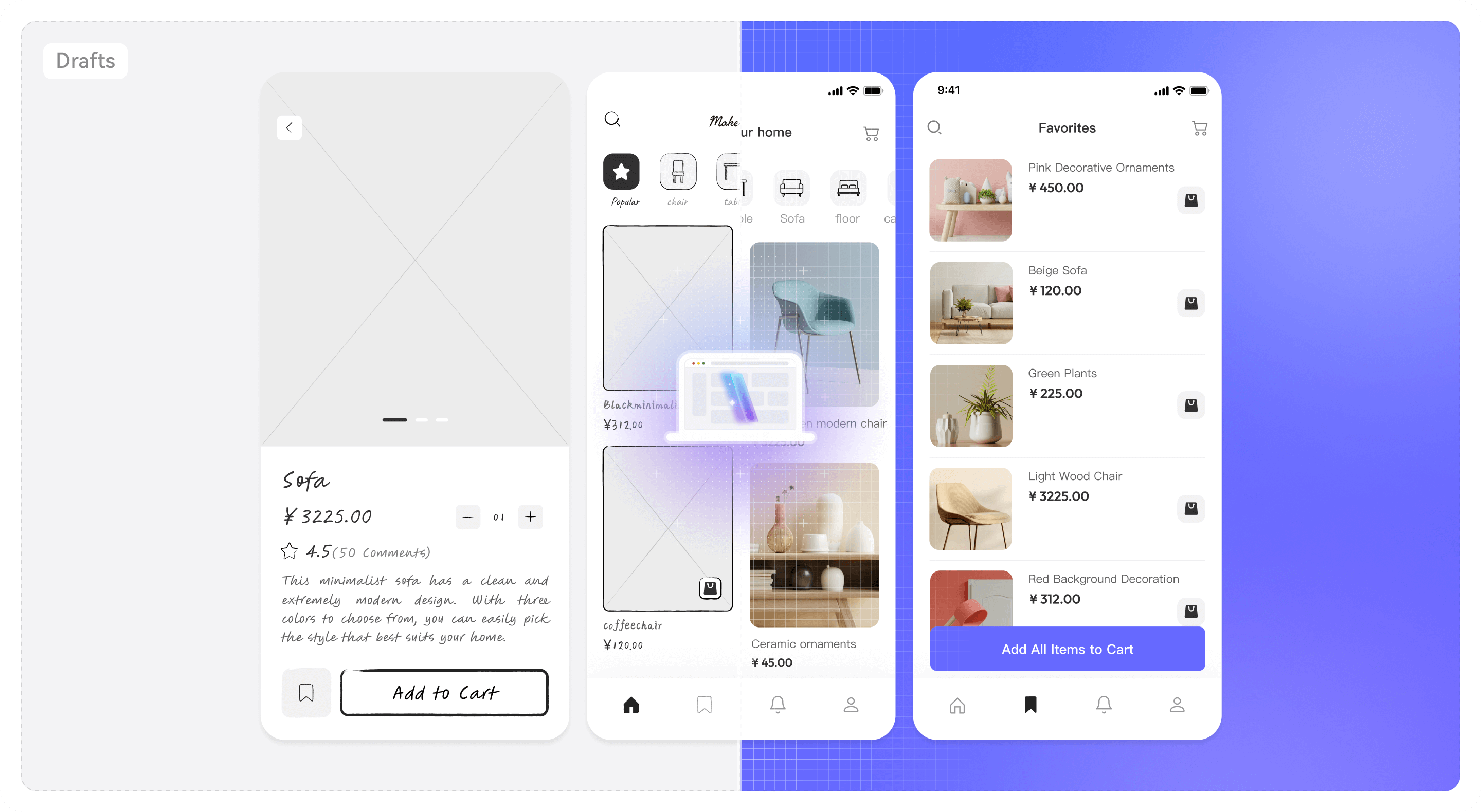
Turn screenshots and sketches
into editable UI
Reuse a screen for a redesign or turn a paper wireframe into a digital draft. AI identifies the visible layout; review the generated components before building out the flow.

Sketch to prototype

Screenshot to prototype

Refine editable elements
How to convert an image to a prototype
1. Upload a clear image
Open Image to Prototype in Mockitt and upload a screenshot or sketch photo. Choose one screen with readable text; photograph paper sketches straight on, without shadows.
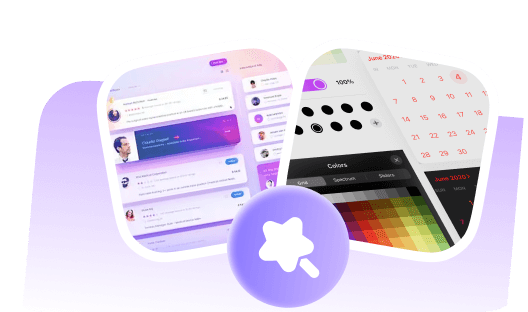
2. Review the AI draft
Let AI analyze the image and generate editable components. Compare the draft with the source: check labels, grouping, and spacing, then correct any missed or misread elements.
3. Edit and add interactions
Refine the design, connect pages, and preview the flow before sharing. A screenshot cannot reveal hidden states or business rules; add and test those interactions yourself.
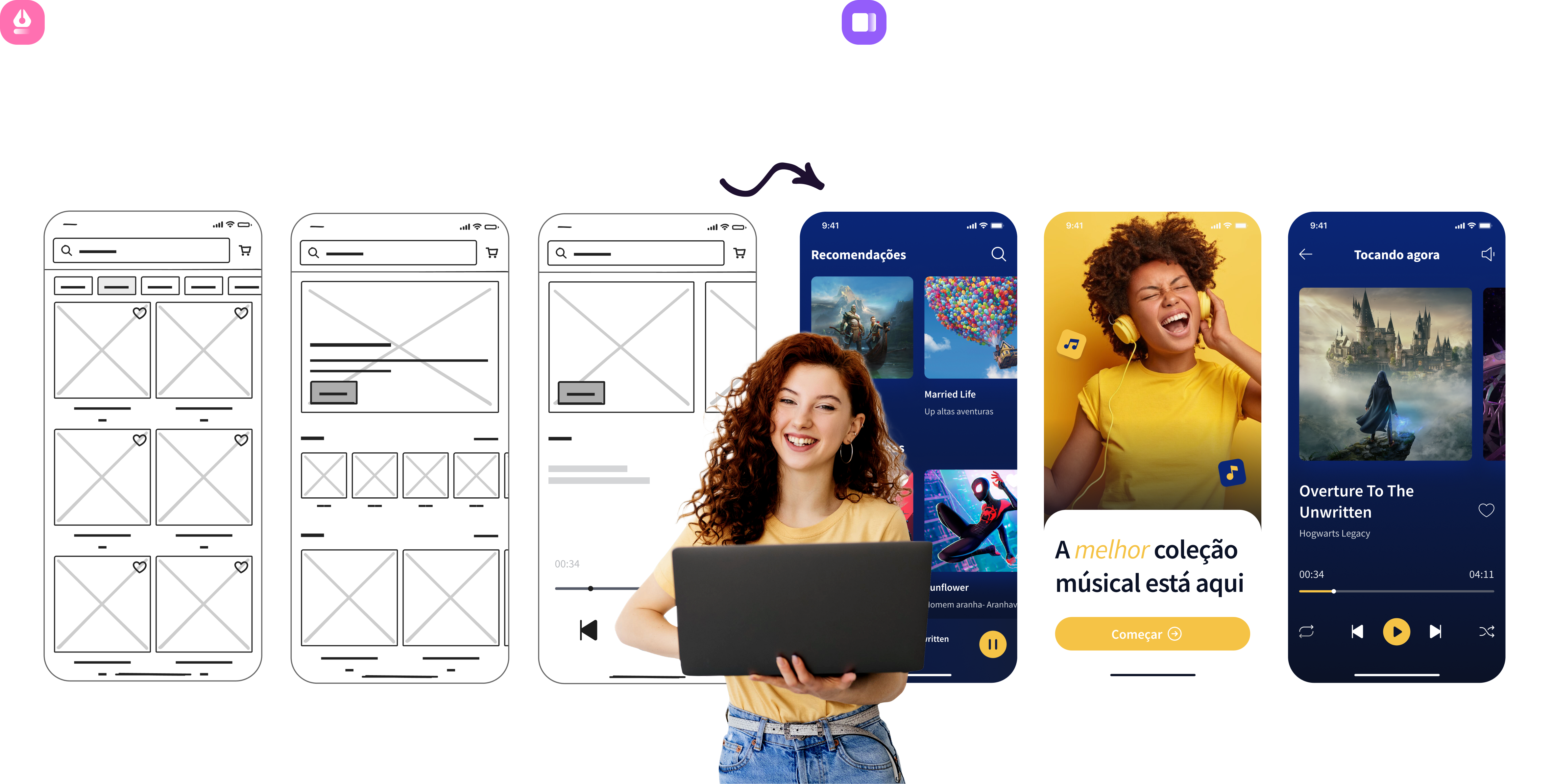
From a sketch or screenshot 
to a prototype you can
refine
Explore more ways to prototype with AI
Start with an image, existing HTML, or a written idea. Choose the tool that fits your next design or requirements task.

Image to Prototype
Use screenshots or sketches to create an editable draft, then refine the components and flow.

HTML to Prototype
Convert supported HTML code into an editable prototype. Review the layout and rebuild interactions as needed.

AI UI Design Generator
Describe a screen and its requirements to generate a UI draft you can review and refine.

AI PRD Generator
Organize product requirements into a structured draft for your team to review and clarify.

Design to Code
Generate code from a design draft, then review the output and adapt it to your application.

AI Requirements Review
Review requirements for gaps, unclear statements, and logic that needs further discussion.

AI Product Research
Explore a product or market question and draft research findings for your team to verify.

AI Product Plan Generator
Turn a product idea into a planning draft with goals and priorities to discuss with your team.

AI Test Case Generator
Draft test cases from requirements or prototypes, then check coverage and expected results.