 Turn existing code into a design draft
HTML to Prototype


Edit and Review Visually
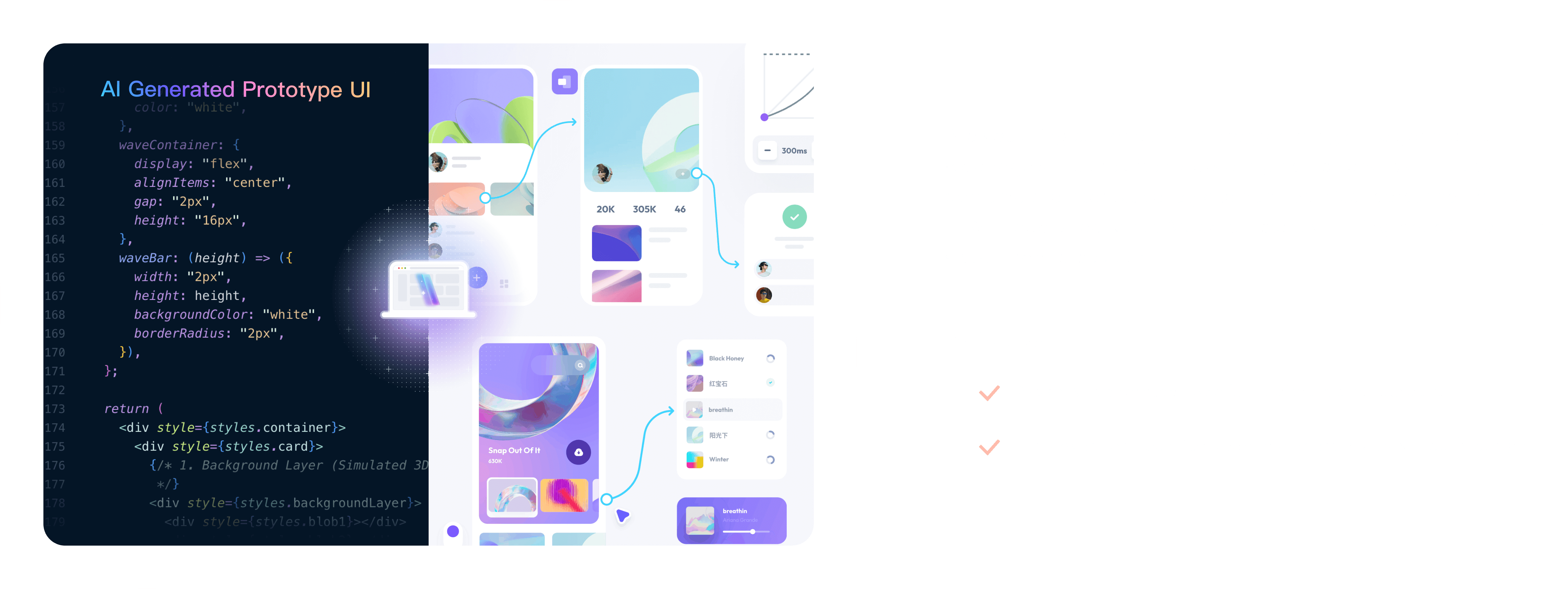
Paste supported HTML code into Mockitt to create an editable prototype. Refine the layout, add interactions, and share the design with your team for feedback.
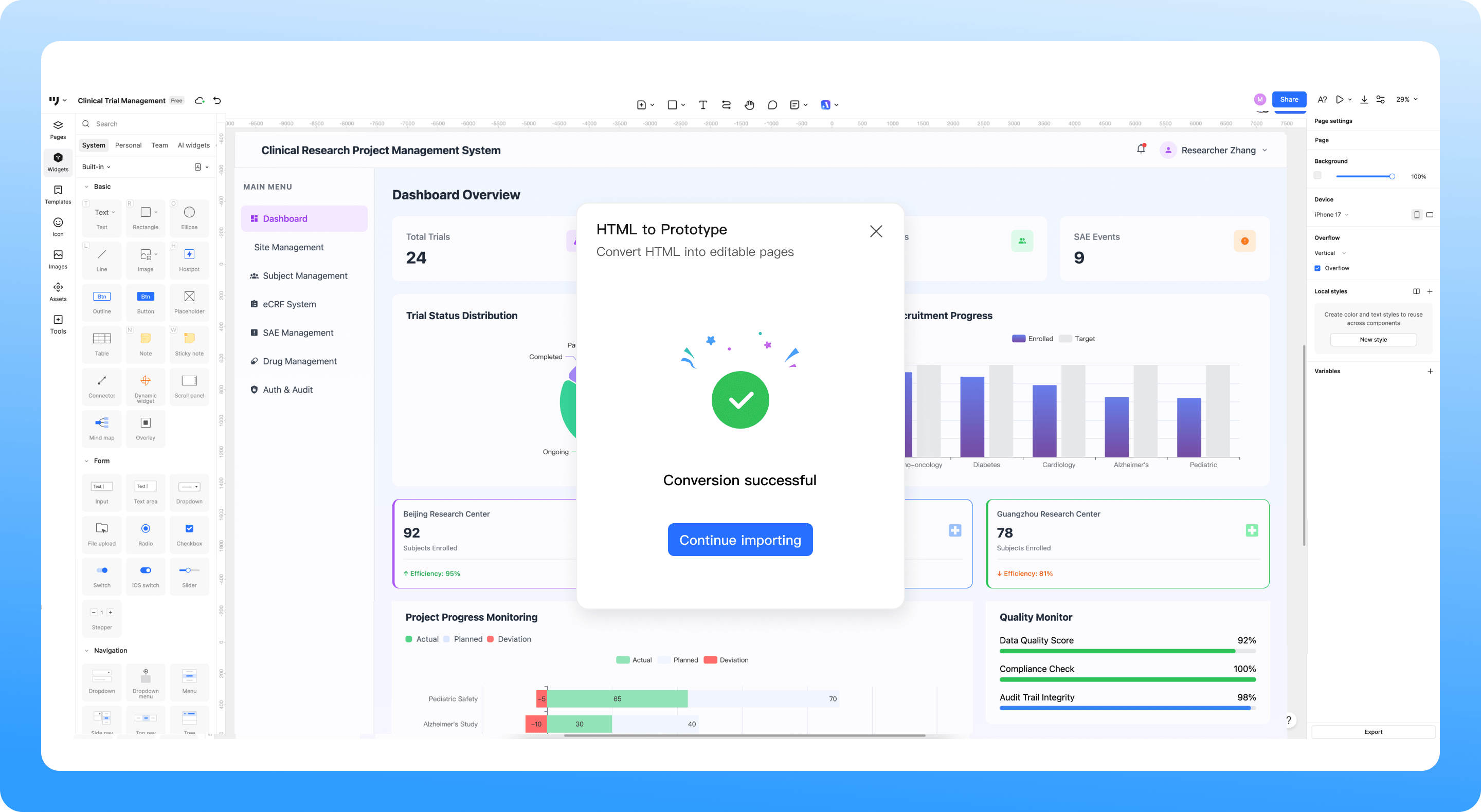
Turn HTML code into a design you can refine
Reuse an HTML screen for a redesign or team review. Interactive HTML may import only the first screen; recreate navigation and pop-ups in Mockitt, then check the result before sharing.

Reuse HTML layouts

Edit on the canvas

Add interactions
How to convert HTML to a prototype
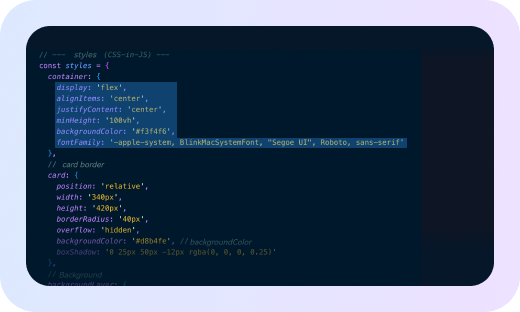
1. Prepare the HTML
Copy the HTML for the screen you want to reuse. If you use Cursor or ChatGPT, request HTML output for that screen and review it before importing.
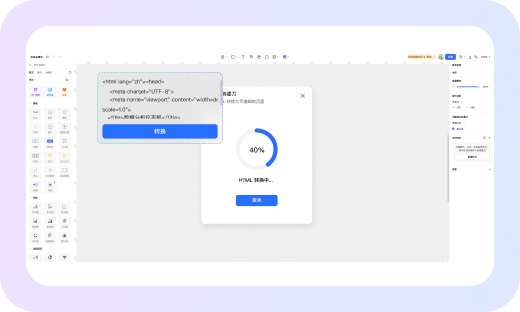
2. Paste into Mockitt
Open Mockitt and select HTML to Prototype. Paste your HTML code and start the conversion to create an editable draft.
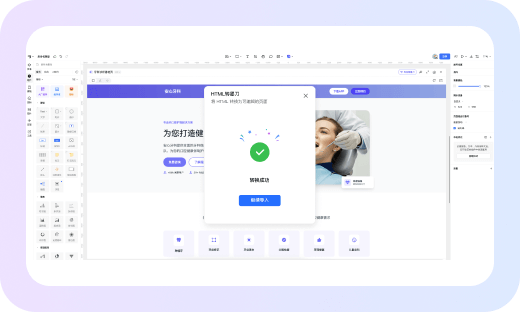
3. Refine and share
Check text, spacing, images, and layout against the original. Adjust the design, add page links or pop-ups, and share it for feedback.
Start with HTML code
Refine it  visually

Continue your design workflow
Choose the next step after importing HTML: refine the UI, create a draft from a screenshot, or document the requirements behind your prototype.

HTML to Prototype
Reuse supported HTML as an editable prototype, then check the layout and add interactions.

AI UI Design Generator
Describe a screen or feature to generate a UI draft you can review and refine.

Image to Prototype
Start from a screenshot or sketch when you have a visual reference to turn into an editable draft.

AI PRD Generator
Turn product ideas into a structured requirements draft for discussion with your team.

Design to Code
Export code drafts from a design in supported formats, then have a developer review the output.

AI Requirements Review
Review a PRD for unclear wording, conflicting requirements, and logic gaps before implementation.

AI Product Research
Explore a product or market question with AI-assisted research, then verify the findings and sources.

AI Product Plan Generator
Create a structured product plan draft to discuss goals, users, and feature priorities.

AI Test Case Generator
Draft test cases from requirements or prototypes, then review coverage and expected results.