 Design to Code for a Clearer Developer Handoff
Design to Code
for Developer Handoff


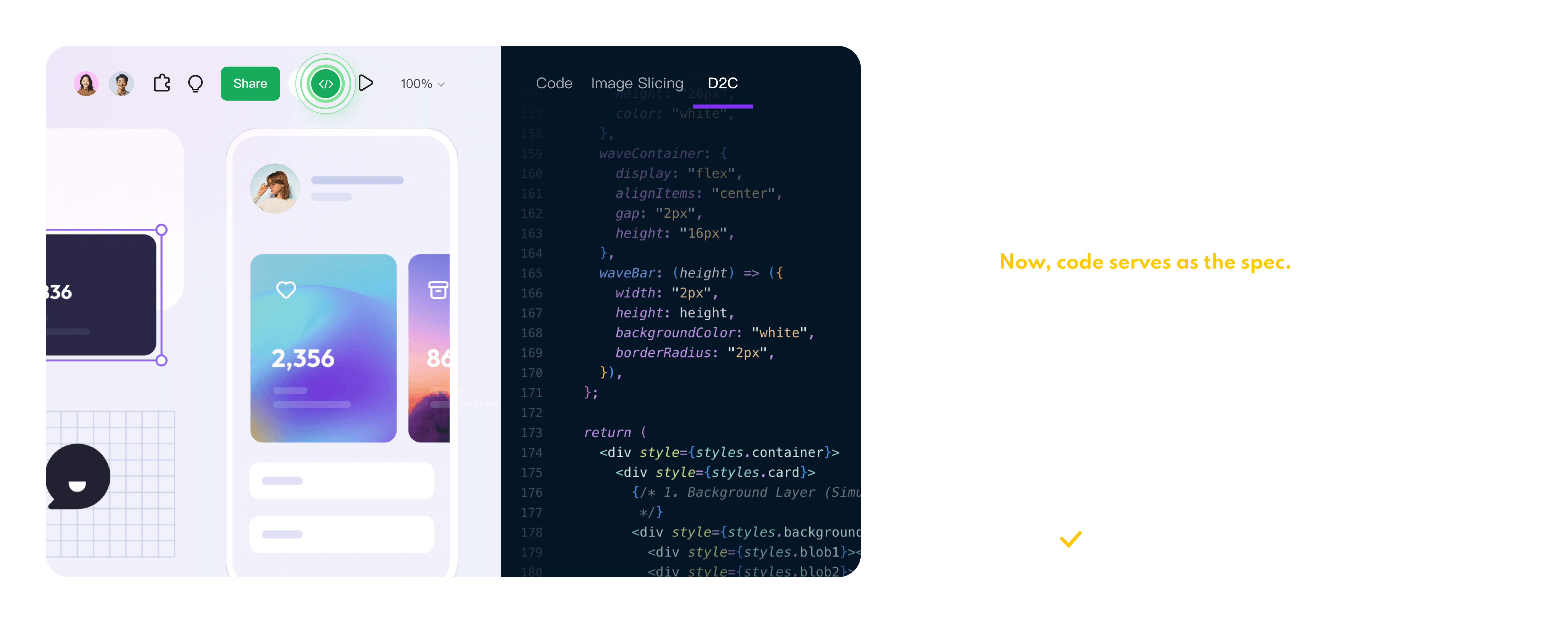
Turn supported UI designs into exportable code drafts for HTML, Vue, React, Flutter, or ArkUI.
Inspect the generated structure and adapt it to your project standards.
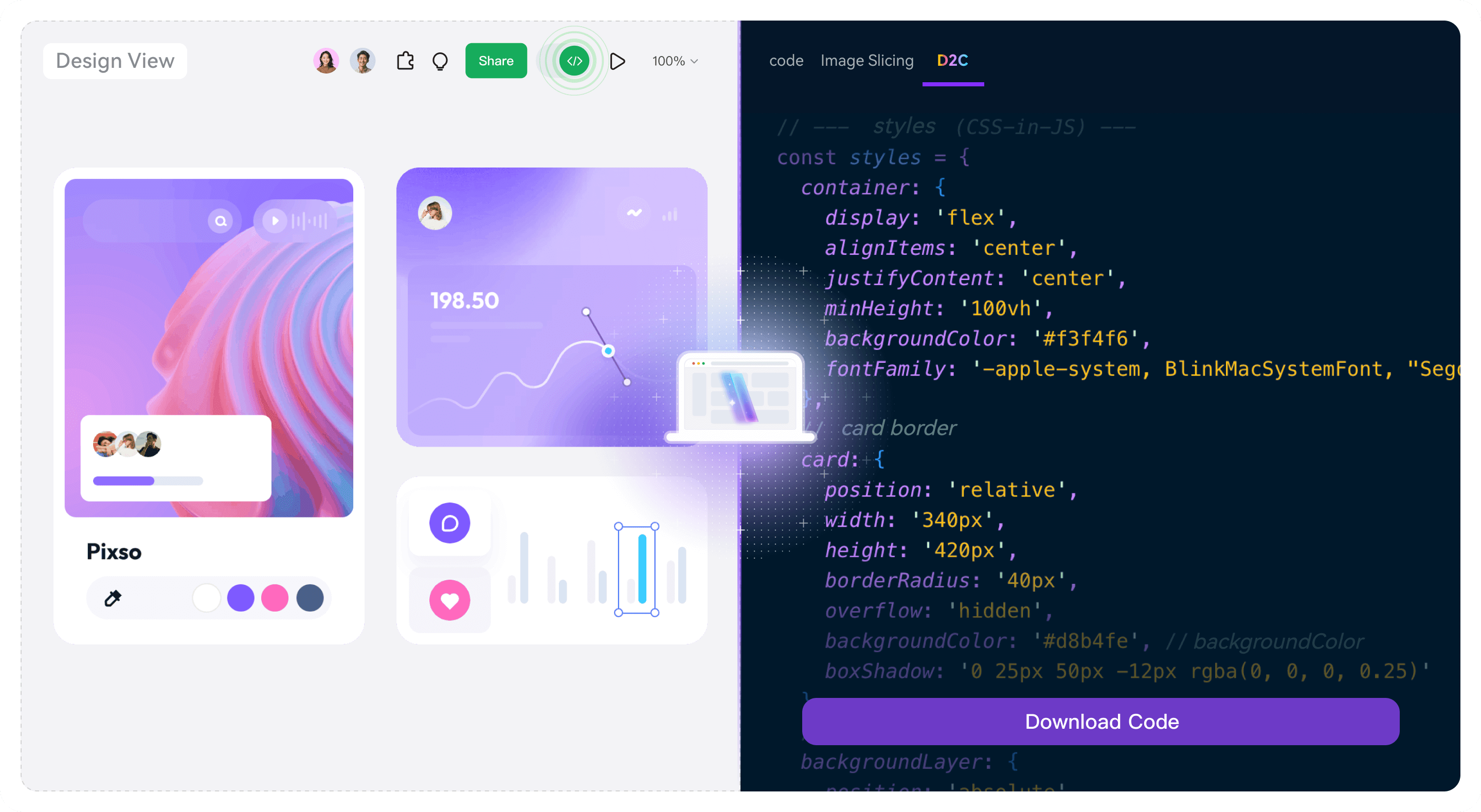
Code Drafts and Design Details
for Developer Review
Generate a reusable starting point, inspect design details, and refine the handoff with your team.


From Design Draft to Developer Review in 3 Steps
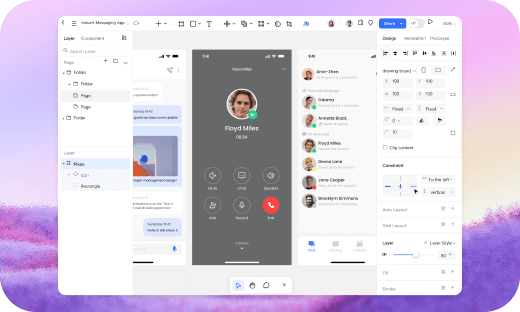
1. Create or import a design draft
Create a prototype design draft in Mockitt, or import a supported Axure, Sketch, or Figma draft.
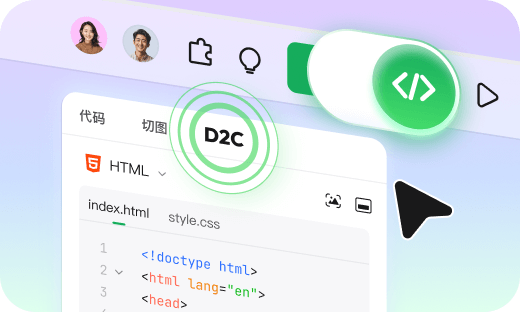
2. Choose a supported code target
Open Developer Mode, select Design to Code, and choose the supported technology target for the project.
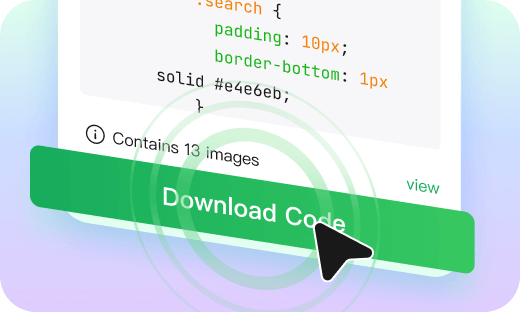
3. Download the code draft
View the output, download the code package, and review or adapt it in your local editor.
A Clearer Design to Code 
Developer Handoff
Workflow
Explore More Mockitt AI Workflows
Use focused AI workflows to explore prototypes, requirements, and code handoff.

Design to Code
Export a code draft in a supported format for developer review.

Image to Prototype
Turn a sketch or screenshot into an editable prototype draft.

AI UI Design Generator
Describe requirements and review a generated UI design draft.

HTML to Prototype
Import supported HTML into an editable prototype draft.

AI PRD Generator
Start a structured requirements draft for developer review.

AI Requirements Review
Organize review questions and findings for team discussion.

AI Product Research
Collect research notes into a reviewable product draft.

AI Product Plan Generator
Organize product goals and market questions into a planning draft.

AI Test Case Generator
Turn PRD or prototype details into test-case drafts.