 Try Mockitt Free
Use AI to explore design ideas
-
Generate interfaces, components or copy in a single command. Our AI assistant helps you overcome creative blocks and explore multiple design solutions.
-
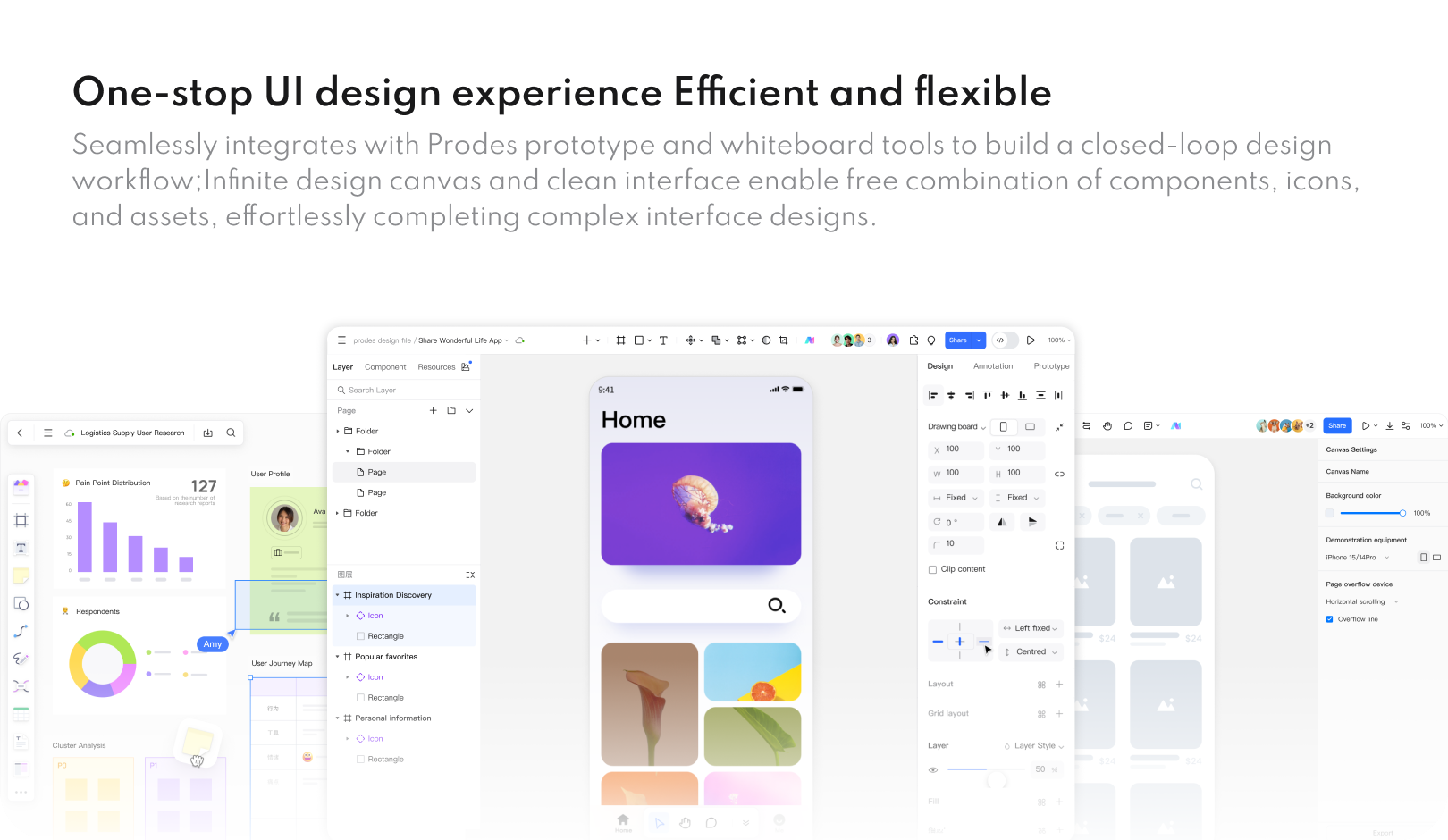
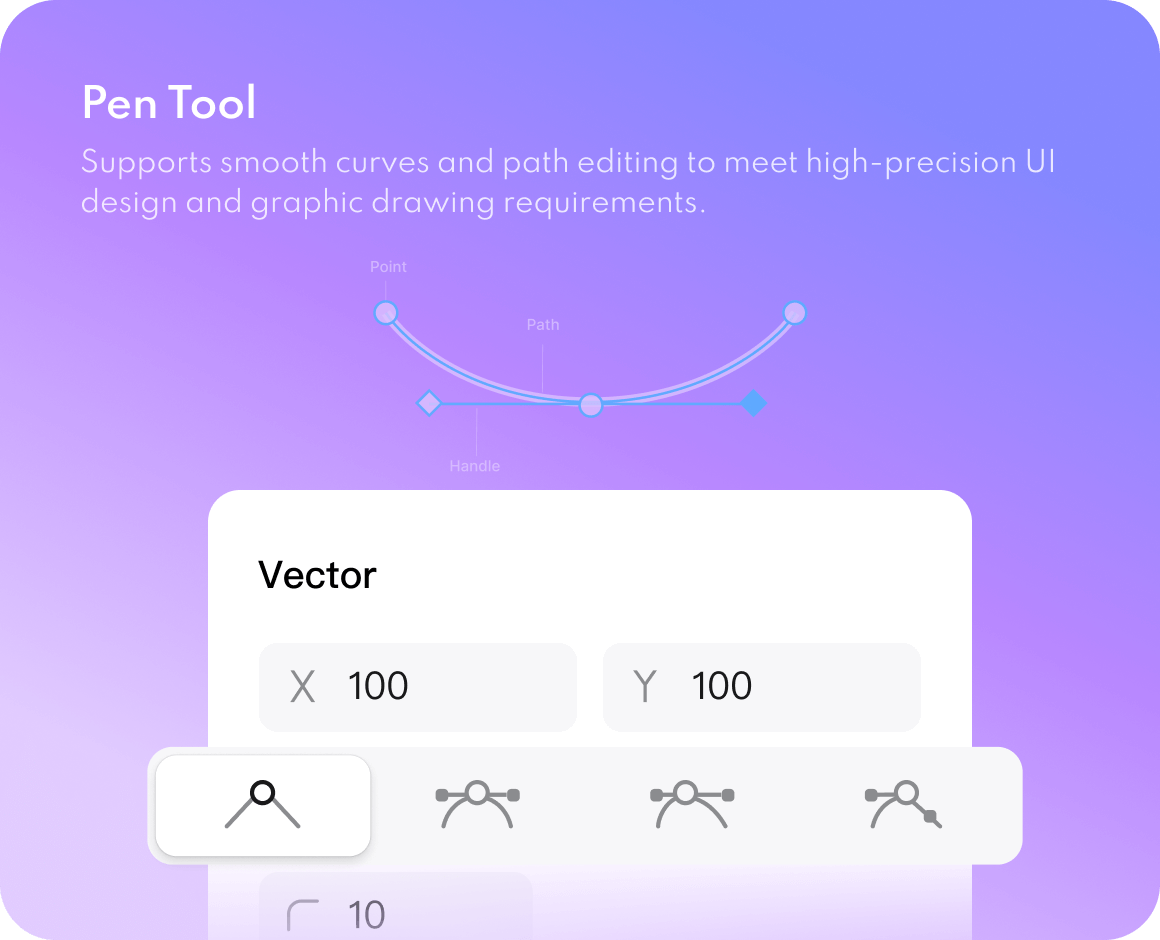
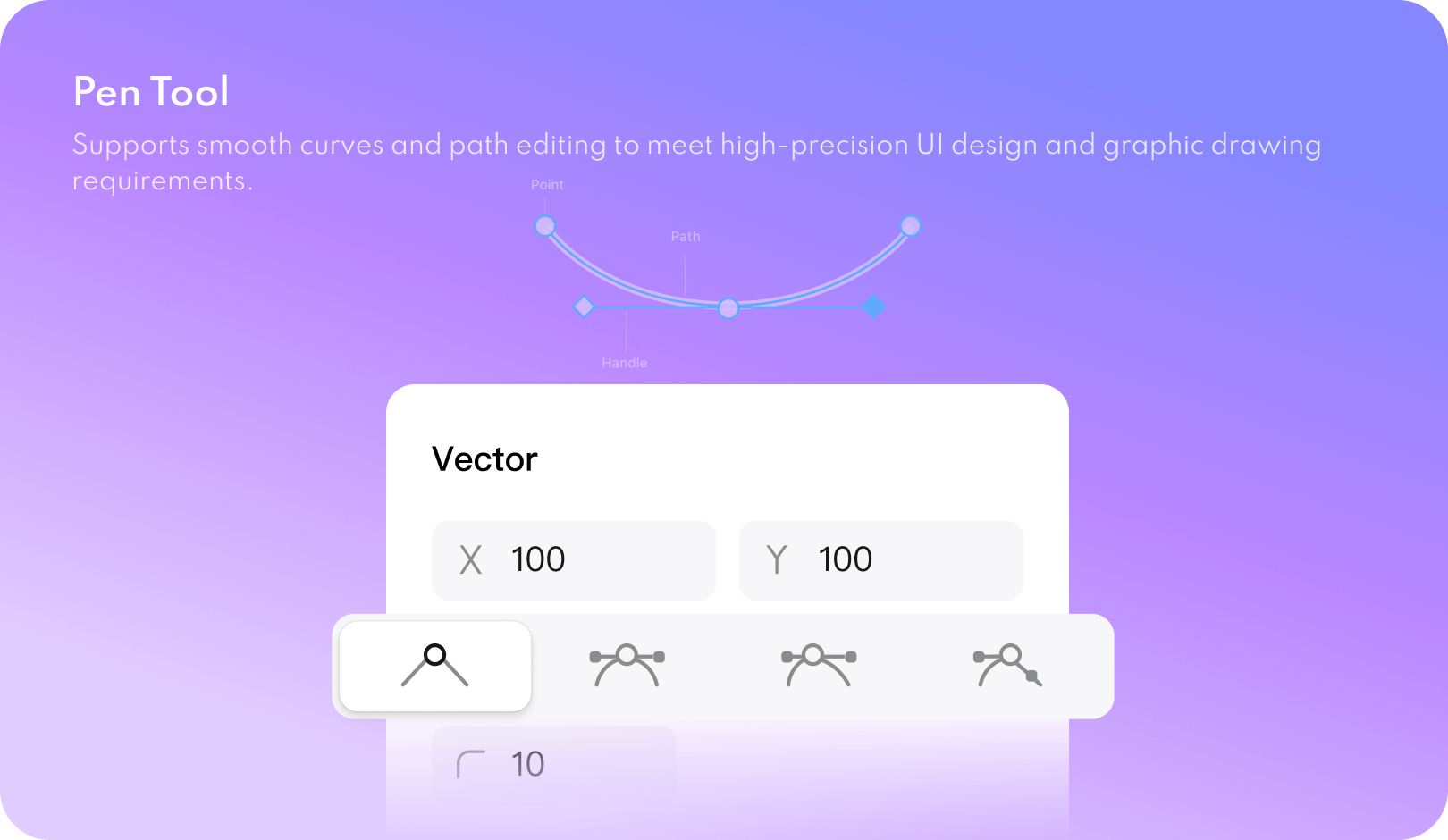
A comprehensive vector toolchain for flexible handling of icons and interface elements; Automatically adapts to multiple device screens, ensuring a consistent experience.
-
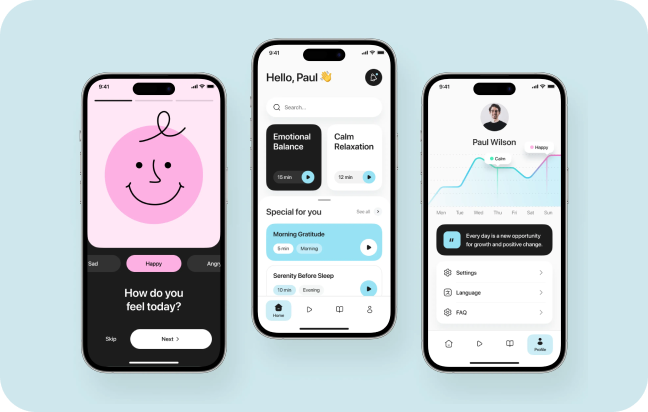
Start from built-in templates and components, then adapt their layout and styling to your product requirements.
AI-powered Inspiration Generation and Assistance
Professional vector design
Vast resources and templates
Build a rock-solid design system
-
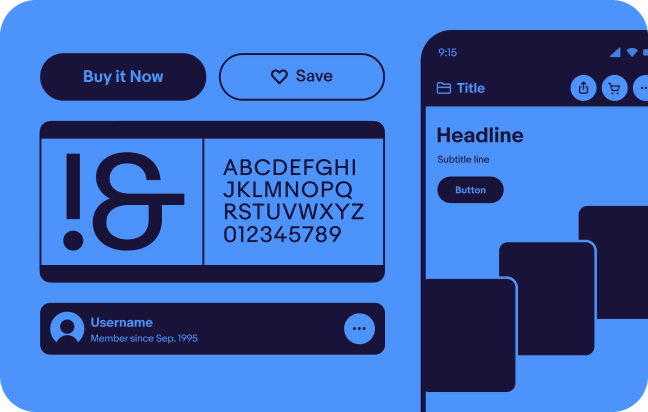
Supports multiple variables including colours, text, and numbers. Modify once for global effect, managing brand themes and design styles.
-
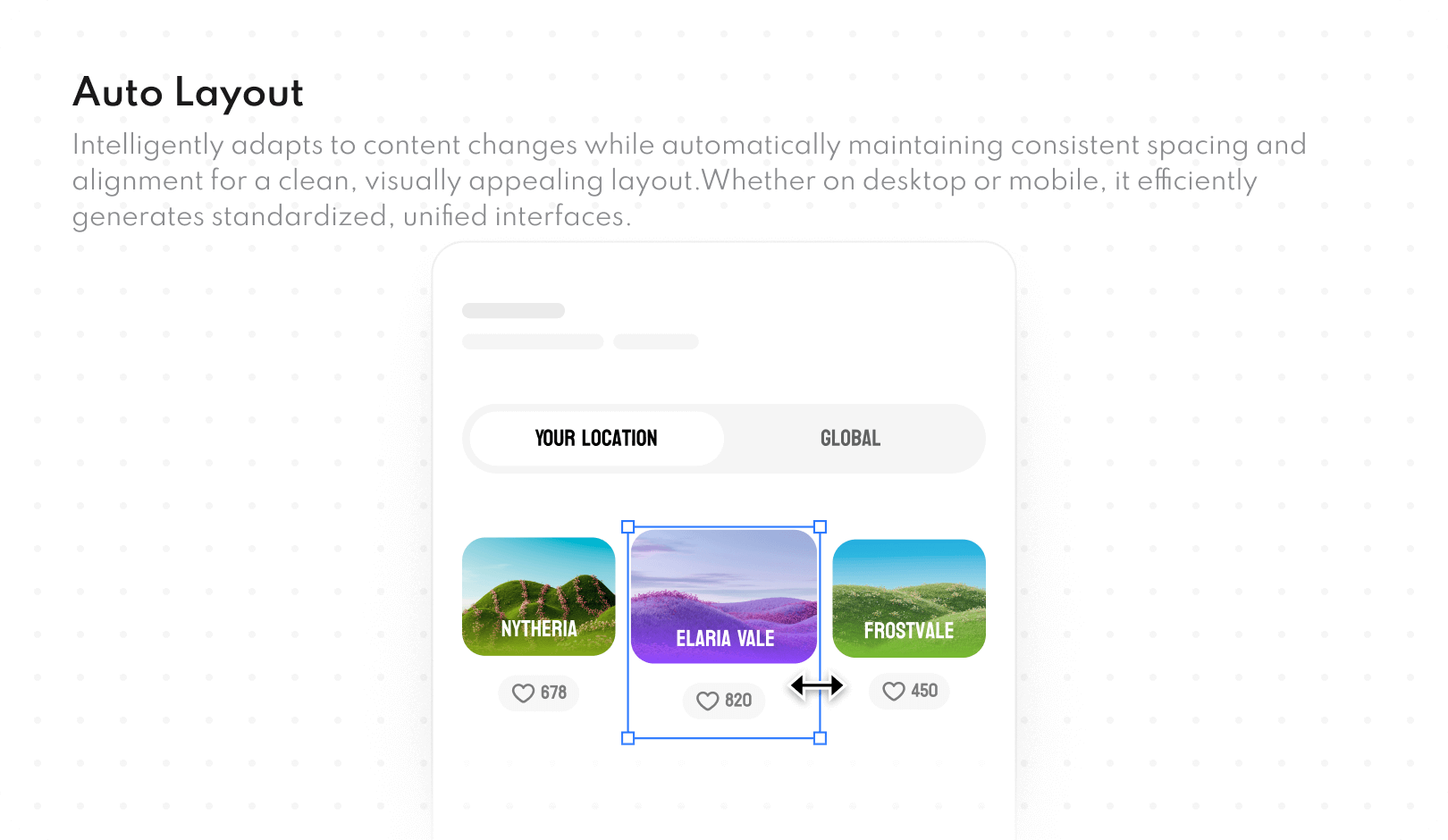
Create powerful data-driven components with variants and interactions, combined with Auto Layout for flexible and efficient interface construction.
-
Switch between theme styles, such as dark and light mode, using shared variables to keep related design elements consistent.
Powerful variable system
Smart Components and Auto Layout
One-click theme switching
Redefine how to design together
-
Real-time collaborative editing with visible cursors and changes shown as teammates work side-by-side.
-
Team members may add comment threads and tag colleagues at any location, ensuring clear and intuitive feedback while eliminating chaotic communication.
-
All documents are automatically saved to the cloud, supporting granular member permission management to ensure data security and collaborative flexibility.
Real-time collaboration
Immersive Review and Annotation
Cloud Management and Permission Control
Collective team wisdom, empowering individual creativity
-
Publish frequently used components and styles with a single click, enabling team-wide sharing and reuse to ensure design consistency and minimise repetitive work.
-
Centralised management of enterprise-level design specifications and resources, supporting tiered permissions to consolidate and perpetuate brand digital assets.
-
Integrate third-party resource plugins to add design resources to your workspace.
Team Resource Library
Corporate Asset Centre
Community Resource Centre
Share design specifications and code drafts
-
Export code drafts for supported development targets, then review and adapt the output to your project's framework, accessibility, and implementation requirements.
-
Export design elements as resource files that developers can inspect and integrate into the application.
-
Use developer mode to inspect code, styles, and dimensions alongside the design when reviewing implementation details.
Design-to-Code Export
Intelligent Image Cropping and Resource Export
Connect the R&D process
UI design tools for your team
from vector editing to design handoff
A comprehensive suite of production, research,
and design tools empowers professional design teams.


Why Choose Mockitt Design
A smarter, smoother, and more focused way of working
Massive resources
no need to start from scratch with design
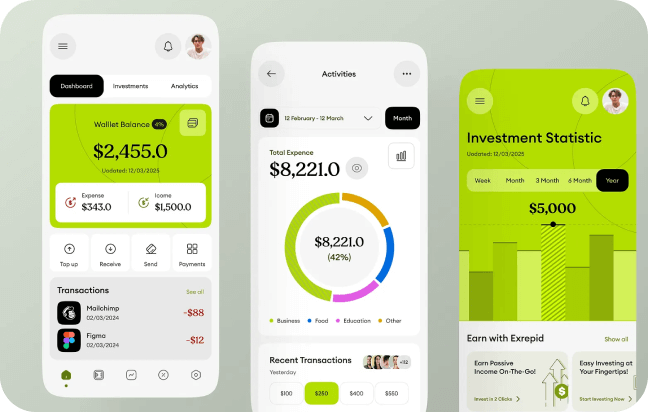
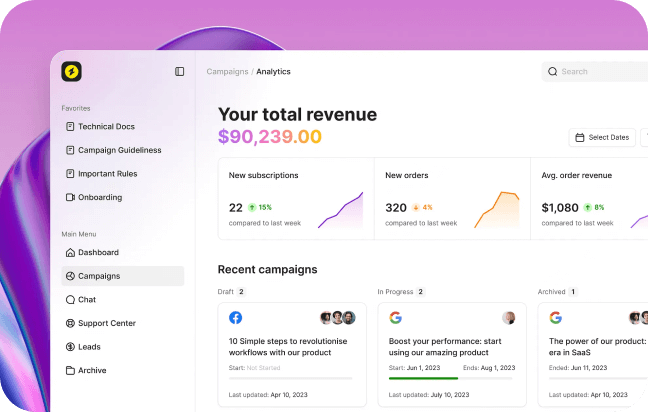
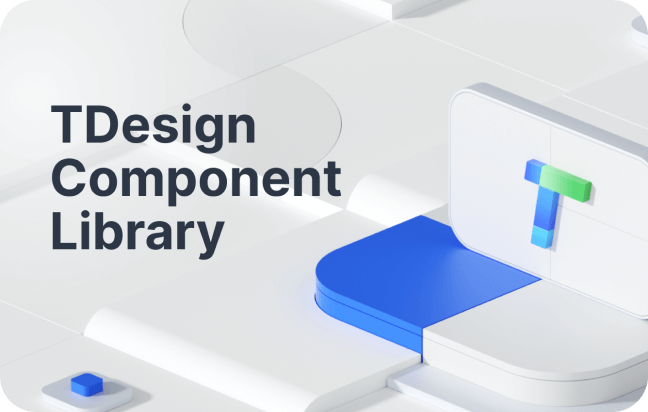
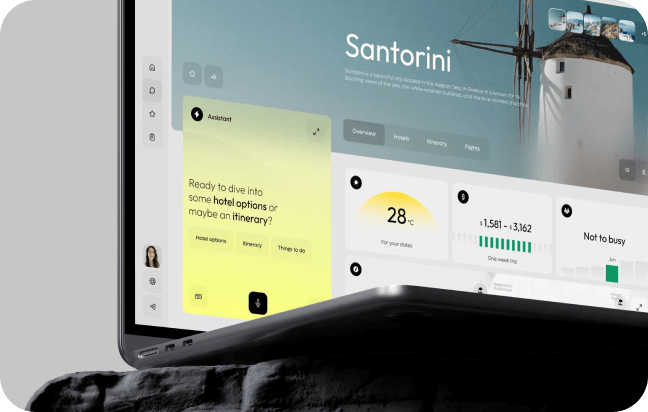
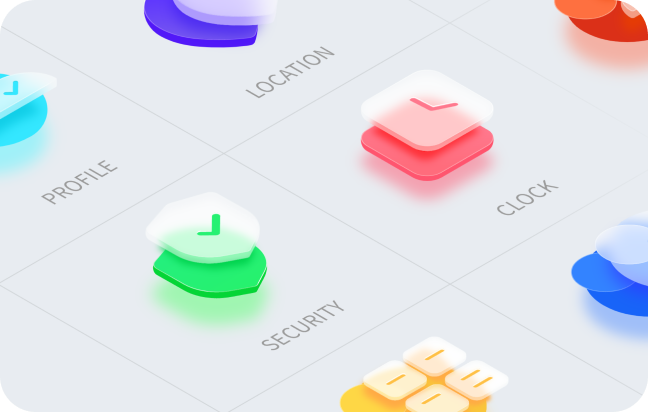
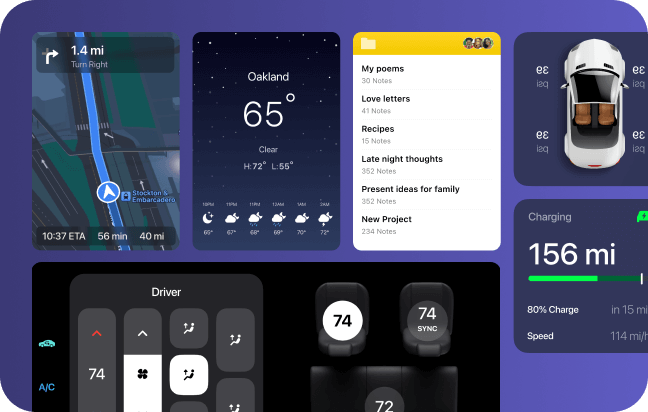
You can easily add plugins within the editor to add color to your designs.
You can easily add plugins within the editor to add color to your designs.
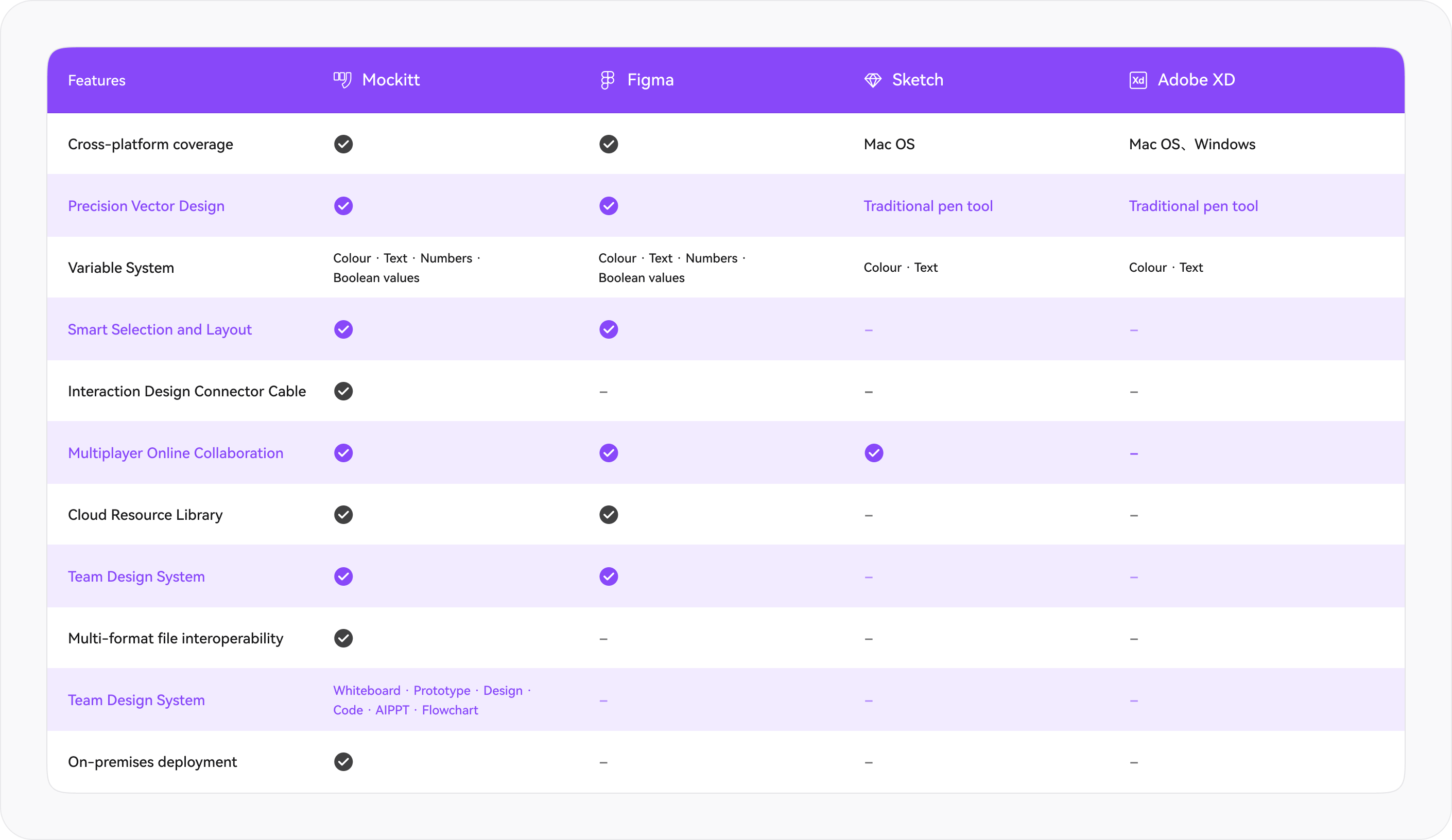
Tool Comparison Without Fear
Comprehensive Capability Comparison with Mainstream Design Tools
to Help You Choose the Most Suitable Solution
 Try for Free