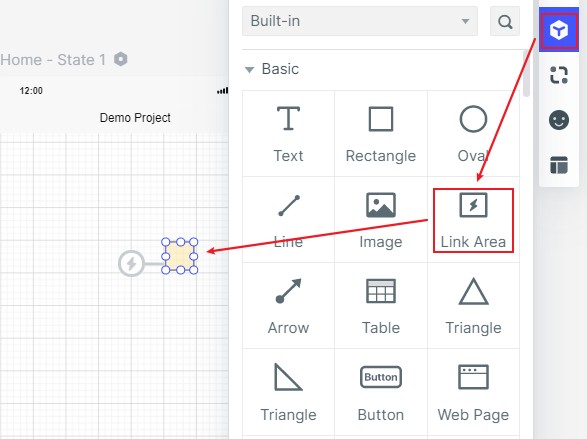
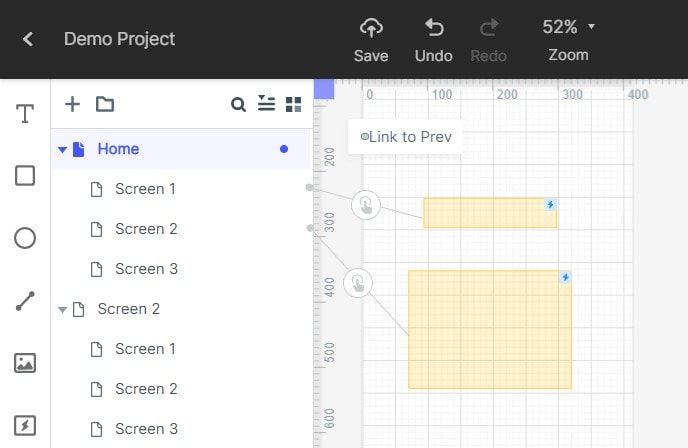
Learn how to add link area (hot zone).
Link is (hot zone) enables one to add a jump link to a certain area on the screen canvas(such as part of an image). The link area component is among the basic components. And the area size can be adjusted after being added to the page canvas.
Here is a detailed guide on adding components to a project using Mockitt.
Here is how you can manage folders to facilitate the collaboration process between the team in Mockitt.
Here is the guide to help you manage and customize screens on Mockitt.
Widgets are the digital components used for designing prototypes, flowcharts, mind maps, etc. Mockitt has a wide variety of assets you can integrate into your designs. Adding them