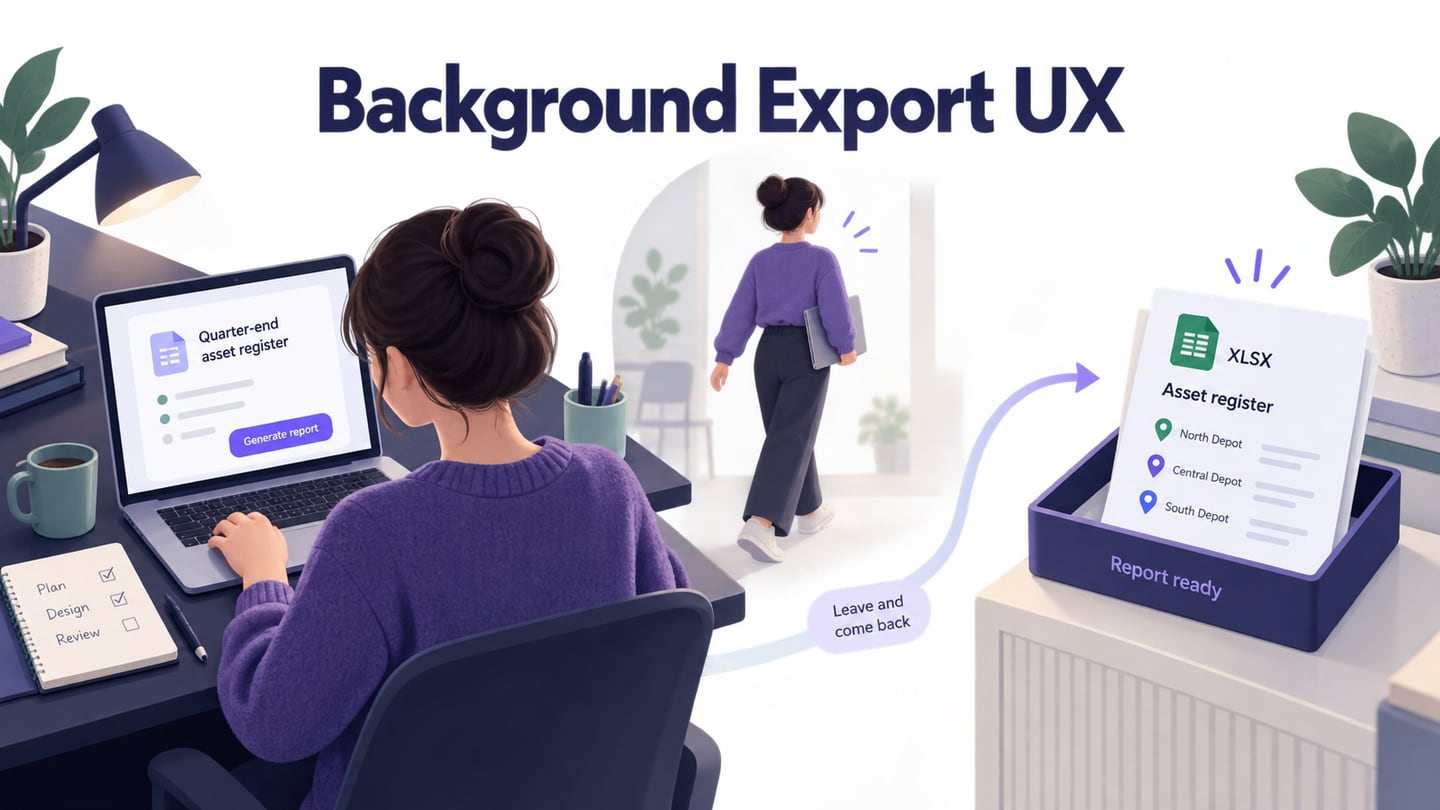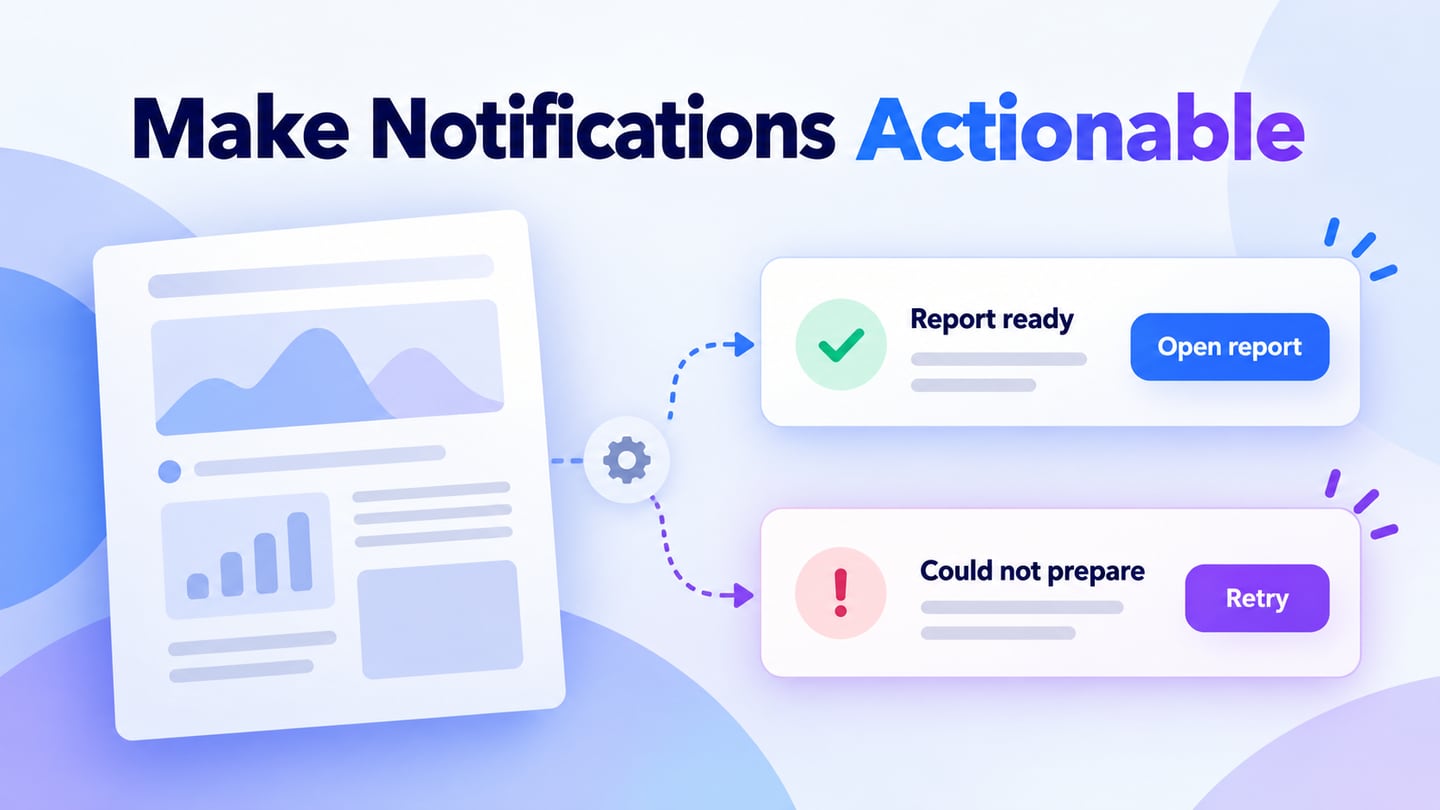
Ant Design notifications present feedback that may need a short explanation or a follow-up action. For a background report export, users need to know which report finished and where to retrieve it. An interactive prototype in Mockitt helps review that feedback in context before the React notification is implemented.
Ant Design includes a Notification component alongside other feedback patterns. A notification should explain a relevant event without unnecessarily interrupting the current task. The design choice depends on urgency, the amount of information and whether the user must act.
A brief confirmation, an inline validation error and an urgent decision are different situations. Do not use the same floating notification for all three merely because a template is available.
What is Ant design?
Ant Design provides reusable React components and design guidance. Its Notification component is intended for feedback with enough context to warrant a title, description or action.
Customization should support comprehension. The placement, persistence and action must work together; changing the color of a generic success box does not make it appropriate for every event.
There are a number of features you can get with ant design, let us have a look at them:
- Reusable feedback patterns for web applications.
- React components for implementation, with visual assets serving as design references.
- TypeScript definitions for component properties.
- Documentation for configuring feedback and coordinating it with application behavior.
- Internationalization support; translated messages still need readability checks.
- Theme customization that should preserve text contrast and distinguish status without relying on color alone.
Use these capabilities to communicate the result of a real task, not to decorate every minor interaction.
When should you use an Ant Design notification?
The official Notification documentation describes global feedback with more context than a terse message. A useful notification names the event, explains what happened and offers a relevant action when needed. Keep field-level input errors near the field instead of making users search for the problem.
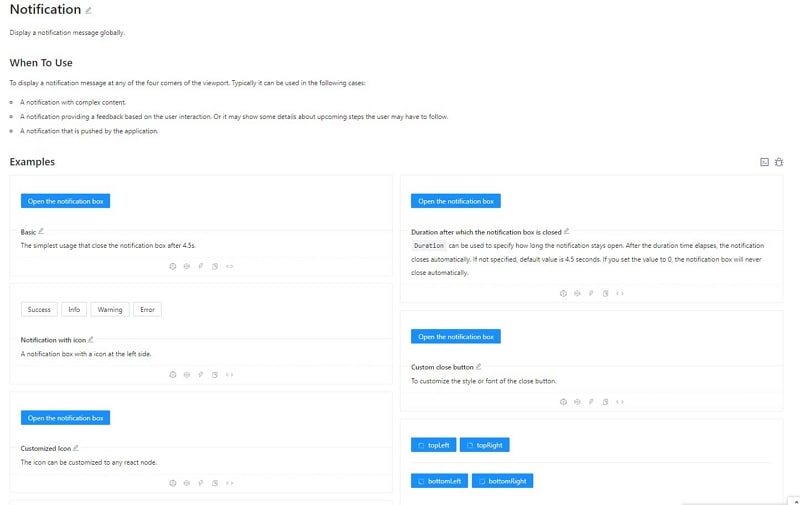
Some of the most important reasons behind using ant design notifications are as follows:
- Use it for a relevant background event that needs context, such as a prepared report becoming available.
- Use it for a result that has a meaningful next action, such as opening an export or retrying a failed preparation.
Before drawing the panel, decide what the notification must tell the user and how long that information needs to remain available.
- Use an understandable title and description. Pair any status color or icon with text, and avoid exposing confidential details to people who should not see them.
- Decide whether the message can disappear automatically. A complex explanation or required action should remain available long enough to read and operate; provide a clear dismissal control.
How to prototype Ant Design notifications
Mockitt can represent the surrounding screen, the notification and the result of its action. Use that prototype to review whether the message interrupts the task or helps someone continue. Implemented timing, focus and assistive-technology announcements still need development and accessibility testing.
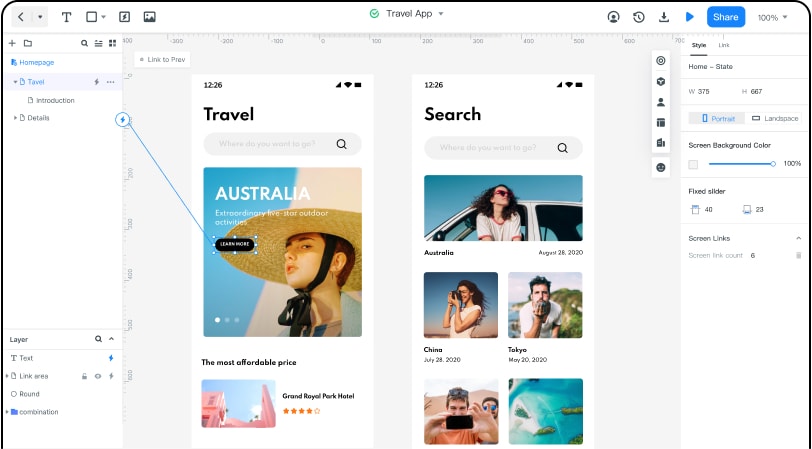
Start with the screen that triggered the background task. Add separate states for preparation, success and failure, using consistent labels for the report. The notification’s action should lead to a destination that is also represented in the prototype.
Ask reviewers to explain what happened and what they would do next. If they cannot identify the report or the consequence of the action, improve the text before adjusting decorative details.
For example, the user requests the “September attendance” report and continues browsing. When preparation finishes, show “Report ready” with the report name and an “Open report” action. If preparation fails, say that the report could not be prepared and offer “Retry.” Keep the original request available so the person does not have to rebuild it.
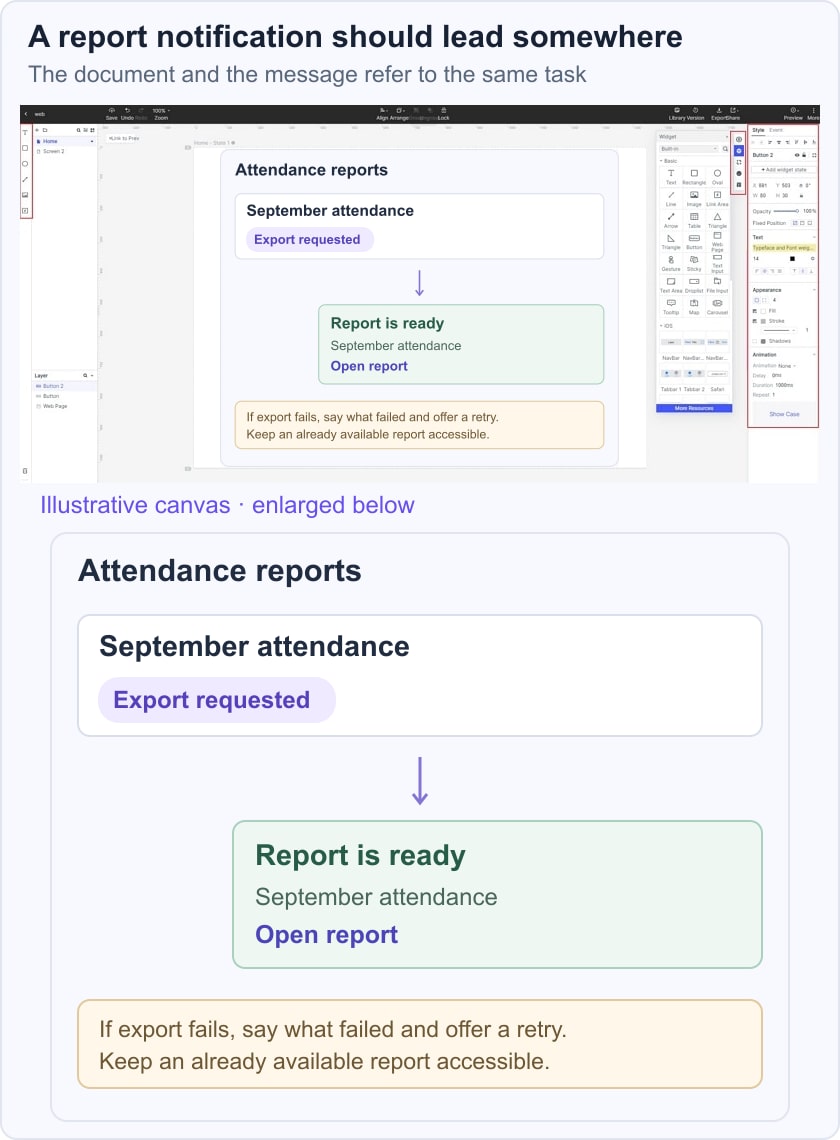
The action inside the panel should follow the same button hierarchy as the rest of the application. For more general placement and wording guidance, see notification UI design. Avoid showing several competing notices for one outcome.
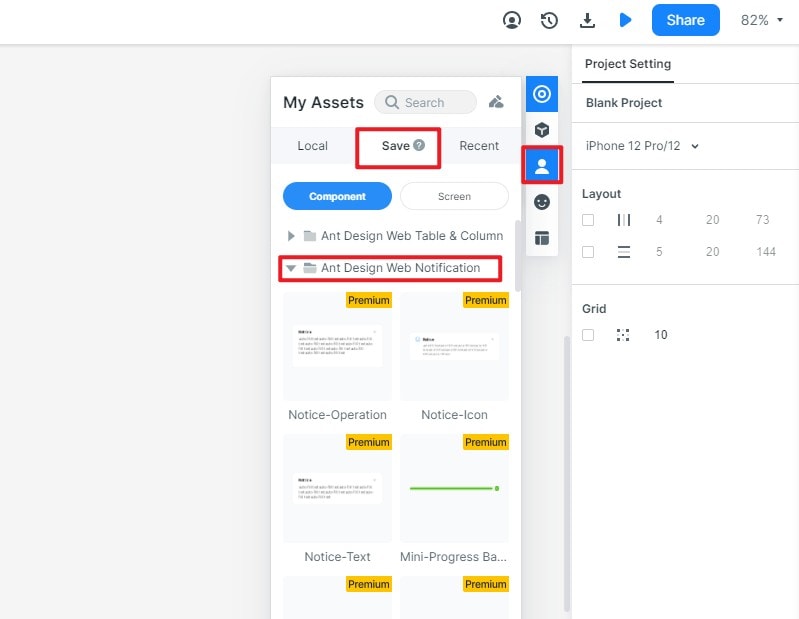
1. Create the report screen and define the task that produces the notification. The retained images show earlier interfaces and component examples; current asset names and library locations may differ.
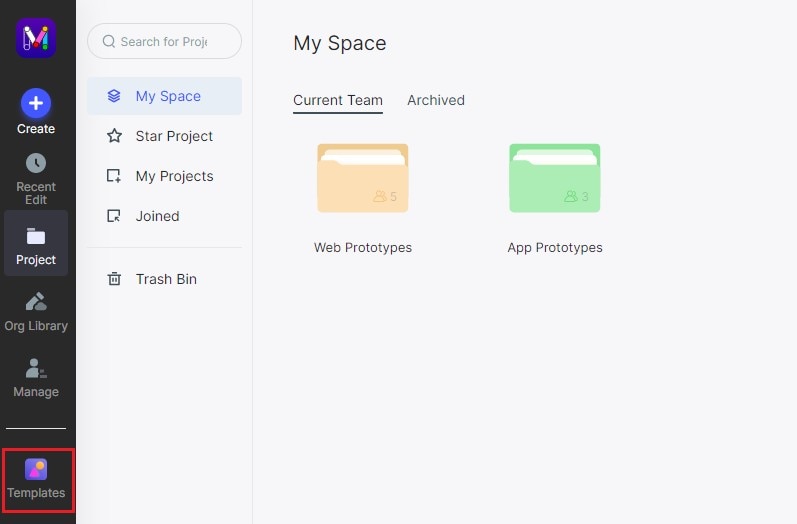
2. Use an available notification asset or simple shapes and text to create success and failure panels. Include a close control and a descriptive action. If the original “Ant Design Web Notification” template is unavailable, the message hierarchy and behavior can still be reviewed without it.
3. Link “Open report” to the prepared report view and “Retry” to the preparation state. Preview the sequence while another part of the screen remains visible. Document persistence, duplicate-event handling and where the user can find the result after dismissing the notification.
Before implementation, agree on whether repeated exports update an existing notification or create separate items. Include the report name when several exports can finish close together. Test long titles, slower preparation and a failed retry; the notification should continue to describe the actual result rather than presenting a premature success.
A prototype establishes the intended experience. In the application, developers must verify focus behavior, the appropriate status announcement and whether controls remain available by keyboard. Do not move focus to a nonurgent notice merely to make it noticeable.