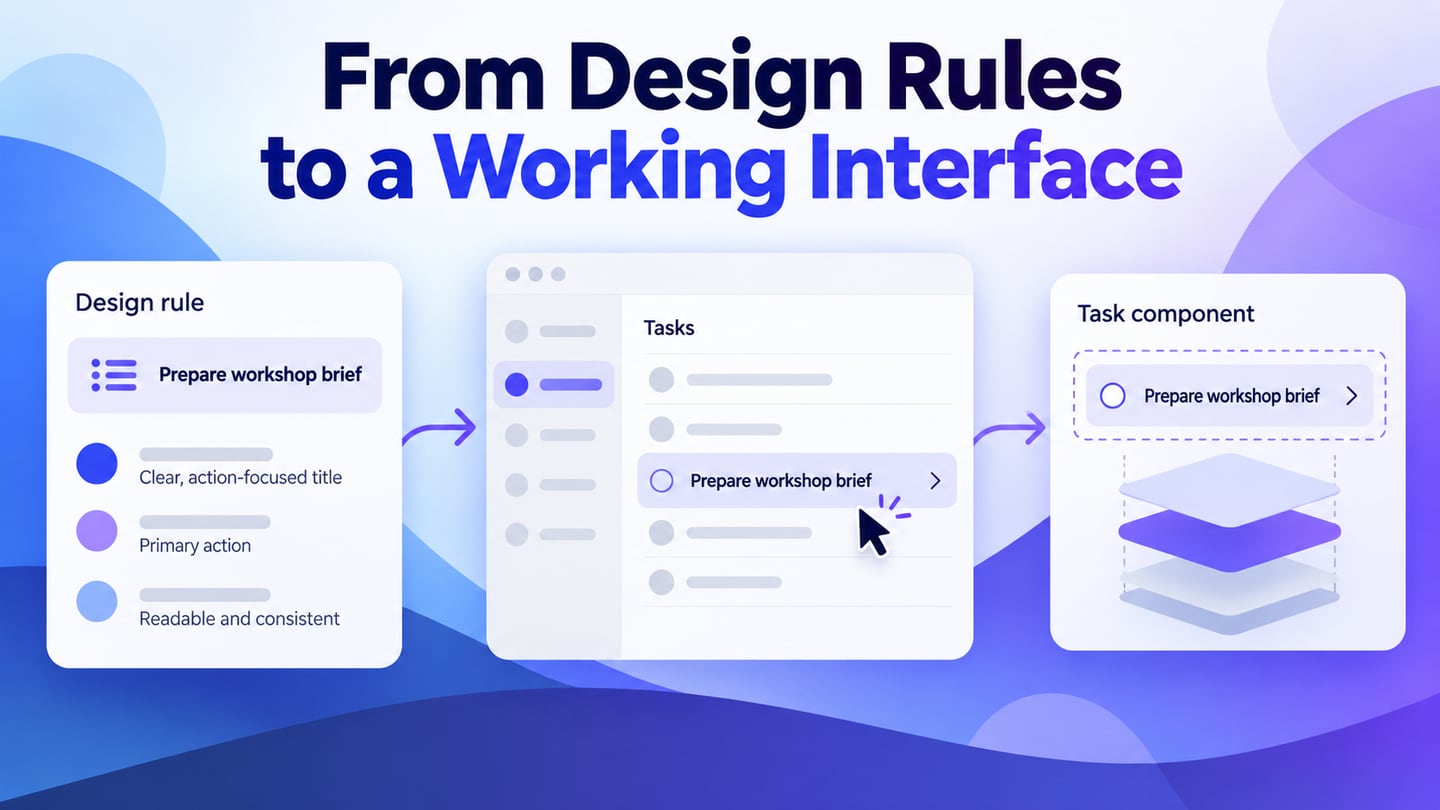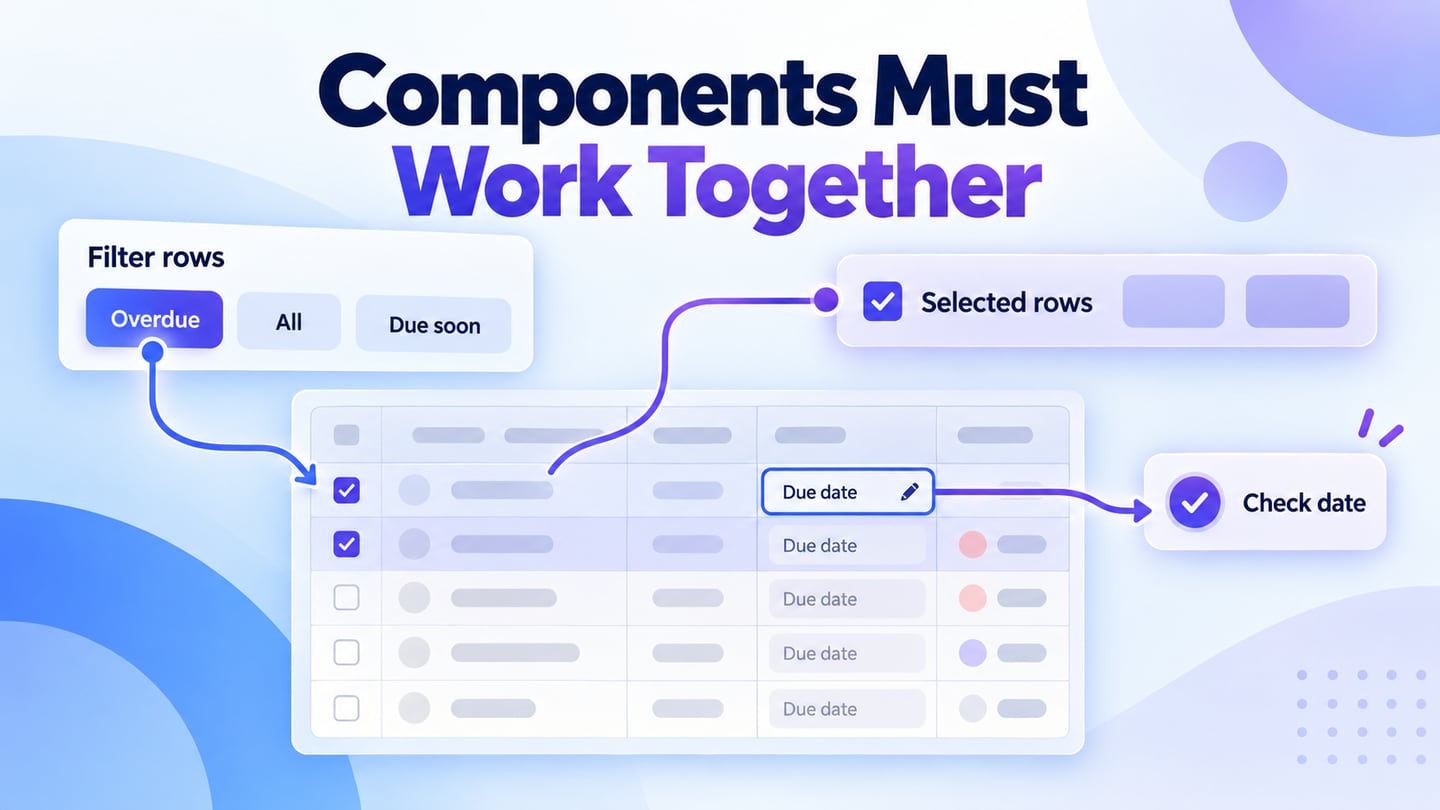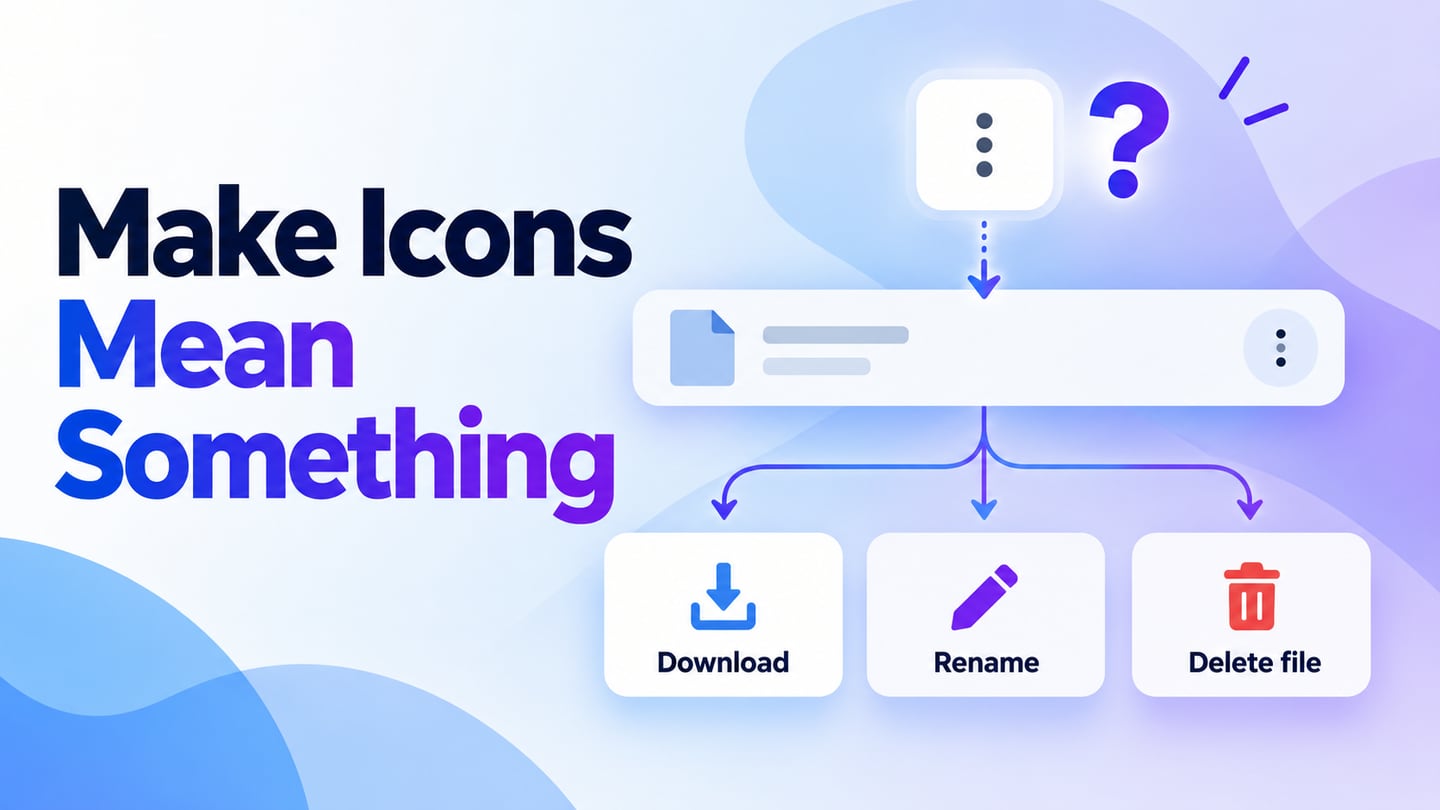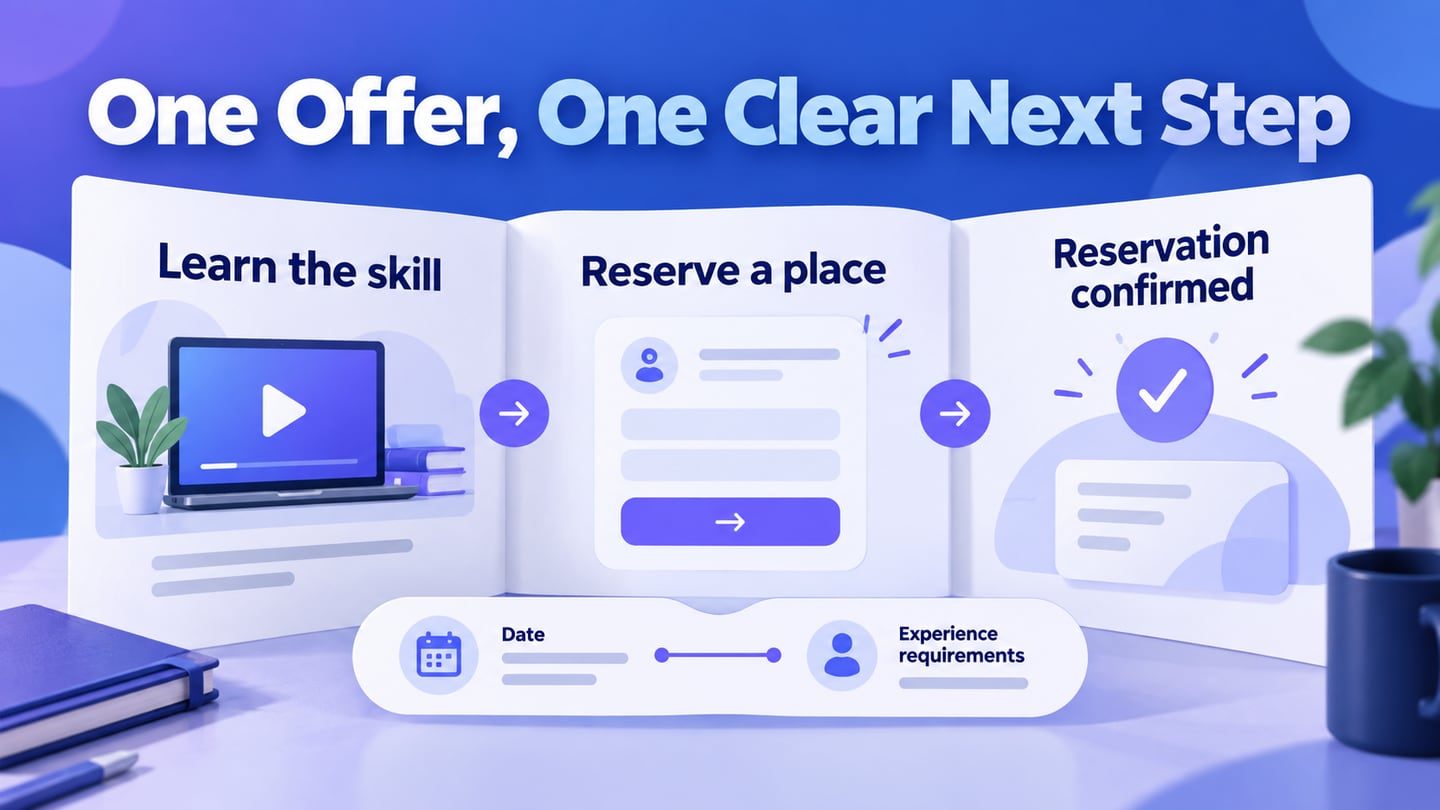
An Ant Design landing page still needs a clear offer, supporting information and a sensible next action. The component library can support the interface, but it cannot decide what a visitor needs to know. Use a Mockitt landing-page prototype to review the path from the opening promise to the final confirmation.
This guide separates three things: Ant Design’s design language, a React implementation and a clickable page prototype. A template can accelerate layout decisions, but it does not automatically create a deployed site or guarantee a conversion improvement.
What is Ant Design
Ant Design provides a React component library and design guidance. It is useful for consistent interface elements, including forms, buttons and navigation.
For a landing page, choose components after deciding the content order. A visually consistent button cannot compensate for an unclear offer or a form that asks for unnecessary information.
There are several features you can get with ant design. Let us have a look at them:
- Reusable patterns that can keep interface behavior consistent.
- React components for the implemented page, separate from visual prototype assets.
- TypeScript definitions for developers using the library.
- Documentation and design resources to support implementation decisions.
- Internationalization support, while translated content still needs review at every layout width.
- Theme customization that should preserve readable text and recognizable actions.
- A landing page should be tested with its intended audience; using a component library does not establish a higher conversion rate.
These features are a starting point. Content accuracy, performance, accessibility and the destination of the main action still require their own work.
What is an Ant Design landing page?
A landing page may use Ant Design components as part of its implementation. The ecosystem also includes Ant Design Landing resources. Check the resource’s version and maintenance status before depending on it, and distinguish a code template from a design asset placed in a prototype.
Keep the page focused on one primary reader task. Explain the offer, show relevant support, answer the main uncertainties and provide a clear action. Navigation and secondary links should not compete with that path.
How to prototype an Ant Design landing page
Mockitt can help arrange the page and connect its primary action to a form or next screen. Use the prototype to review meaning and sequence before development; it does not establish that a sign-up, payment or delivery service is already implemented.
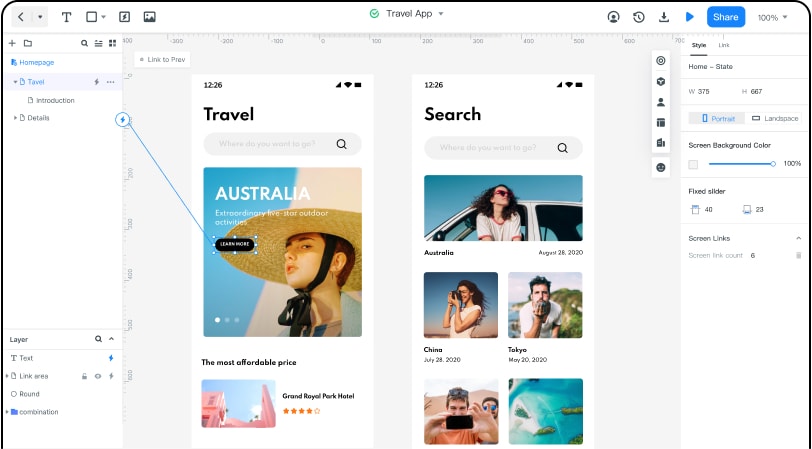
Start from an available template only if its structure fits the task. Replace placeholder claims with accurate information and remove sections that add no useful explanation. Retain the core offer when checking narrower layouts.
Ask reviewers what is being offered, who it is for and what happens after the main action. A comment such as “make the button brighter” is less useful than discovering that the promised next step is unclear.
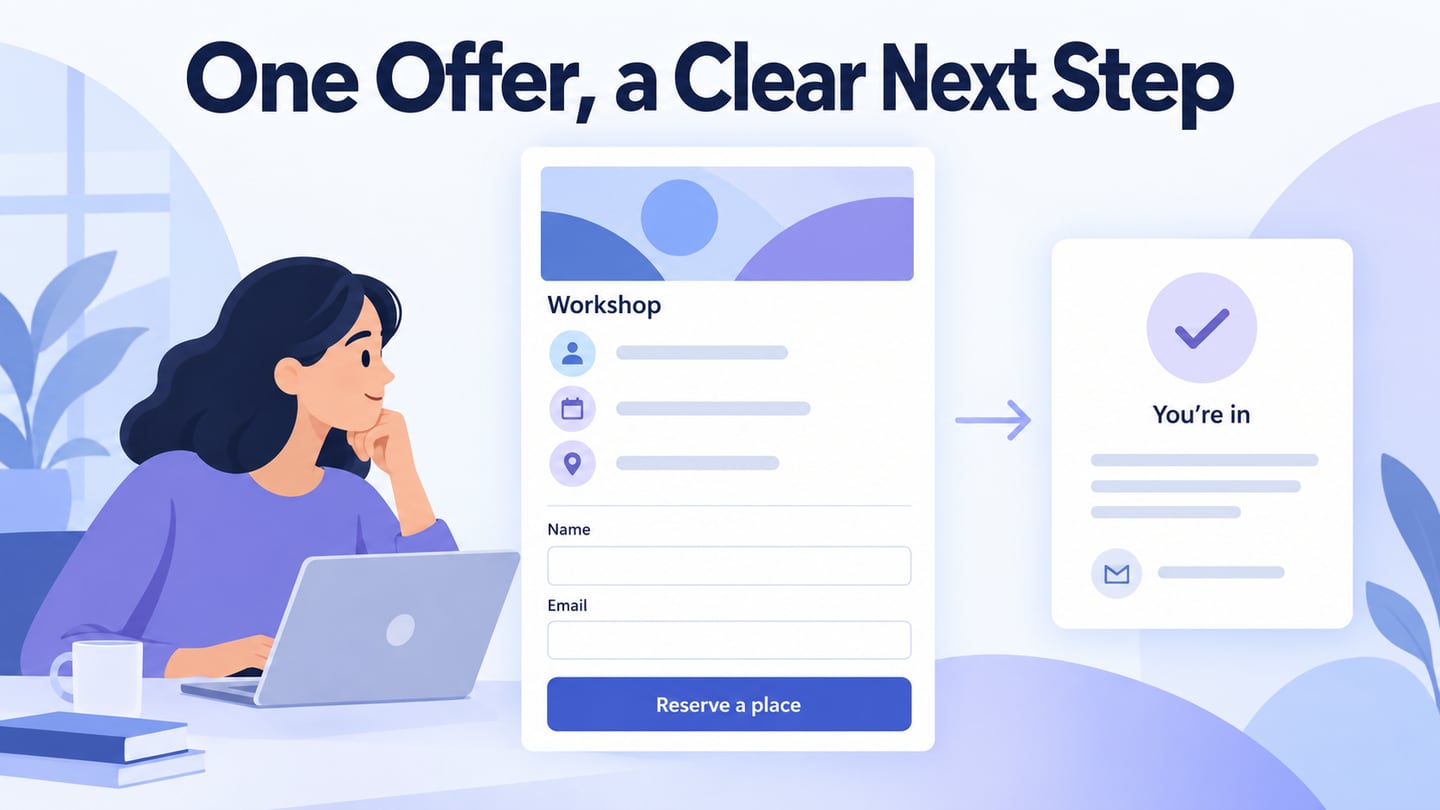
For a weekend workshop, the opening section names the skill participants will practice, the date and the required experience. “Reserve a place” leads to a short registration form. The confirmation repeats the workshop details and explains how joining instructions will arrive. This example uses a reservation flow; it does not claim that the prototype processes real bookings.
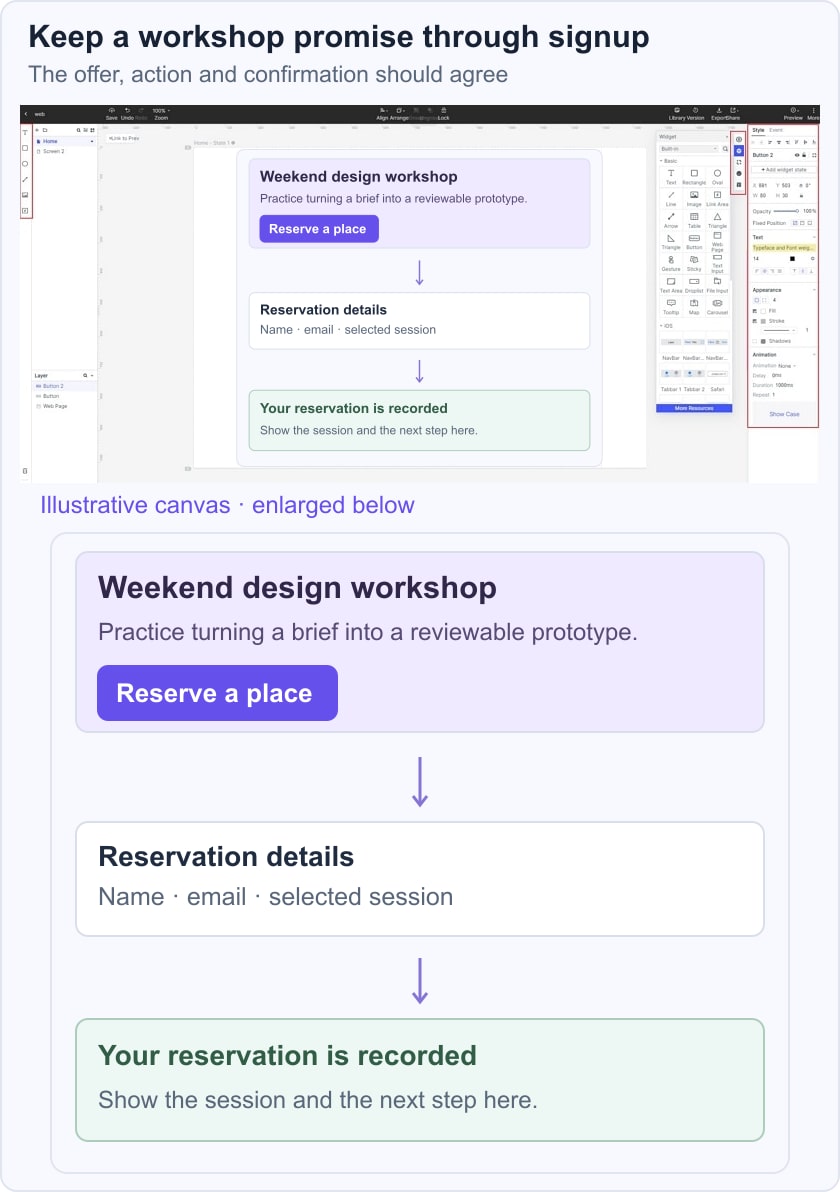
Use the sign-up page design guide for form decisions and the button hierarchy guide for primary and secondary actions. Keep these details consistent with the promise in the opening section.
1. Create the landing-page project and write the offer in plain language before selecting decorative sections. The retained screenshots show earlier library workflows; current controls and assets may differ.
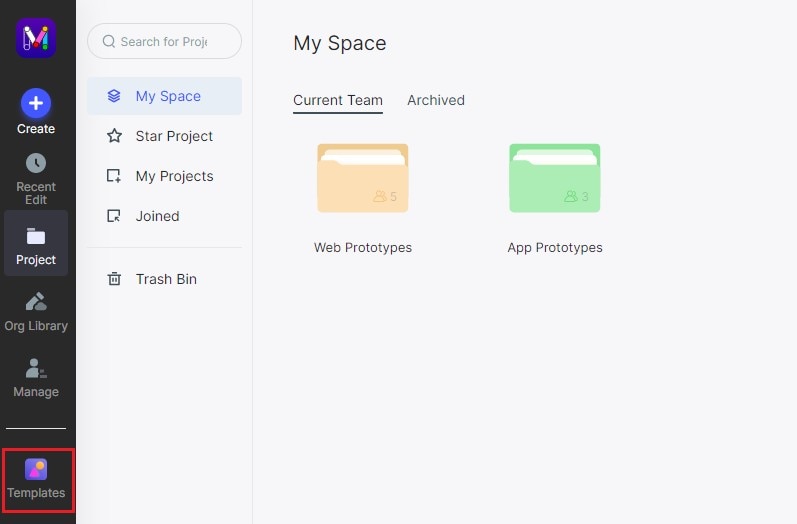
2. Choose a suitable starting layout or build the sections with basic elements. For the workshop example, include the outcome, practical details, facilitator context and reservation action.
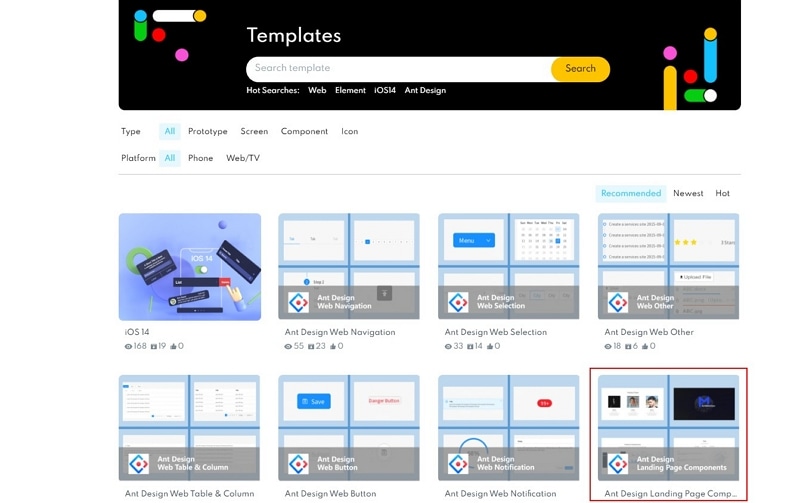
3. Reuse the same button style and label where the reservation action appears. Do not add several different labels that seem to promise different outcomes.
4. Build the registration and confirmation screens, then connect them to the page. Include incomplete-input feedback and an unavailable-workshop state so the flow has a credible recovery path.
5. Preview at wide and narrow sizes. Check that the workshop date, location or delivery format, important conditions and main action stay readable. Hand off both the page and its destination states; a landing page is incomplete if the next step is missing.
Before release, confirm the real form handling, confirmation message, analytics behavior and accessibility in the implemented page. Measure whether qualified visitors complete the intended task. Do not infer success merely from a polished prototype or a recognizable component style.