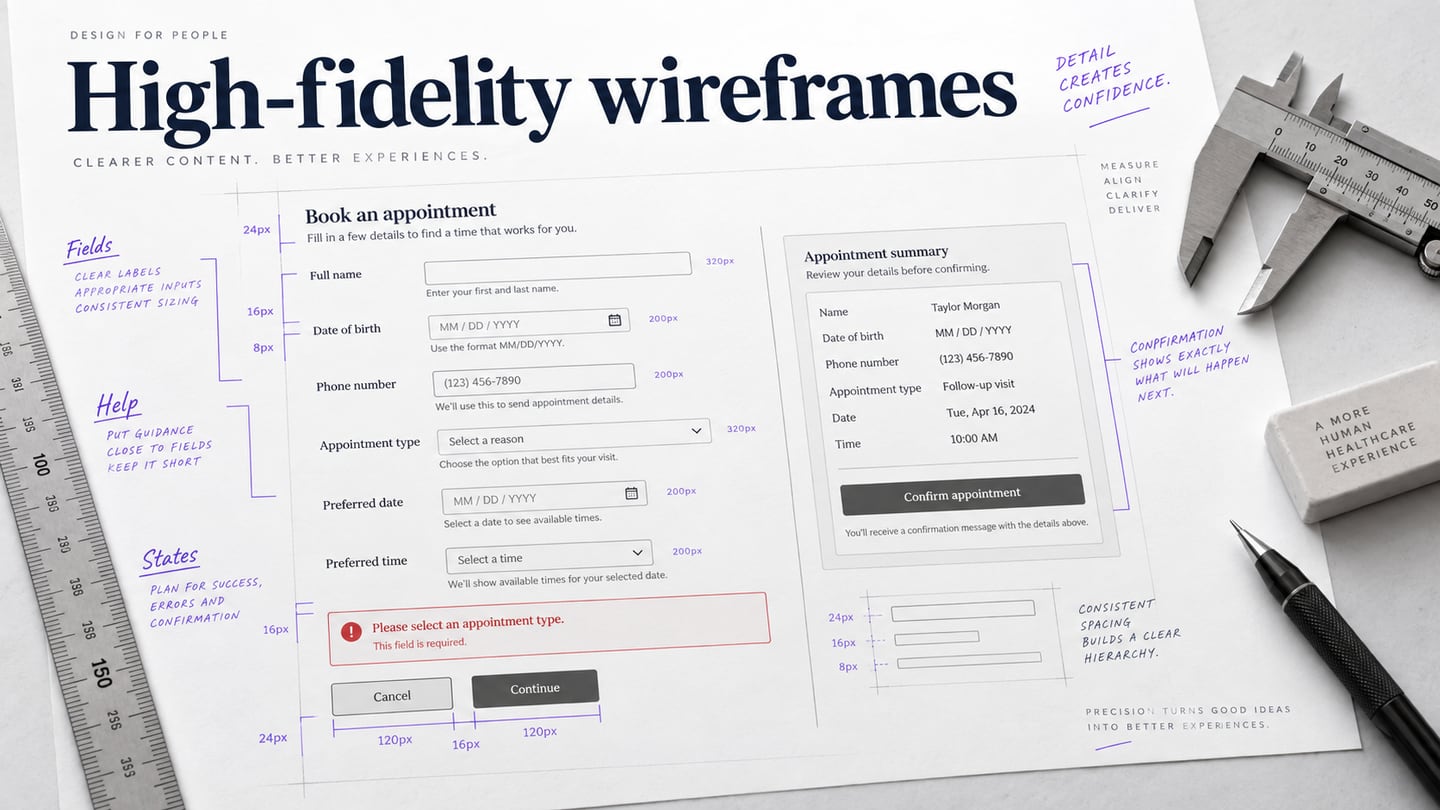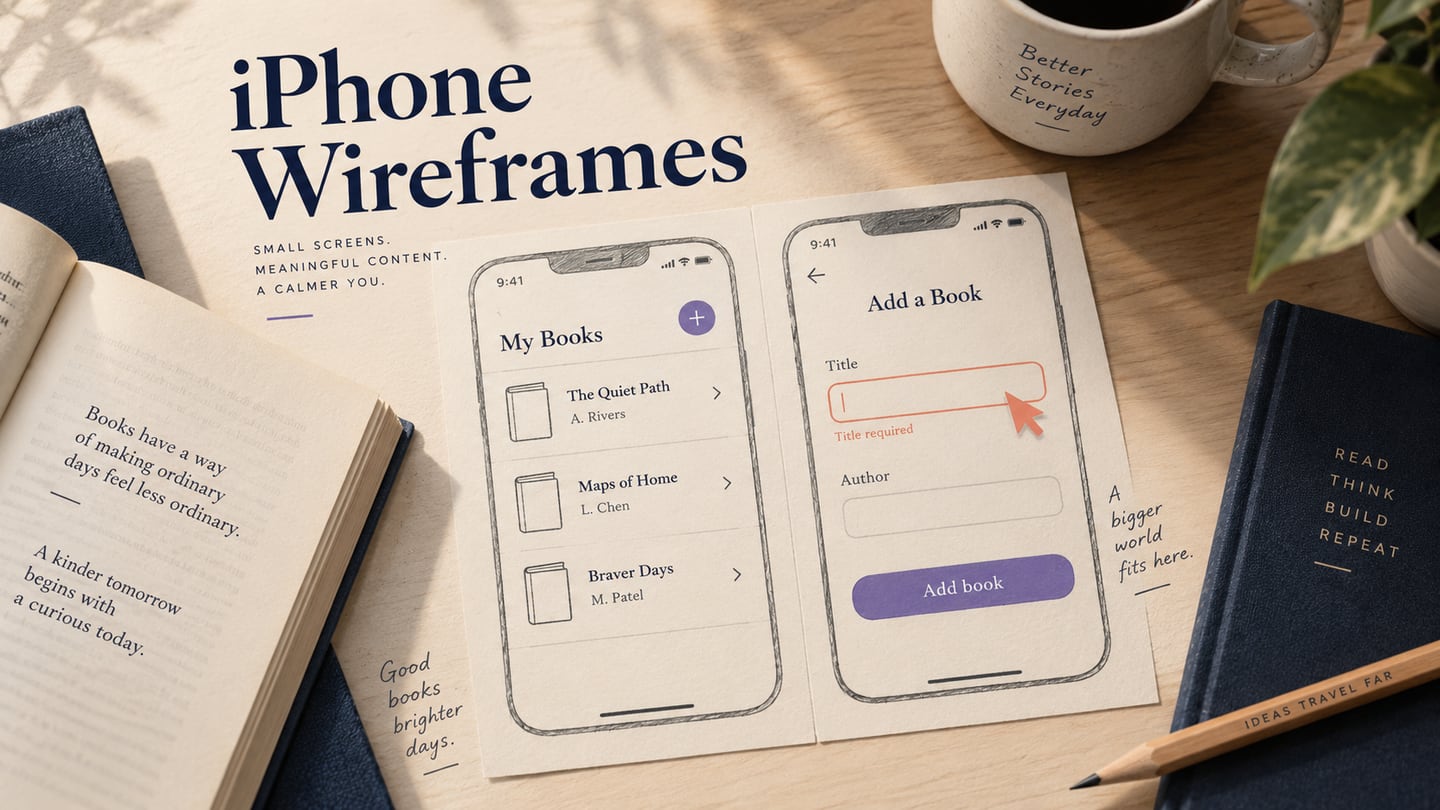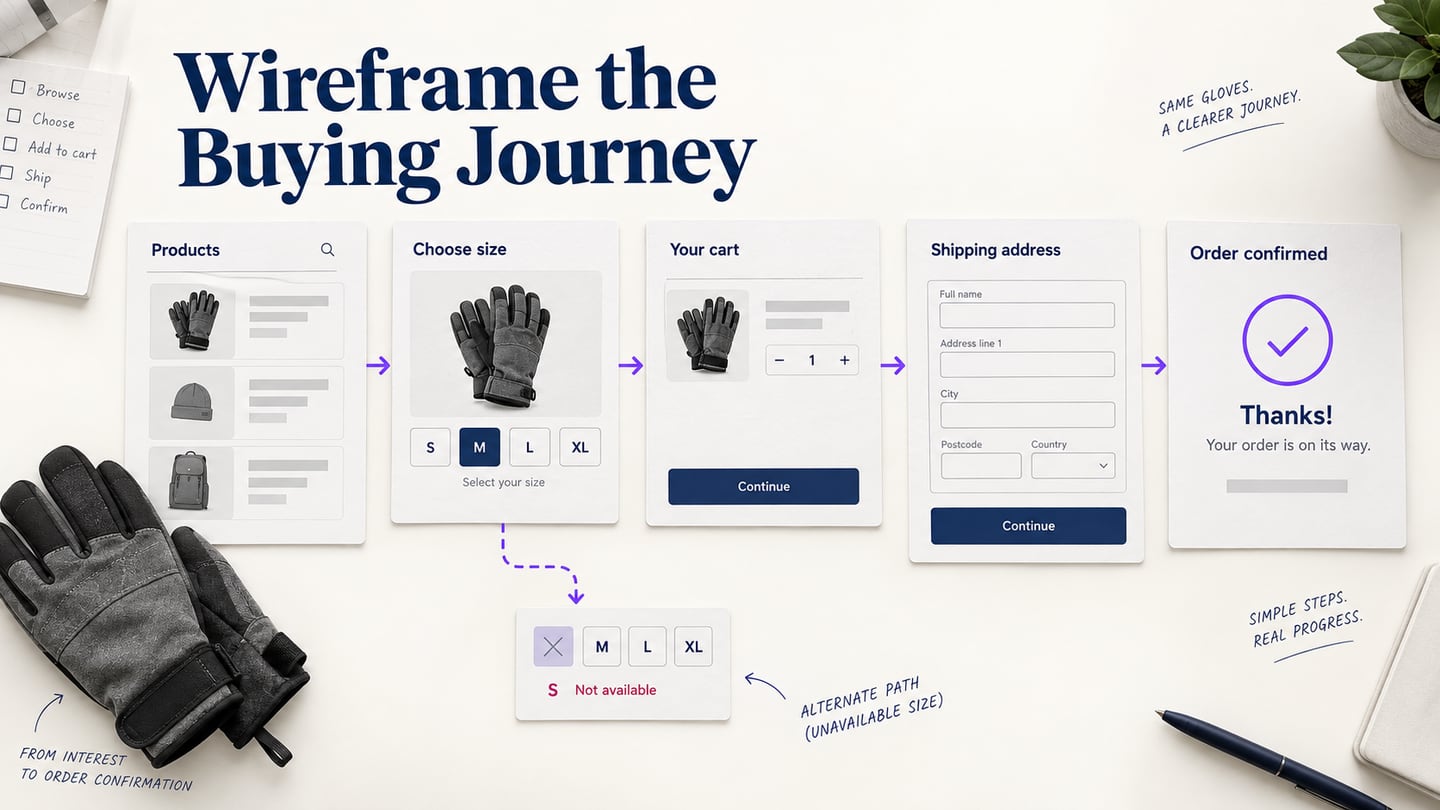
Ecommerce wireframes help a team decide how shoppers find a product, evaluate a variant, review a cart, and complete the intended checkout steps. The structure needs to make prices, availability, delivery conditions, and recovery paths understandable. A wireframe can model these decisions; it does not integrate or secure a payment service.
This guide uses Mockitt to follow the original five-step workflow, with a continuous example of buying a pair of gloves. The example uses sample content and does not represent a live store or tested conversion result. Start with the task and its constraints, then use the tool to make them reviewable.
Use a prototype tool to connect ecommerce screens
A desktop product list and a mobile checkout may need different layouts, but they should preserve the same information and decisions. In Mockitt, use separate screens or states to compare those arrangements and link the important actions. A canvas preset is a starting size, not proof that the final implementation is responsive.
- Reusable elements: use consistent product cards, price labels, variant controls, and cart rows.
- Connected flow: show what changes after selecting a product, changing a variant, adding it to a cart, or returning to edit it.
- States: include loading, unavailable, empty, and error states when they affect the shopping task.
- Review: share the design with the people deciding product content, policies, and implementation. Comments still need owners and resolution.
- Handoff: connect design decisions to the relevant requirements. Inspectable styles are not a complete store implementation.
- Scope: inventory, taxes, shipping rules, payment processing, privacy, and security require separate implementation and verification.
Steps to Create an eCommerce App Wireframe
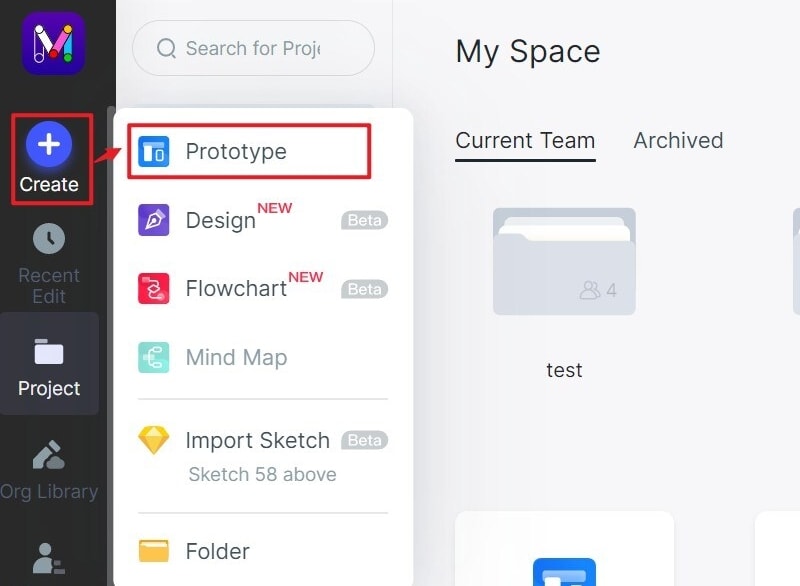
Gather the product information, variant rules, stock behavior, delivery and return policies, and checkout requirements before wireframing. Mark unknown rules for an owner rather than inventing convenient answers. For the gloves example, list the required screens and the outcomes of selecting an unavailable size or entering an invalid address. The retained editor screenshots illustrate earlier Mockitt controls; current equivalents may differ.
Step 1: Create the ecommerce wireframe project
Create a prototype project and choose a realistic starting viewport. Name it for the task under review, such as Gloves purchase flow, rather than an unspecified entire store.
Create screens for the product list, product detail, cart, address step, order review, and confirmation. Add the alternate states that affect the decision. The wireframe can start with static structure; connect it when interaction is the question you need to review.
Step 2: Add product content and controls
On the product list, show enough information to choose a candidate: image placeholder, name, relevant price, and useful variant or availability information. On the detail screen, include the size choice, size guidance, availability, and add-to-cart action. Use realistic long names and policy text so the layout does not depend on short placeholders. Keep the cart’s chosen size and quantity visible.
Step 3: Create interactions for the shopping task
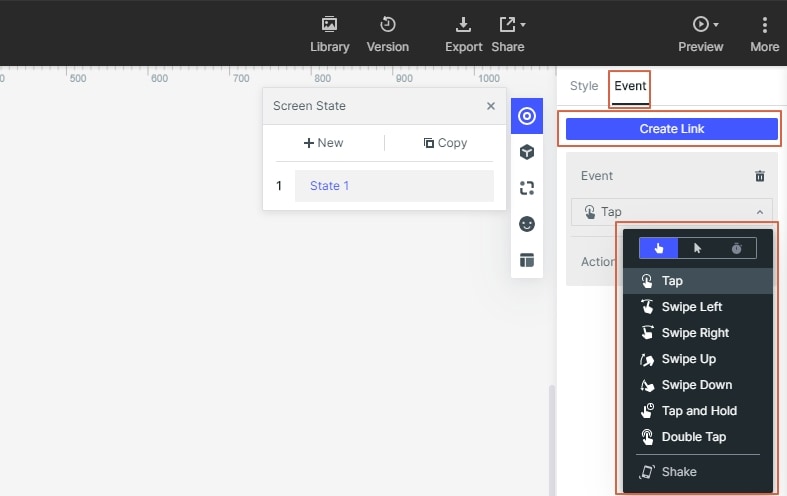
The gloves example needs a path from the list to a selected size, then to the cart and address step. Link a return route for editing the size or quantity. Show what happens when a size is unavailable and how someone clears a filter that returns no products. Wireflows can combine screen structure with these state transitions.
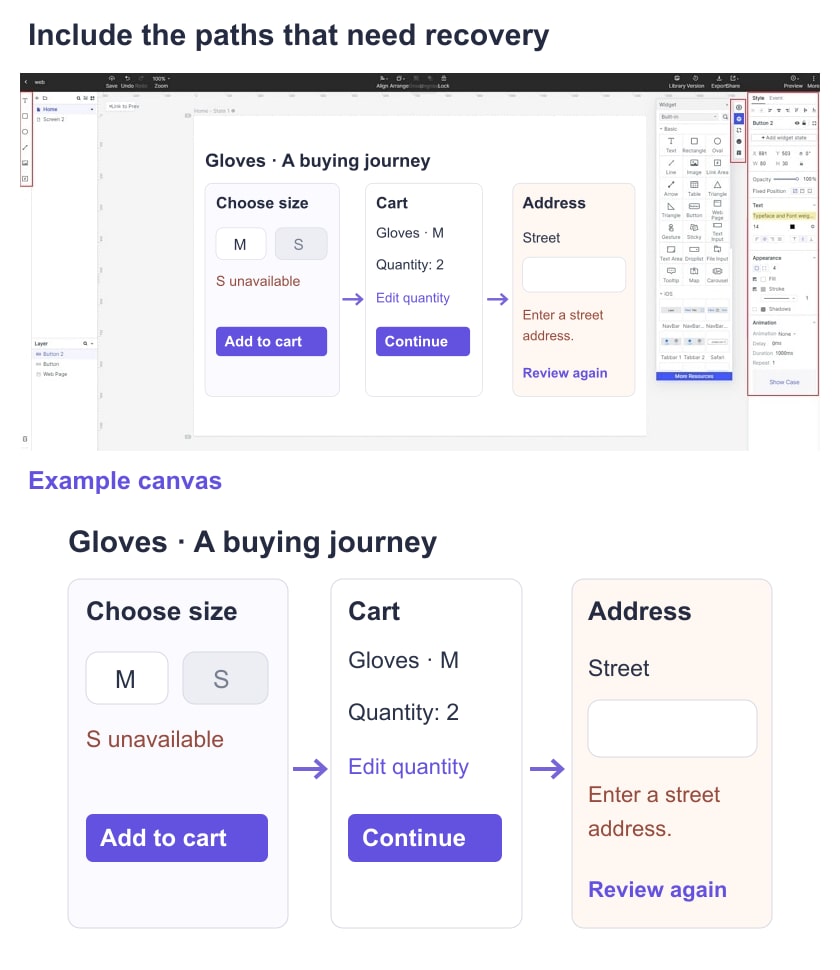
At checkout, keep entered information visible when a field needs correction. A missing postal code should identify the field and a useful next step, not reset the whole form. Show the order details before the final commitment and use wording that reflects the actual payment process. The prototype must not collect real card details or imply that a simulated payment proves transaction security.
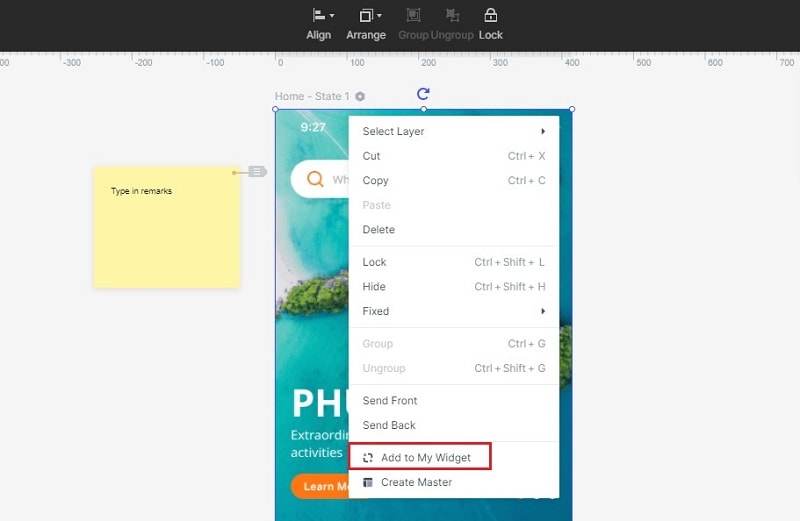
Reuse a product card or cart row when its structure is shared, and label each state consistently. If your workspace supports shared assets, check how a change propagates before using the component across the flow.
Step 4: Annotate rules and unresolved decisions
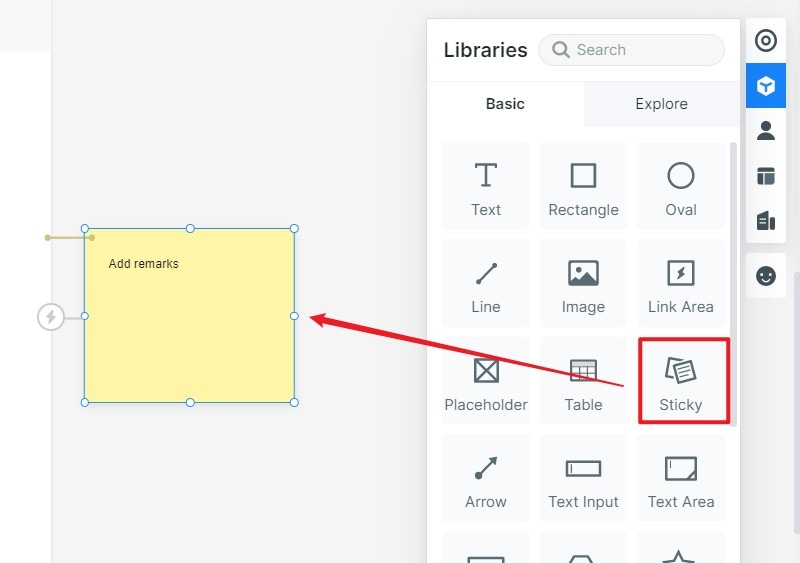
Add notes for rules that are not visible in a static screen: when stock is checked, whether a cart preserves a selected variant, and when delivery costs become known. Identify the owner of an unanswered policy. Do not hide a material cost or condition simply because it complicates the layout.
Step 5: Preview and review the wireframe
Ask a reviewer to choose the required size, change the quantity, find the delivery information, and correct an address error. Observe whether the selected variant and intended total remain clear. Use appropriate project permissions and confirm that the review link opens for the intended audience.
Record where the reviewer hesitates, what they expected, and which screen or rule needs revision. These observations are not a measured conversion lift. Baymard’s checkout research offers further context for checkout usability; use the relevant findings to form questions for your own design, not to claim a result you have not measured.
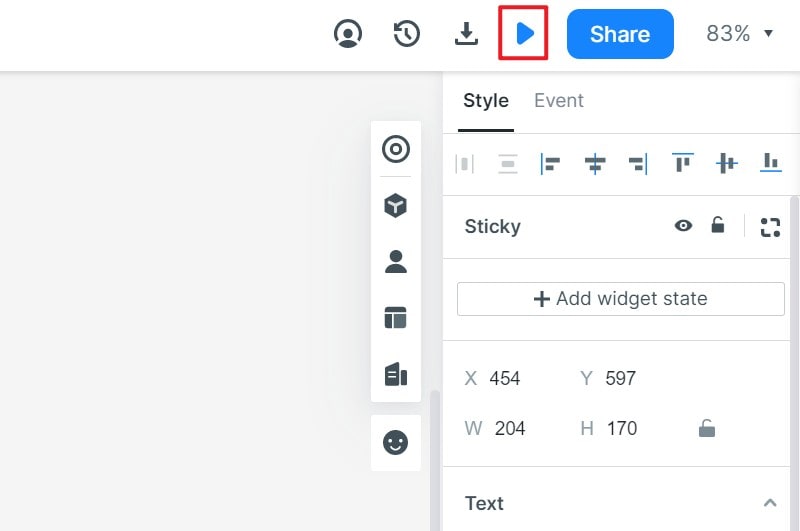
Tips for Creating eCommerce Wireframes
Prepare the important states, keep the task coherent, and preserve the decisions that another team will need to implement. The original examples below offer different layout patterns rather than a collection of proven high-converting designs.
- Keep the review focused: include the information and behavior needed for the shopping task. A simple wireframe can still contain accurate product and policy content; “simple” should not mean omitting a cost or required choice.
- Research instead of guessing: designers, clients, and shoppers may have different assumptions. Use observed tasks and questions to decide what needs attention. Do not assume that a designer knows the audience better or that moving a control will increase clicks without evaluation.
- Name screens and components clearly: use labels such as Product detail—Size unavailable and Cart—Quantity changed. Consistent naming helps reviewers identify the relevant state and developers trace the approved behavior.
Examples of eCommerce Wireframe Designs
Read these retained examples for the design decision they illustrate. Their original authorship and platform attribution are not established here, so they are presented as historical layout examples, not current implementations or endorsed results.
Example 1: Product-list filtering and comparison
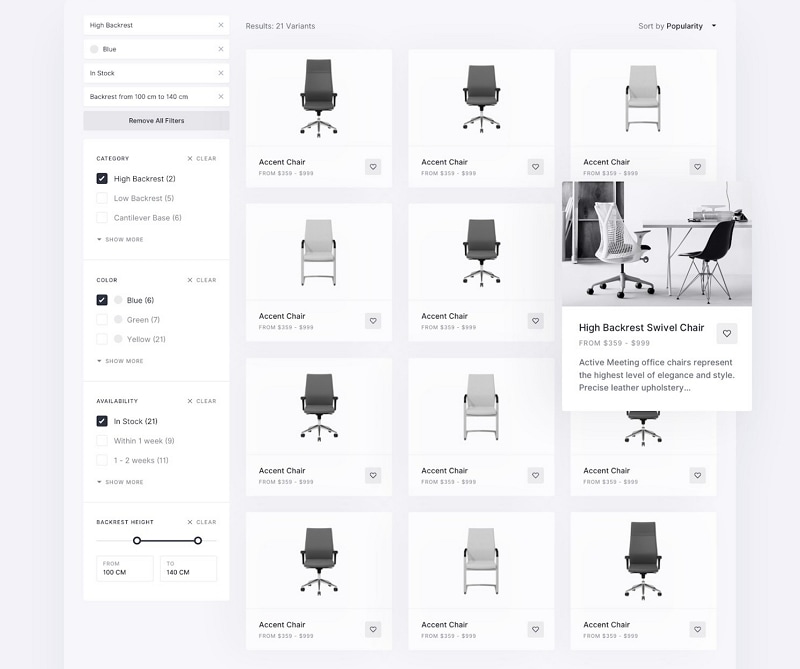
The chair-list example places filters beside a repeated product grid. This supports comparing several candidates, but it also raises questions: can people see the active filters, clear them, and recover from no results? The expanded product card needs a defined trigger and a usable alternative on touch devices. A desktop hover treatment alone is not a mobile plan.
Example 2: Mobile category and product hierarchy
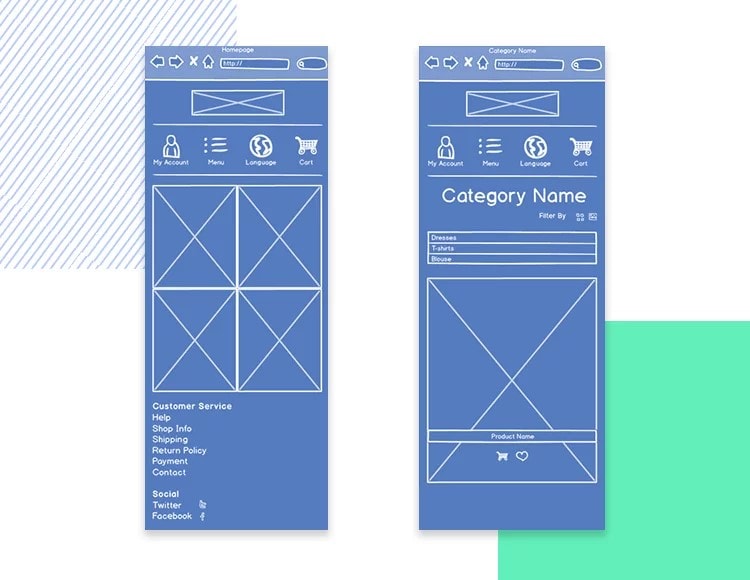
The mobile layouts keep navigation and category content in a narrow column. Check whether the image area pushes the product name, price, and action too far apart. Repeated icons need understandable labels, and the selected category should remain clear when someone returns from a detail page.
Example 3: Marketplace list and detail pages
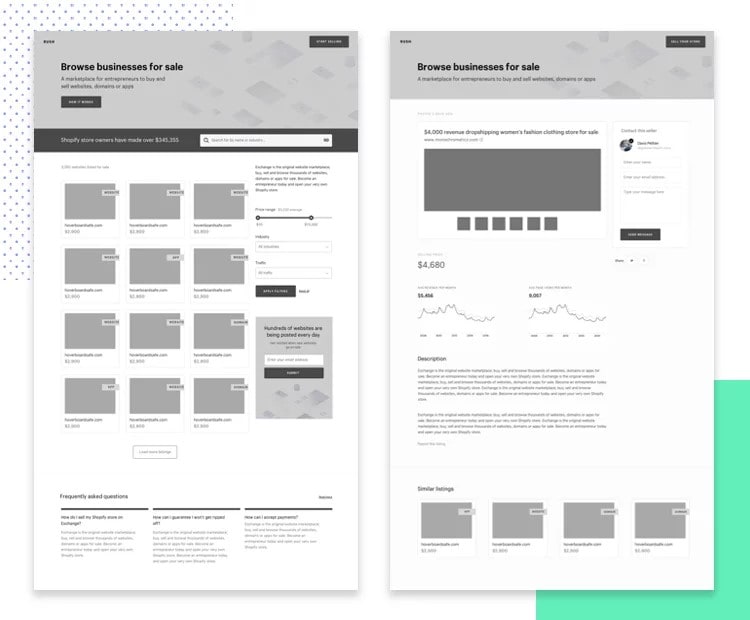
The retained marketplace example moves from a dense list to a page with more detailed information and charts. Its useful lesson is progressive detail: let the list support choosing a candidate, then show the information needed to evaluate it. This image does not establish a Shopify implementation, so the earlier platform attribution has been removed.
Example 4: A mobile shopping-list workflow
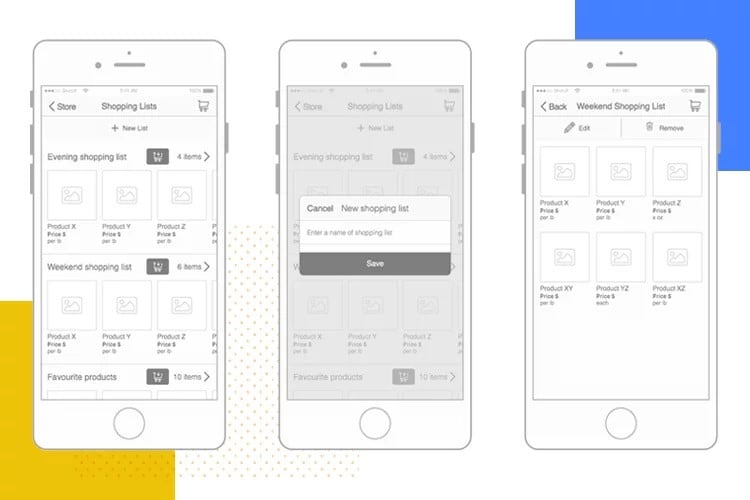
The grocery-style example shows a list, a naming dialog, and an item view. It makes the sequence visible, but the empty list, duplicate name, canceled edit, and unavailable item still need consideration. Decide whether creating a list and buying its contents are separate tasks before connecting them.
Once the structure and task are understood, add the visual detail needed for the next review. Hand off the product content, policies, states, and unresolved questions alongside the screens. Developers and QA must still implement and verify inventory behavior, checkout logic, accessibility, and payment handling before a store goes live.