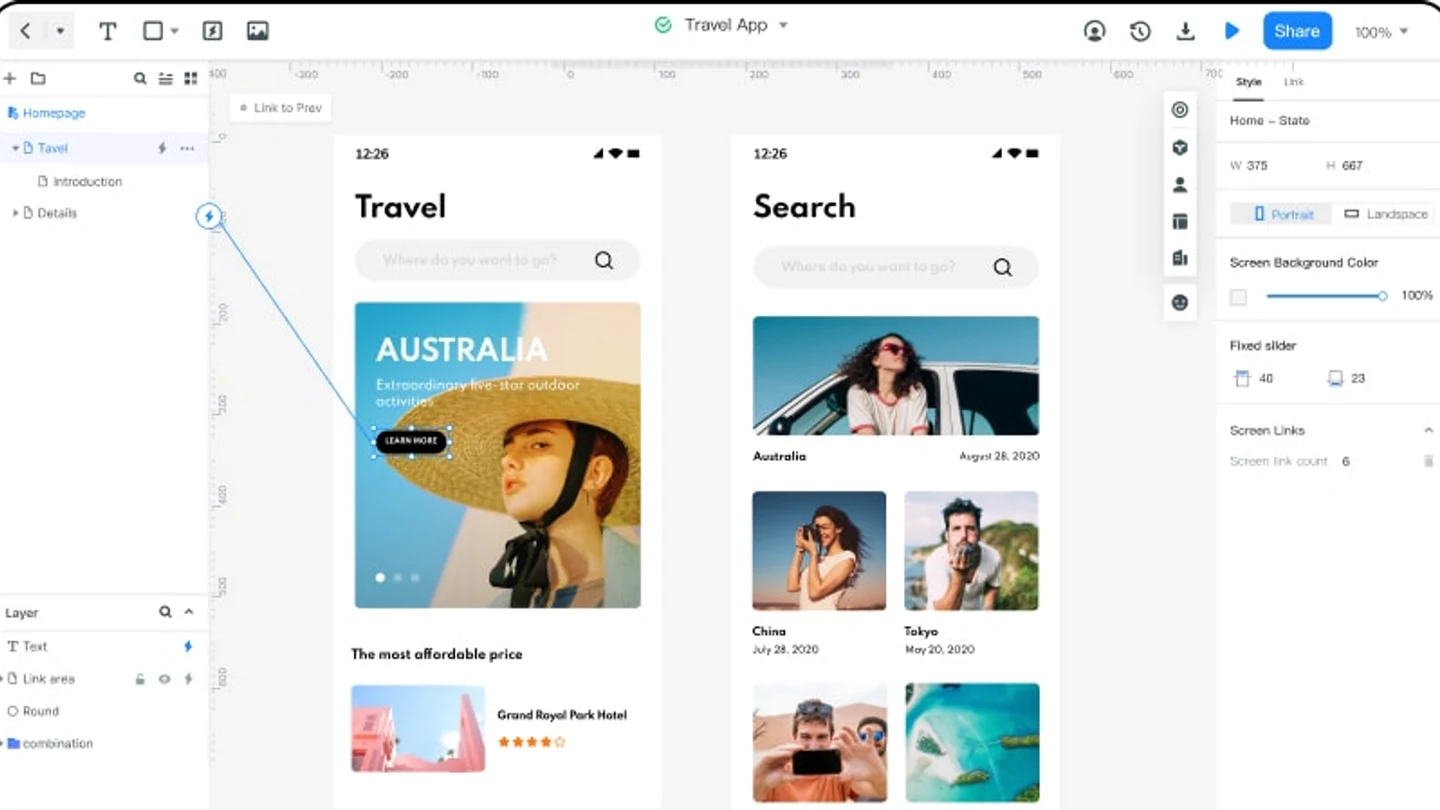
If the team needs connected screens and a reviewable route rather than isolated sketches, Mockitt's online prototyping workspace is the practical starting point in this comparison.
Even a low-fidelity comparison benefits from prototype documentation that records the task, states, and decision behind each sketch.
Match tool depth to the decision
Compare low-fidelity tools by the question they help a team answer, not by the number of templates. Use this quick test before choosing a workspace:
| When the team needs to... | Look for... | Useful output |
|---|---|---|
| Compare structure | Fast layout and easy rearrangement | A page hierarchy or screen sketch |
| Check navigation | Linked frames and a preview route | A short task flow with a return path |
| Align remotely | Shared editing and comments near the work | Decisions with owners and next steps |
Once the question is clear, stop adding fidelity. A lightweight connected flow often gives more useful evidence than a polished screen that hides the unresolved structure.
Compare the work, not a frozen feature list
Score each tool against the same small task: create three screens, connect one primary route, mark an empty state, and ask a teammate for feedback. Record how long the first usable flow takes, whether comments stay attached to the work, and how easily the team can change the structure. This is more durable than repeating a price or feature claim from an old release.
| Need | Best-fit workflow | What to verify |
|---|---|---|
| Structure in minutes | Fast canvas or paper-like sketching | Export, editability, and sharing friction |
| Navigation uncertainty | Linked low-detail screens | Preview, back paths, and state labels |
| Team alignment | Shared board with comments | Concurrent editing and decision history |
Doing a low-fidelity prototype is one thing and choosing a low-fidelity prototyping tool is another yet very important thing altogether. Just like every other task, good things come with good investments. If you want the best experience when doing low fidelity, the secret lies in choosing the right low fidelity prototyping tool.
There are plenty of low-fidelity prototyping tools in the market, but separating chuff from grains can prove a daunting task, especially if you are an amateur. Fortunately, this article is here to save you from making wrong choices.
In this article, we are giving you our top 5 low-fidelity prototype tools for your project. Please go through them and select the best tool for you.
- Part 1. Top 5 Low Fidelity Prototype Tools
- Part 2. Comparison among 5 Best Low Fidelity Prototype Tools
Top 5 Low Fidelity Prototype Tools
1. Mockitt
Mockitt is no doubt the best low fidelity prototype tool for every designer. Whether you want to create low-fidelity or high-fidelity prototypes, Mockitt is the right tool. As you would expect from a top-notch prototyping tool, this program is equipped with plenty of amazing features that take your prototyping experience to another level.
There are several templates suitable for different industries. You pick a template and start your edit to meet your needs. This way, you save both time and energy by having to start your design from scratch. Also, there is an assortment of widgets and icons that help create beautiful designs. These widgets are of different varieties and that you can edit and save them in your library for reuse.
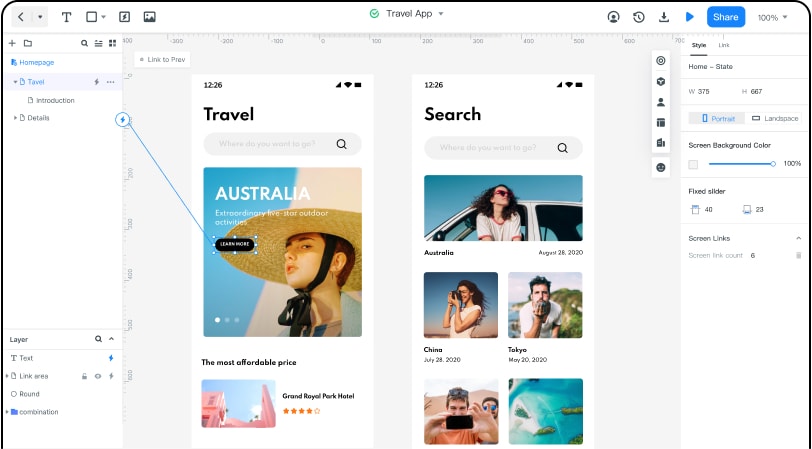
Besides design and prototyping, Mockitt has a streamlined communication system for team members. It allows team members to share, co-edit, comment, and receive feedback in real-time. Mockitt offers several pricing plans for users. Besides the trial version, there are two affordable premium versions. Whether you are working individually or as a team, these plans are available for you.
Pros
Has an elegant and easy-to-use interface.
Has plenty of design resources ranging from widgets, icons, and templates.
Supports real-time collaboration.
Supports complex transitions and animations.
Fast irrespective of the size of the project you are handling.
Cloud-based application, compatible with several devices and operating systems.
Offers a free trial version and feature-rich affordable premium versions for individuals and teams.
Allows users to hand over their prototypes to developers seamlessly.
Cons
The free version has limitations such as three projects per year, 20 screens per project, and 100MB assets.
If you wonder how to create prototype with ease. Try Mockitt Prototype Designer to use pre-made templates and edit by yourself! This tool can design both high, mid and low fidelity prototypes.
2. Balsamiq
Balsamiq is a low-fidelity focused application. Most UX professionals use Balsamiq to create UX wireframes because it is fast in doing so. This rapid wireframing tool allows users to link together screens to demonstrate simple user flows easily.
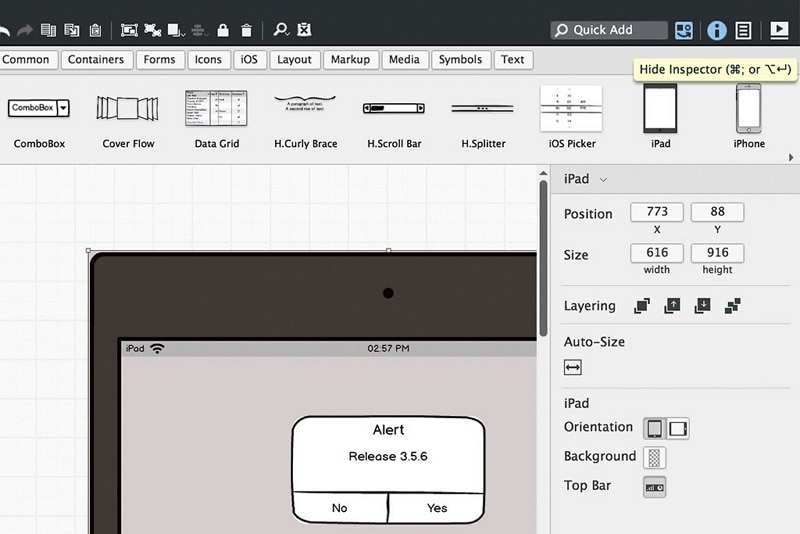
The only action available in Balsamiq is the ability to transition from one screen to another. There are no overlays, animations, or custom transitions. This program is available as a web application as well as desktop.
Pros
It has a user-friendly interface and thus an easy learning curve.
It is both available as a web and desktop platform.
Users can export the Balsamiq prototype as a PDF.
Cons
It only supports the transition and no animation and other complex interaction features.
The desktop version only runs on Windows and macOS.
It is pricey.
3. InVision: historical reference
InVision Prototype and DSM were discontinued on December 31, 2024. Older hotspot and cloud-review descriptions are historical material, not a current tool recommendation. For migration, preserve source files, exports, and review notes before selecting a supported replacement.
4. legacy tool
legacy tool is a popular low-fidelity prototyping tool that specializes in designing rather than learning. This program allows users to do interactive wireframes with speed and minimum effort.
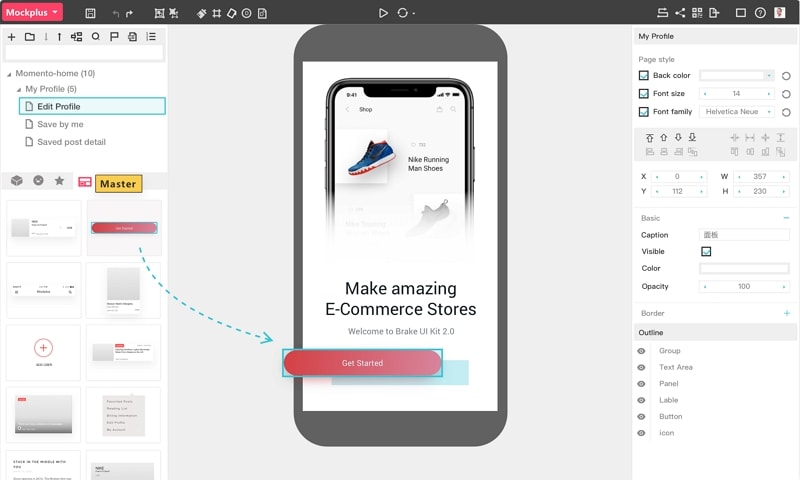
It offers more than 200 components, templates, demos, and 3000 SVG icons to get your design started. These components allow you to transform your ideas into functional prototypes seamlessly. With the unified collaboration system, team members can create a more connected product design workflow.
Pros
It provides a variety of design resources ranging from templates, demos, SVG icons, and components.
It supports collaboration and thus saves time.
It is easier to use and there is no coding nor training.
It allows users to share and test prototypes.
It is a scalable design system.
Cons
It has limited interactive features.
It is expensive.
There is no support documentation.
5. Sketch
Sketch is also a popular and oldest low-fidelity prototyping tool. This tool was created with the user in mind because it allows users to create vector-based designs and view them with clickable prototypes. Sketch has several design kits, templates, plugins, and integrations that make your prototyping process easy and fast.
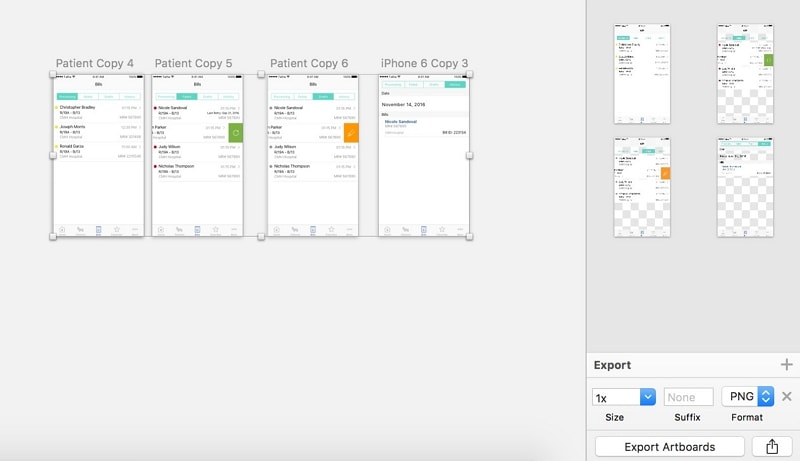
Plugins provide some native functionality to allow users to do simple prototype animations. The good thing with Sketch is that you can build designs that scale. These designs are reusable, responsive, and that they automatically scale to fit the content.
Pros
It allows users to build designs that scale.
It is fast to iterate with Sketch.
Users can view their prototypes on a desktop browser or with a mirror app.
It is simple and easy to use.
Cons
Plugins are needed for more responsive design tools.
It is a heavy tool and should be run on a Mac desktop for better results.
It does not run in a browser.
It is expensive.
Comparison among 5 Best Low Fidelity Prototype Tools
While the above-mentioned low-fidelity prototyping tools are useful, it goes without question that not all of them offer the same prototyping experience. This is because of their inherent characteristics. When choosing the right low-fidelity tool for your project, you need to compare some of the parameters to help you make a good choice. The following table gives the above top 5 low-fidelity prototyping tools.
| Prototyping Tool | Mockitt | Balsamiq | Invision | legacy tool | Sketch |
|---|---|---|---|---|---|
| Transitions and Animation | It supports both basic and complex transitions/ animations | It only supports transition but no animation support. | it has limited transitions and animation library | It supports basic animations | Plugins are required to achieve responsive designs. |
| Speed | Extremely fast | Fast | Relatively Fast | Fast | It is heavy and often slow. |
| Compatibility | It is browser-based and thus compatible with several devices and operating systems. | The desktop version only runs on Windows and macOS.It has a web-based version as well. | It is web-based and can thus run on several devices. | It runs on Mac, Windows, Android, and iOS. | Requires macOS Mojave and above. |
| Price | It offers a free trial version and affordable premium versions. | Relatively expensive | Expensive | Expensive | Expensive |
| Design resources | It has plenty of design resources ranging from templates, icons to widgets. | Fewer design resources | Relatively less design resources | It offers several SVG icons, templates, demos, and components. | It offers scalable design resources that can be reused. |
| Ease of use | Total no-brainer | Less steep learning curve | Not very complicated | It might be a bit complicated to new users. | Newbies can find it a bit tricky to handle. |