A software requirements specification (SRS) template provides a consistent place to record a system’s scope, behavior, constraints, and quality requirements. The template supports review; it does not guarantee a successful product. For the complete document workflow, see how to write an SRS document.
This guide focuses on the reusable structure: what to capture for each requirement, how to make it testable, and how to connect a screen example to the requirement it illustrates. The ecommerce example and document reference illustrate the requirements and limits of AI drafting.
Prepare the template around the project’s actual decisions. A long document with empty headings is less useful than a small structure containing clear requirements and visible open questions.
Gathering Information About the Software Project
Gather the scope, goals, users, constraints, and existing decisions through the appropriate interviews, workshops, or source documents. Record who supplied each important rule and where unresolved questions will be tracked.
Identifying Software Requirements and Goals
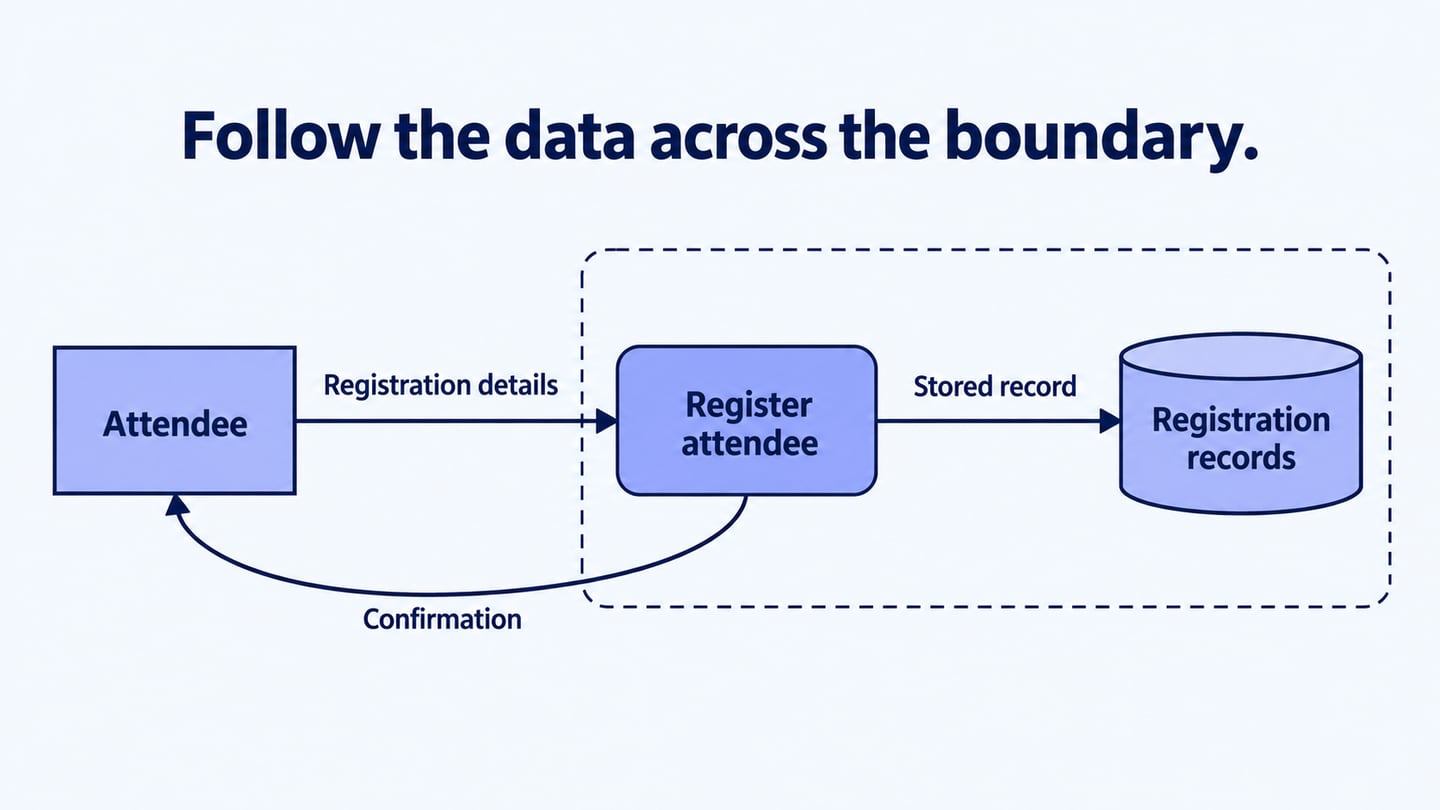
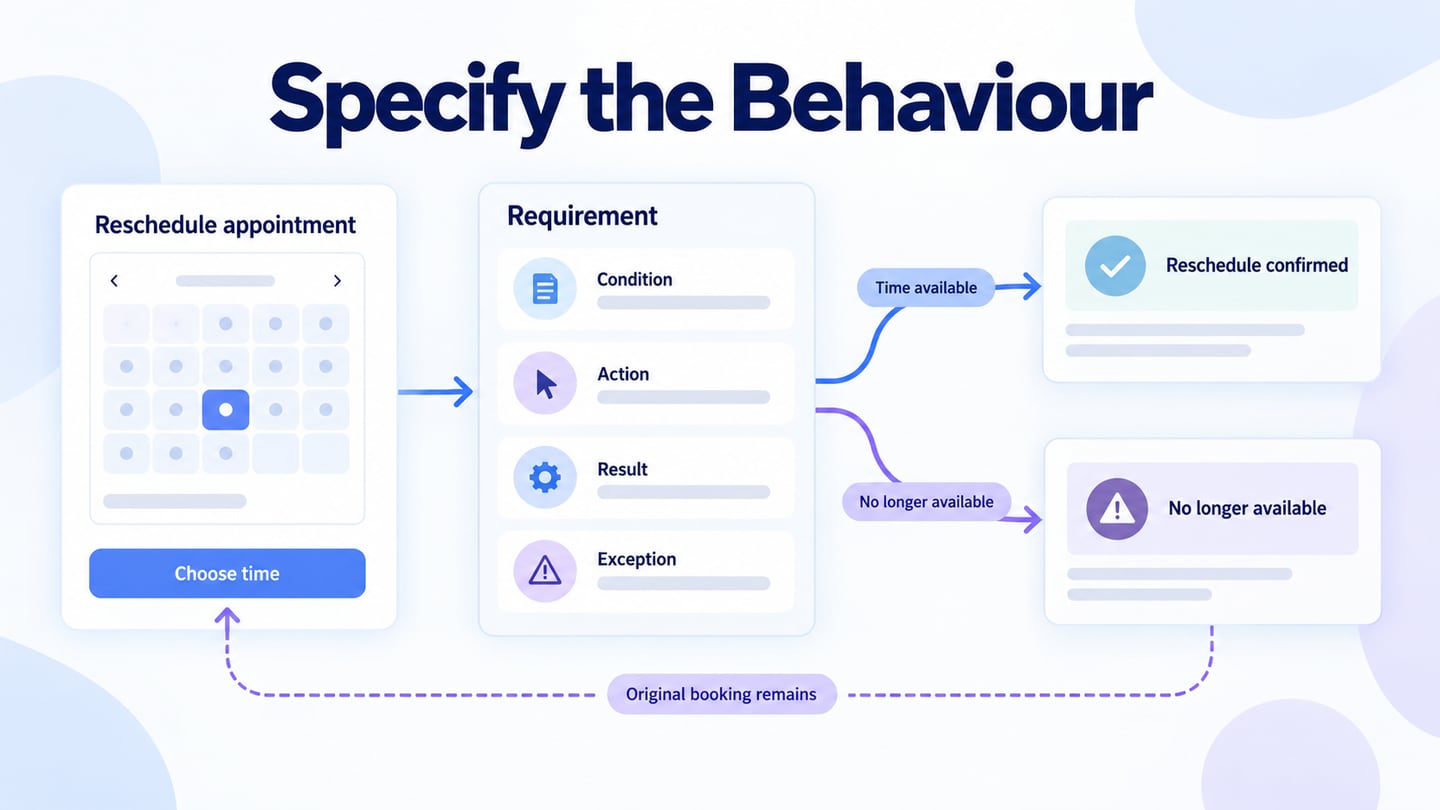
Distinguish the outcome the project seeks from the behavior the software must support. Identify who can perform an action, what information they need, and the result or error the system should produce.
Defining Functional and Non-Functional Requirements
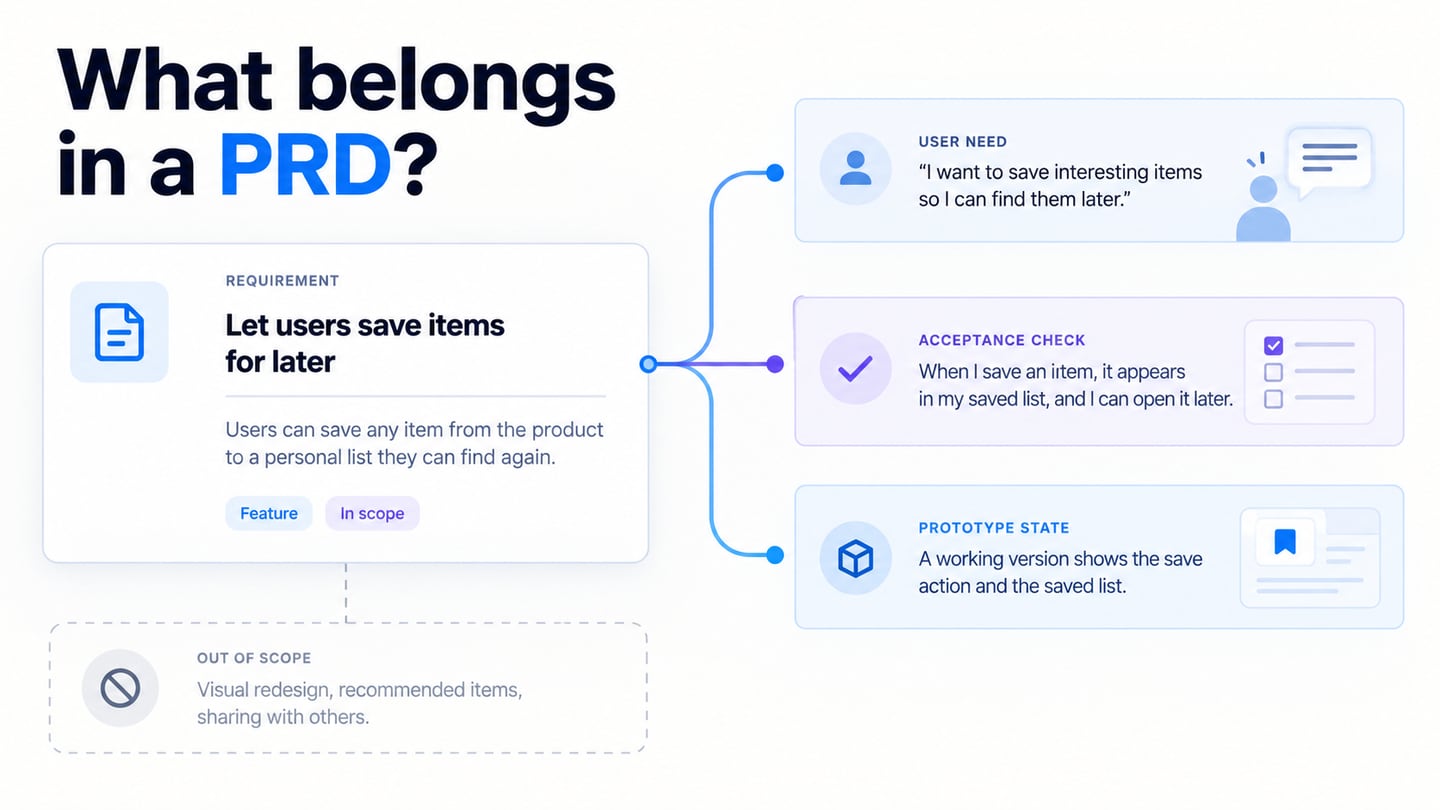
Functional requirements describe behavior; non-functional requirements and quality attributes define conditions or qualities under which that behavior must work. Give each requirement an identifier, rationale or source, priority, verification method, and status. Use explicit placeholders for unresolved values rather than inventing thresholds.
The examples below illustrate an ecommerce requirement structure and a broader document outline. Adapt them to the project and its review process.
Example 1: E-Commerce Website
1.0 Introduction
Define the ecommerce scope and audience before listing features. For example, the first release may cover product selection, cart management, and checkout, while marketplace sellers and subscription billing are outside scope. Record these boundaries so later sections do not silently expand the project.
2.0 Functional Requirements
2.1 User registration: Define account creation, sign-in, profile changes, and failure responses. Specify the relevant permissions and recovery behavior with the responsible team rather than relying on the word “securely.”
2.2 Product catalog: State which product details appear, the supported sorting and filtering rules, and the treatment of missing or unavailable items. Distinguish display requirements from the source of price and stock data.
2.3 Shopping cart: Define adding, updating, and removing items, along with the displayed price components and the response when a requested quantity is unavailable.
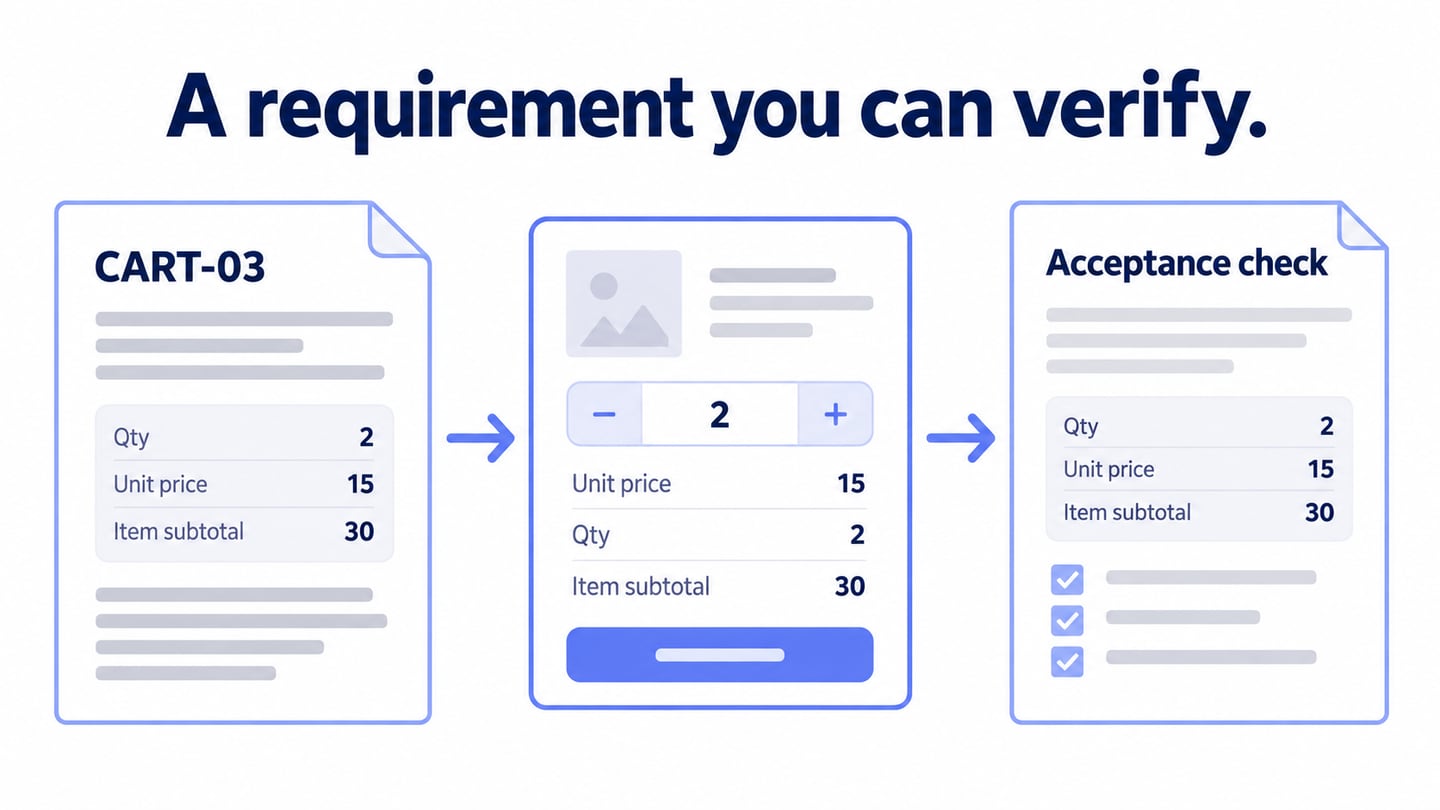
Consider a cart quantity requirement with the identifier CART-03. When a shopper changes an available item from one to two units, the cart must display the accepted quantity and recalculate the item subtotal. If two units are unavailable, show the permitted next action and do not silently confirm the requested quantity. Record the tax and shipping rules separately instead of hiding them in a vague “correct total” statement.
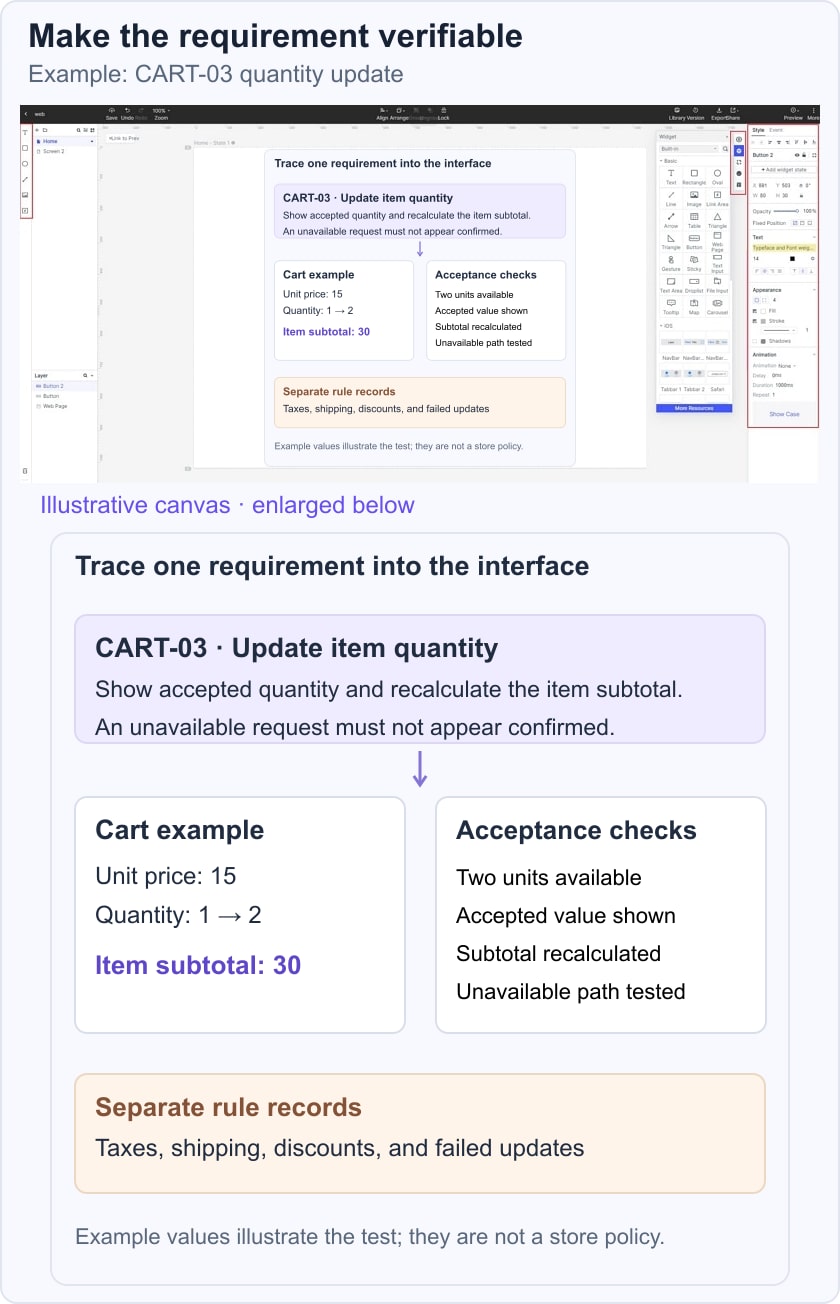
For the acceptance check, use a controlled example item priced at 15 units of the project’s currency. With two units available and no item-level discount, the item subtotal is 30 before separately defined taxes or shipping. Also test an unavailable quantity and a failed update. These are example test values, not a business rule or a claim about a real store.
2.4 Payment: Specify the selected payment provider integration, supported outcomes, cancellation, retries, and reconciliation responsibilities. Security and compliance requirements need specialist review; a template cannot establish that the implementation meets them.
3.0 Non-Functional Requirements
3.1 Performance: Record the operation to measure, test environment, expected load, measurement method, and agreed threshold. “Loads quickly” is not testable until those conditions are defined. Leave an unagreed threshold marked as an open decision.
3.2 Security: Identify the protected data, actors, access rules, and verification responsibilities. Avoid replacing a threat assessment with a generic promise to use secure protocols.
3.3 Accessibility: Record the applicable accessibility target and how it will be evaluated. Include relevant keyboard, focus, text, and image requirements, but do not treat two examples as a complete accessibility specification.
Note
These examples demonstrate how to structure requirements. They are not a complete specification, security assessment, or compliance checklist.
Example 2: Comprehensive SRS Template
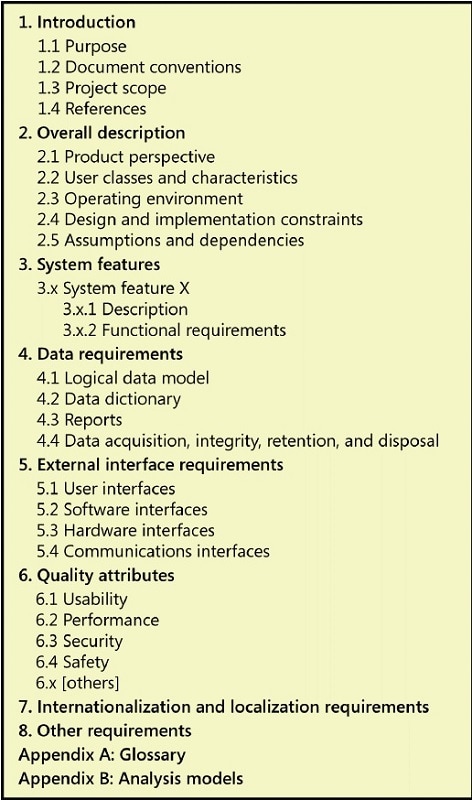
The sample SRS document hosted by Michigan State University provides an outline for comparison. Use that outline to compare coverage, including interfaces, data, assumptions, and quality attributes. A sample outline is not a mandatory standard or proof that every heading applies to your project.
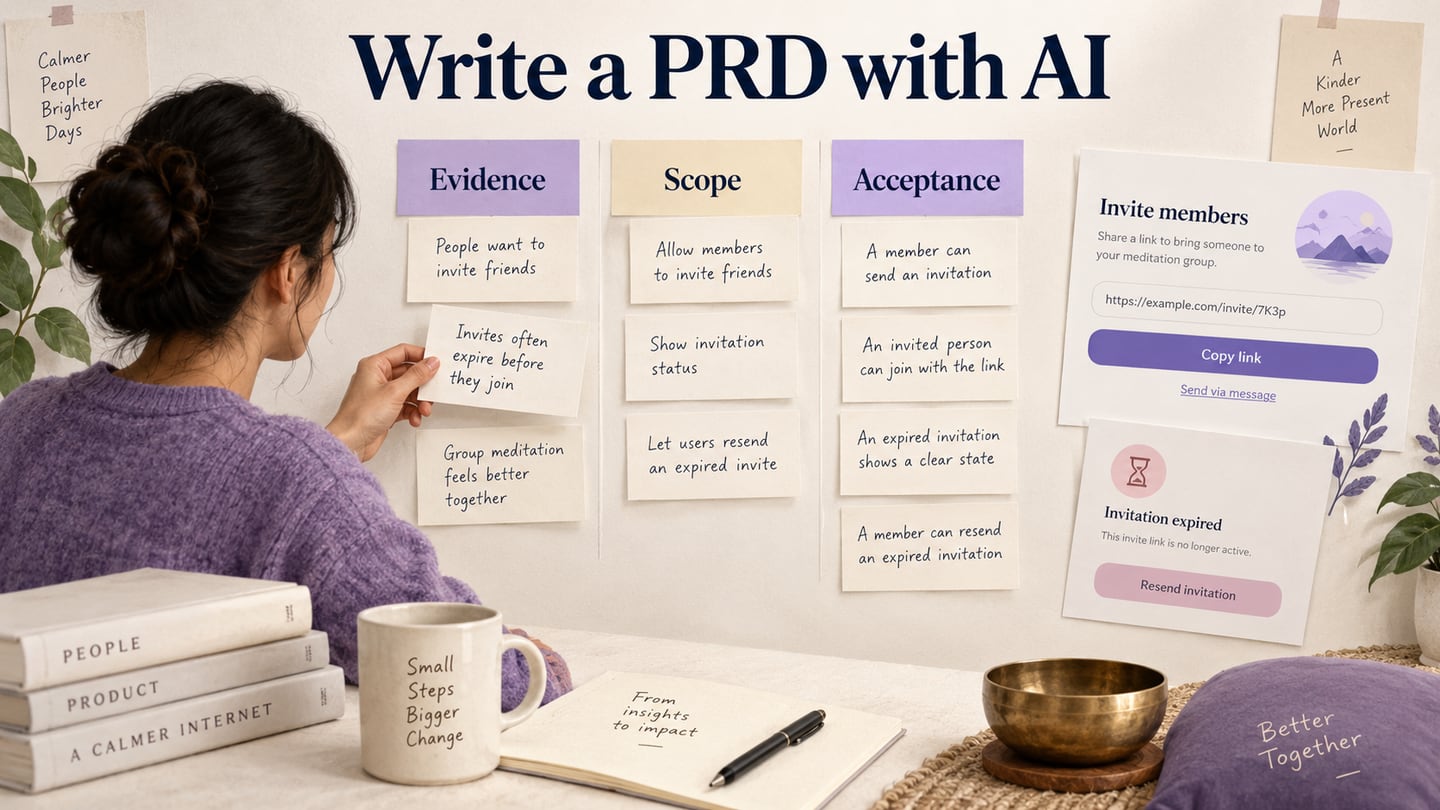
AI can help organize supplied notes, propose headings, and flag ambiguous wording. It can also invent details or overlook conflicts. Keep source material and human review attached to the draft.
How Can AI Streamline SRS Template Creation Process?
Ask for a proposed structure or a list of unclear requirements, and supply only information approved for the tool. Require unknowns to remain explicit. Review whether every extracted requirement is supported by the source.
A generated template cannot ensure compliance with a standard or guarantee that the final product meets expectations. If a standard applies, the responsible team must interpret and verify its requirements.
Available Tools and Platforms
These writing tools can assist with drafting or language; none should be treated as a source of the project’s requirements.
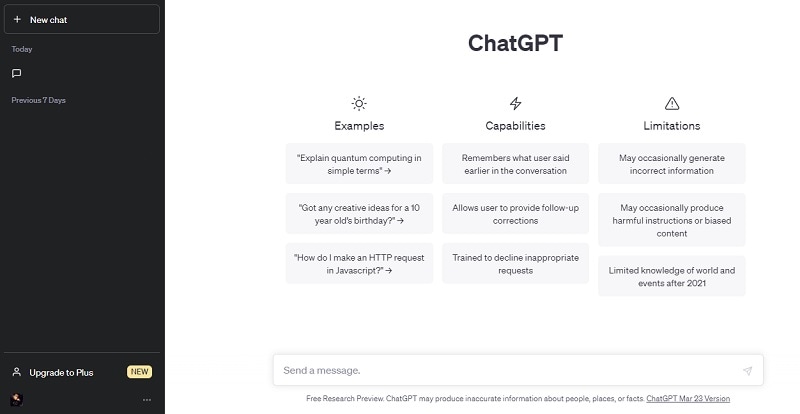
ChatGPT
A general-purpose assistant can help organize notes and propose questions about a draft. Check the output against approved source material and keep invented details out of the requirement record.
Copy.ai
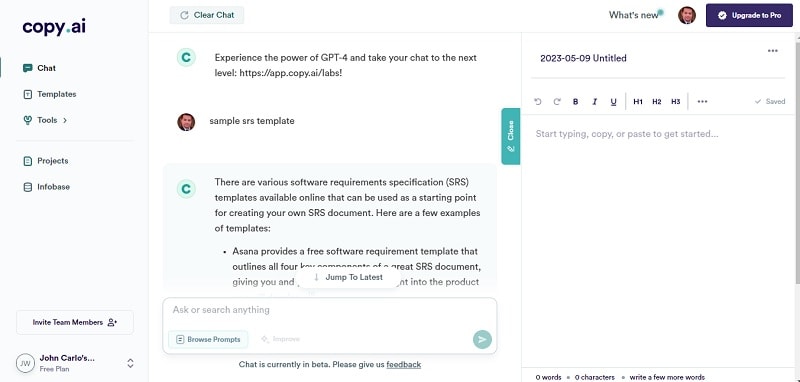
Copy.ai currently focuses on go-to-market workflows and content operations. The older interface screenshot illustrates text assistance, not a dedicated requirements-engineering capability. Evaluate whether the product is appropriate for the document and data involved.
Hypotenuse AI
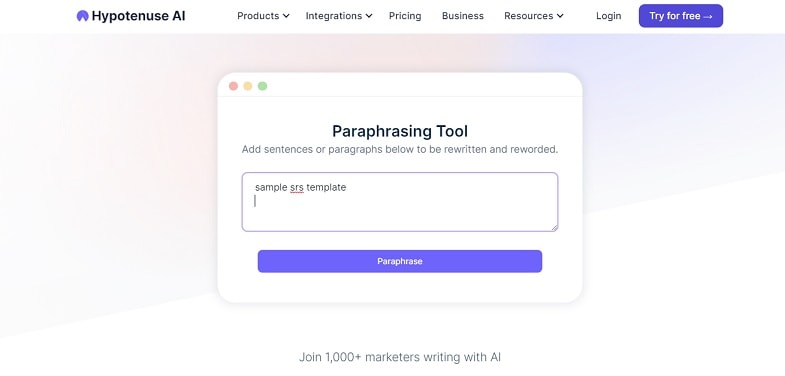
Hypotenuse AI currently focuses on ecommerce product content. Its historical paraphrasing example does not establish suitability for managing an SRS. Rephrasing is useful only if the requirement’s condition, obligation, and test remain unchanged.
Pros and Cons of Using AI Apps for SRS Template Creation
Here are the pros and cons of using AI apps for SRS template creation:
Pros
- AI may help turn supplied notes into a first outline or identify candidate inconsistencies for review.
- It can suggest questions about missing actors, conditions, or outcomes when given adequate context.
- It can help compare wording, but a human reviewer must confirm whether the meanings actually agree.
Cons
- The model may misunderstand context or omit an important constraint.
- It may introduce a plausible but unsupported requirement, threshold, or citation.
- Access, cost, and data-handling conditions must fit the organization’s needs.
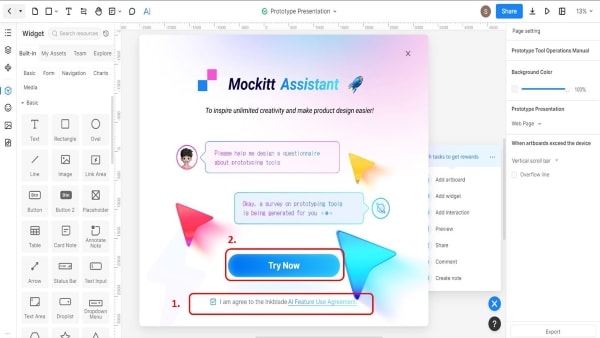
Mockitt is useful for making interface requirements visible in a prototype and discussing the behavior with the team. Its AI requirements review workflow can surface questions about ambiguity, missing scenarios, and consistency; findings still need human judgment.
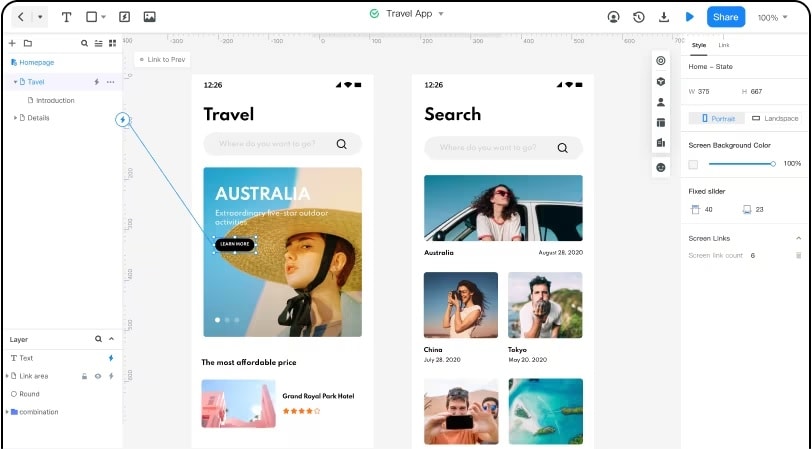
Keep the SRS as the authoritative requirement record and connect relevant screen examples to it. Do not assume that placing text on a design canvas creates a controlled requirements-management system.
Where Mockitt Helps the Review
Use the design workspace for the parts that benefit from a visual explanation:
- Represent a requirement with a concrete screen or state.
- Review the proposed behavior with relevant stakeholders.
- Reuse components to keep related screen examples consistent.
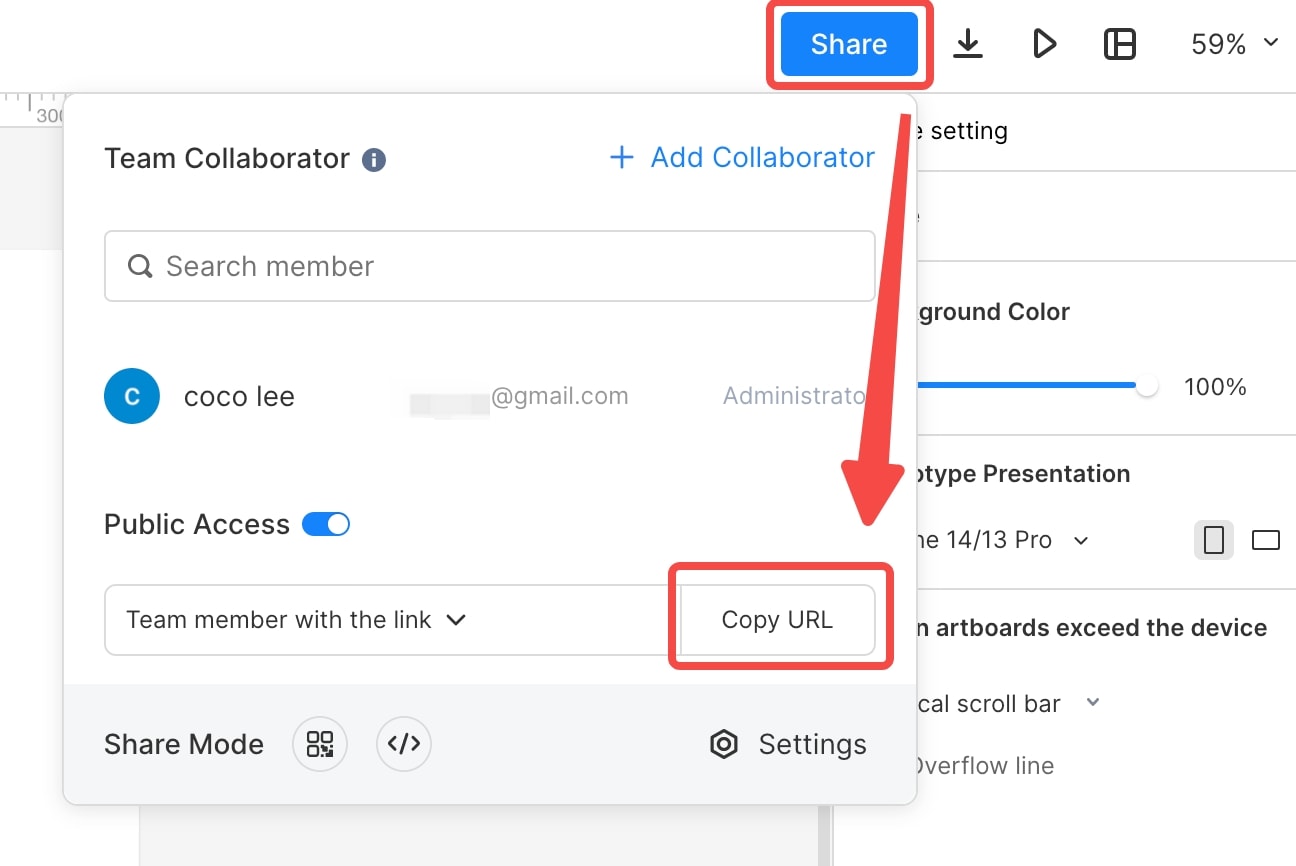
- Share the current prototype with appropriate access permissions.
- Test whether a person understands the interface outcome, while separately verifying system behavior in implementation.
How to Create SRS Templates Using Mockitt
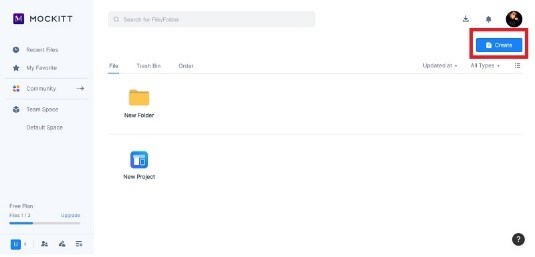
Use the following workflow to connect requirement records with a prototype. The original screenshots show an earlier interface and should be read as workflow illustrations, not current control locations.
Follow the step-by-step guide below to start creating your own SRS templates.
Step 1: Open the current Mockitt workspace and create a suitable project for the interface examples.
Name screens and review notes so the team can connect them to the SRS identifiers.
Step 2: Choose a requirement to illustrate, such as CART-03, and prepare the necessary normal and exception states.
If using AI review, provide the approved requirement text and ask which conditions or outcomes remain unclear. Check every suggestion against the project’s actual scope.
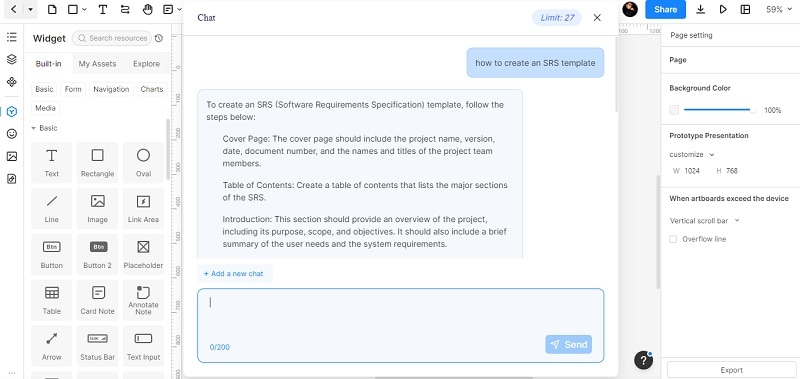
Step 3: Add the relevant screens and annotate the requirement each one illustrates.
For CART-03, show the quantity control, accepted quantity, item subtotal, unavailable quantity, and failed update. The visual example does not implement inventory or pricing; those rules stay in the requirement and engineering work.
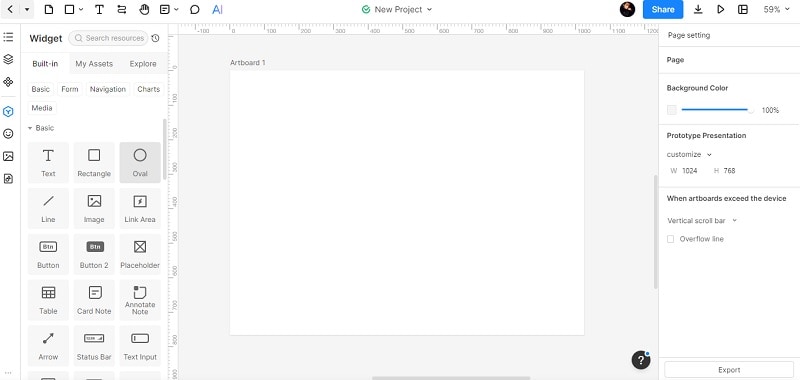
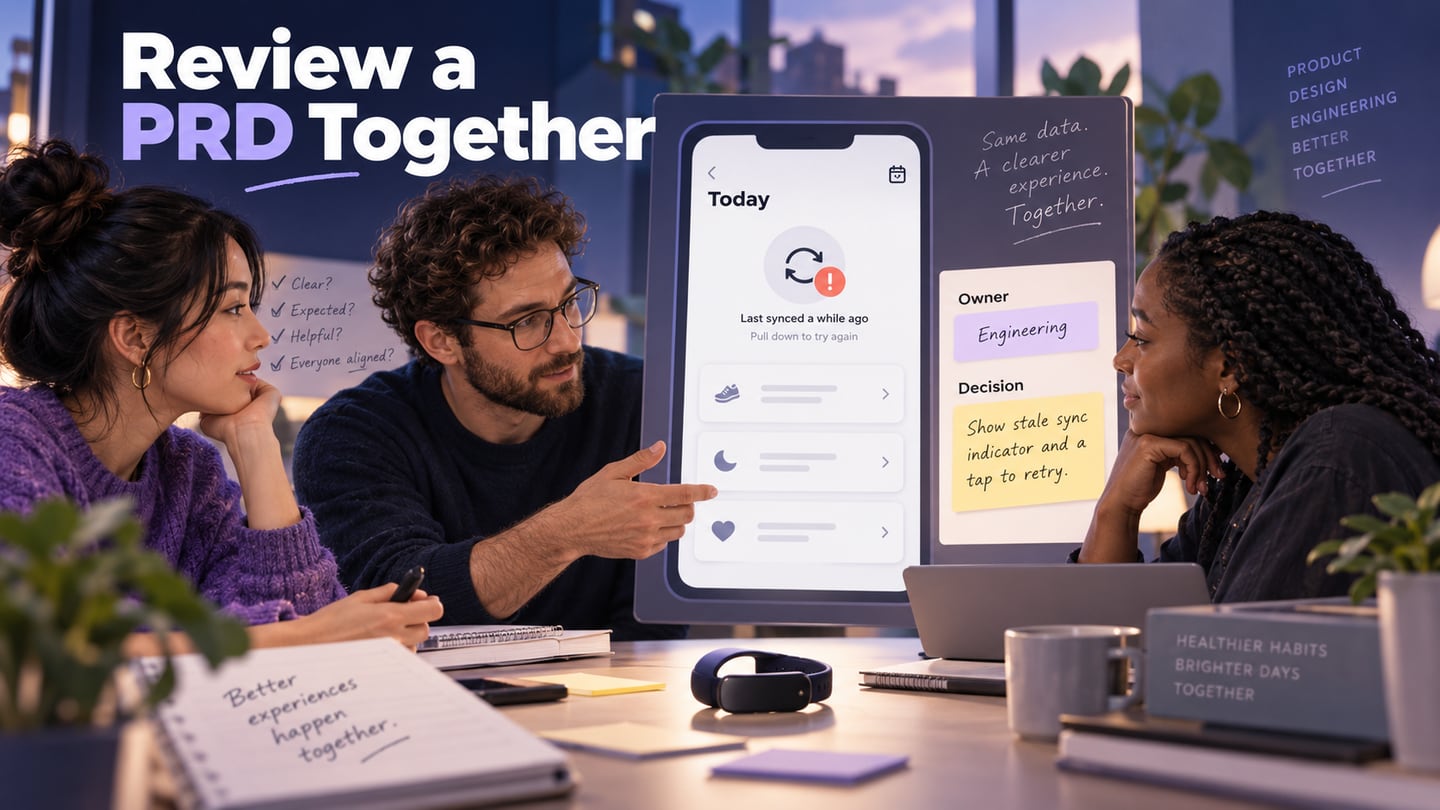
Step 4: Preview the task with reviewers and record any mismatch between the requirement and the interface.
Share the current project link and update the requirement only after the responsible people agree on the change. Keep the identifier and a short decision record so the screen and SRS do not drift apart.
Tips for Creating Effective SRS Templates
Use these checks to make the template a practical review tool:
- Clearly define and organize the requirements
Group related requirements, define key terms, and give each record a stable identifier.
- Ensure that the requirements are straightforward and testable
Describe the condition, required behavior, expected result, and verification method. Replace vague words with agreed, measurable detail.
- Rank and categorize the requirements
Record priority separately from requirement type. Mark assumptions, dependencies, and unresolved decisions explicitly.
- Collaborate with stakeholders
Involve the people who define, implement, test, and operate the behavior. Record who owns unresolved questions.
- Continuously review and update the SRS
Update the requirement when an approved decision changes it. Keep a trace from the source and requirement to the relevant design and verification work.
Conclusion
An SRS template is useful when it makes requirements reviewable and changes traceable. Start with the actual project scope, use specific examples, and leave unknowns visible until the responsible team resolves them.
Connect important requirements to interface states and acceptance checks. The template then supports a shared understanding without pretending that a generated document or prototype proves the implementation is correct.