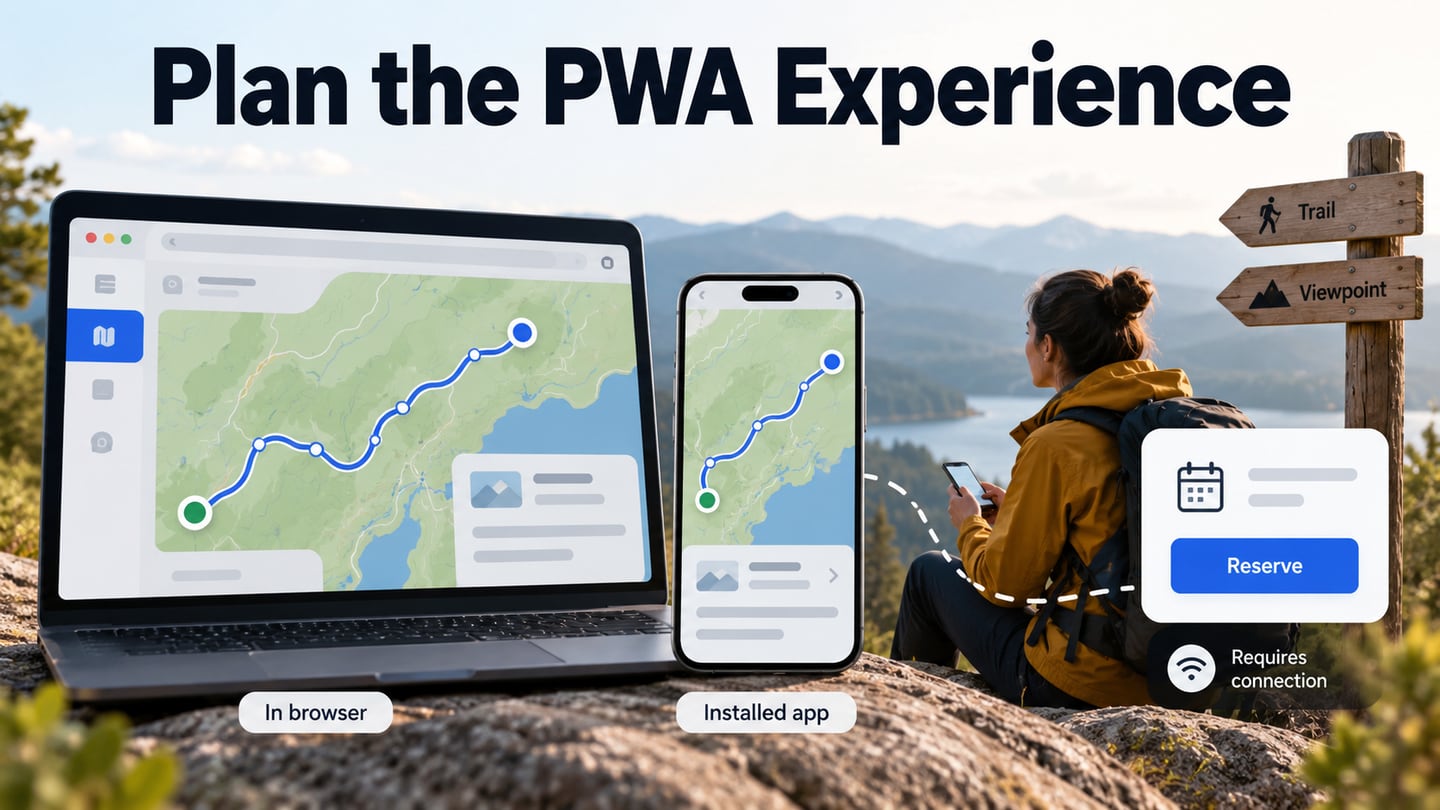
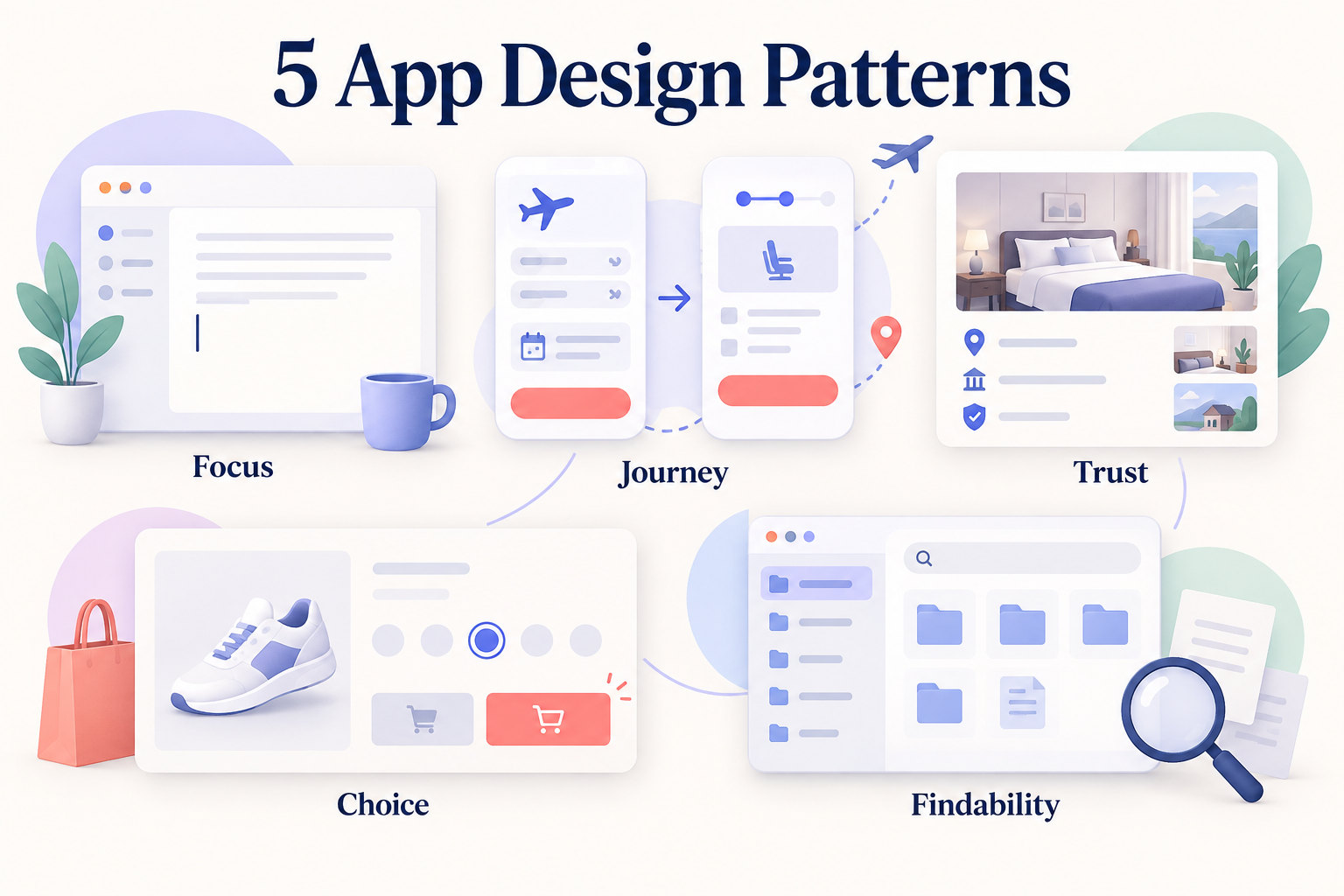
Mobile interfaces have limited space, so content order and the next action need to be clear. Instead of copying a visual style, identify the user task each reference supports and test whether the same pattern fits your product.
Mobile design templates can provide a starting point, but a pattern still needs to fit the task and content. The following examples explain what to learn from each reference before trying it in your own prototype.
Five Product-Interface Examples to Study
The five examples below are historical references from the original article, not a claim that their current screens look the same. Use each one to study a design decision, then verify the present product before relying on a specific control or layout.
- Medium: The historical example emphasizes the writing surface and limits competing interface elements. Study how the editor gives the main task room to breathe, then apply that principle to the content and controls your own users need.
- Virgin America: The original booking-site example put the travel destination question near the start of the flow. Treat it as a historical reference, not a current booking recommendation. The useful pattern is to begin with the information that determines the next step, then ask for secondary details when they are needed.
- Airbnb: The original example connects a search task with information that supports trust before booking. Study how the flow presents a choice, explains the listing, and then moves toward checkout. Test those steps with your own content rather than copying a historical screen.
- Frank and Oak: The retail example illustrates a dependency: a shopper chooses a size before adding an item to the cart. Make the requirement visible and explain an unavailable action so people know what to do next.
- Dropbox: The original example uses recognizable file organization and consistent visual cues. For a file-heavy app, test whether people can find the intended item and distinguish similar names, shared content, and actions without relying on decoration alone.
Prototype an App-Design Pattern in Mockitt
Mockitt is one workspace for testing app-design ideas as editable screens and interactions. Start with a wireframe of the main task, then apply the pattern you want to evaluate. The original steps below show that progression.
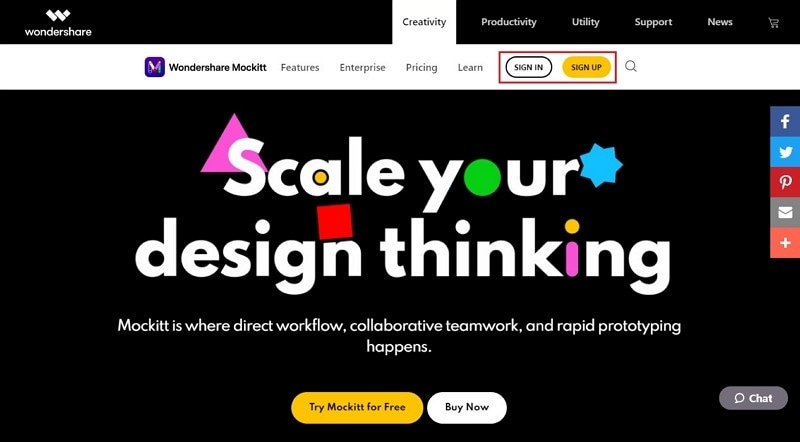
- Sign up with your email address on the official page.
- After signing in, you can simply create a new project by clicking "Create".
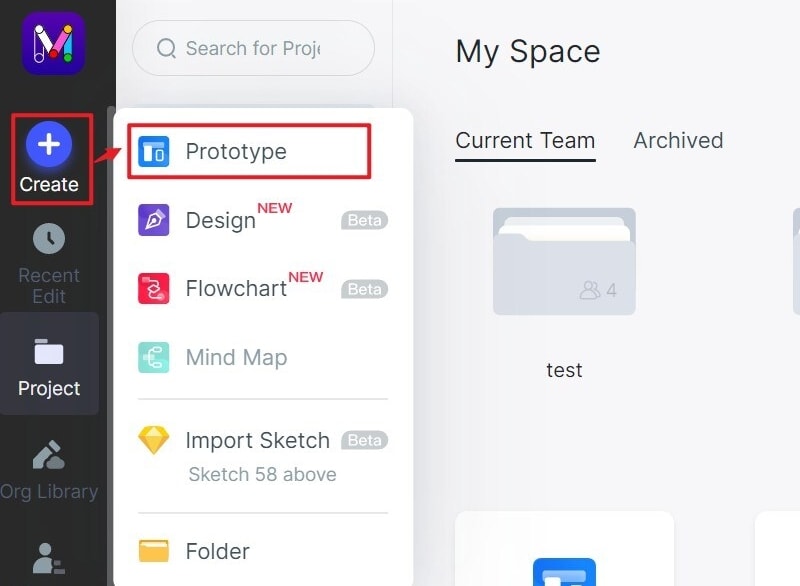
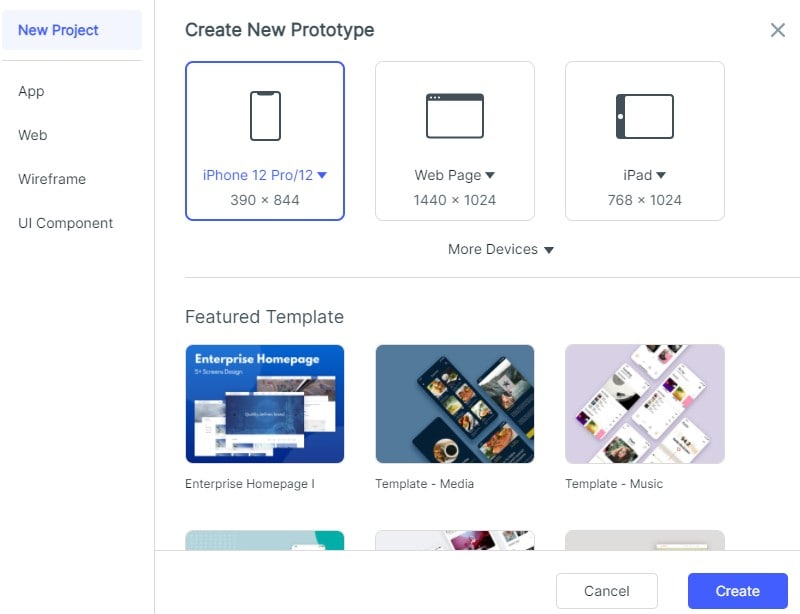
- Creating a new project, select the type of device you want to build the prototype for.
- To change the prototype’s screen size, open the project settings, choose the required size, and save the change.
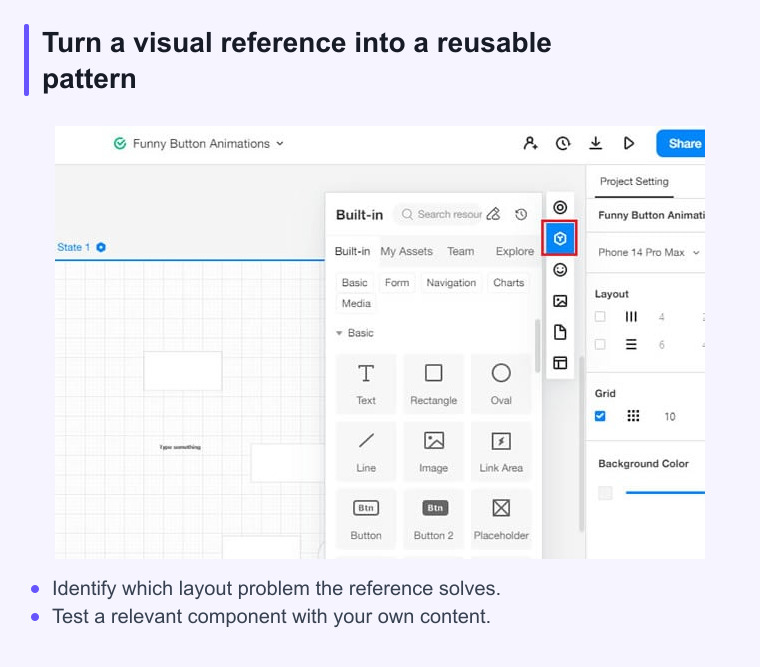
- There is an option for fast widgets on your left, and there are three ways to add fast widgets to your project. Firstly, double click on the widgets. Secondly, drag the widgets to the canvas, and then press the hotkeys and draw.
- On the right, there are three types of assets: "Built-in" Widgets, My Widget, Icon. There are two ways to add them. You can double click on the widgets or drag the widgets to the canvas.
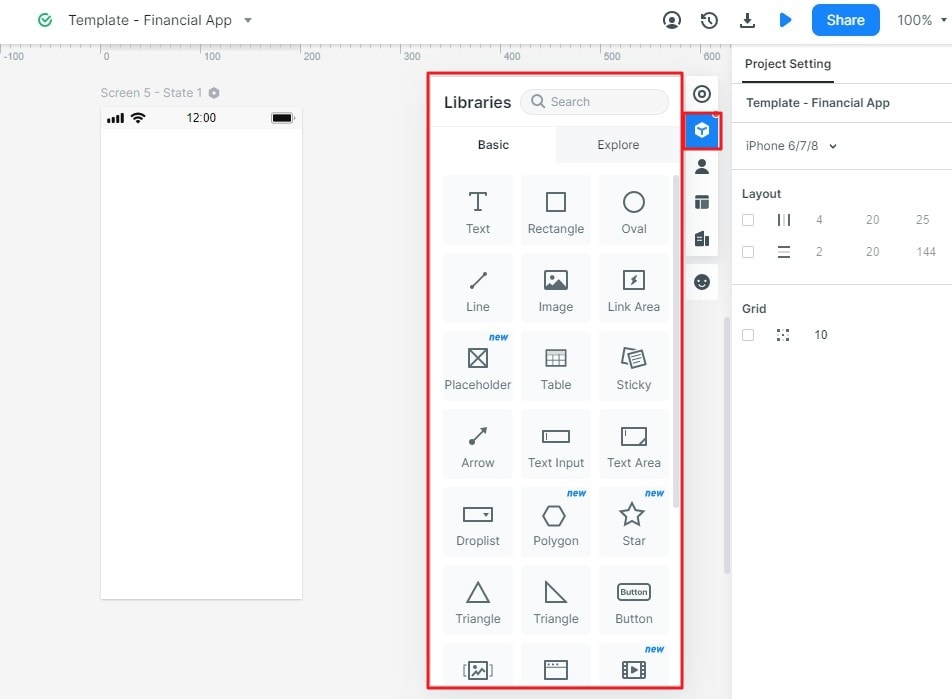
- If you want to edit a widget, you could edit its properties in the Inspector Panel.
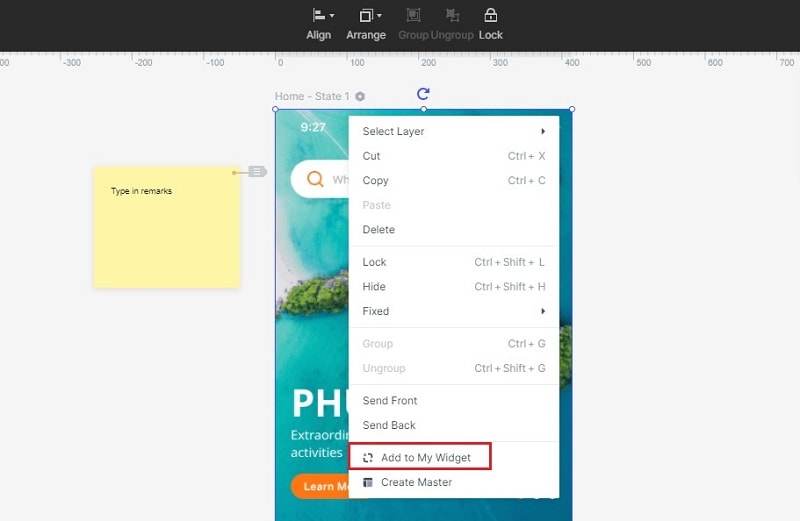
- You can even save your favorite widget for future use. You can add the widget to "My widget" library in the following ways: (i) Drag the widget to "My widget" Panel, (ii) Right-click the widget to "Add to widgets."
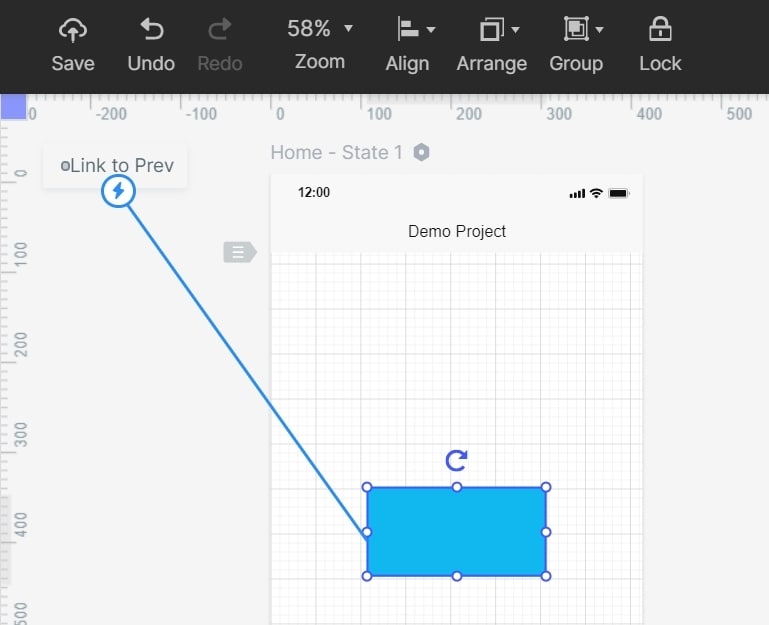
- You can add links between screens, and there are again two ways to do so: Choose one widget, then click "New- Link" in the Link Panel on the right. Then, set the gesture, action, target screen/state, and animation for the widget. Drag the link icon on the left of the widget to the target screen.
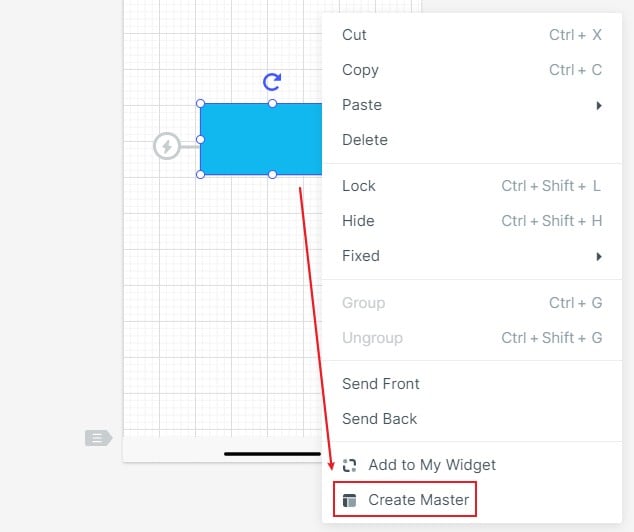
- To convert widget to master right-click to the widget to "Create Master". Then the Master will be saved in the Master library. Drag the master to the canvas to create its instances. To change the Master, hover on the Master and click "edit".
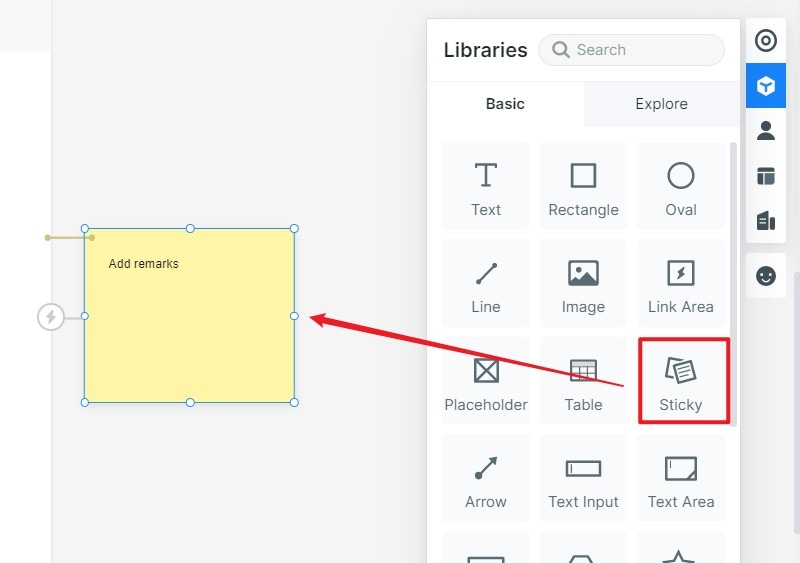
- You can add notes to the Sticky, which is viewable in the Preview mode.
- To use screens in the template hover on the screen list and click "Move to" to move the screen to the target project.
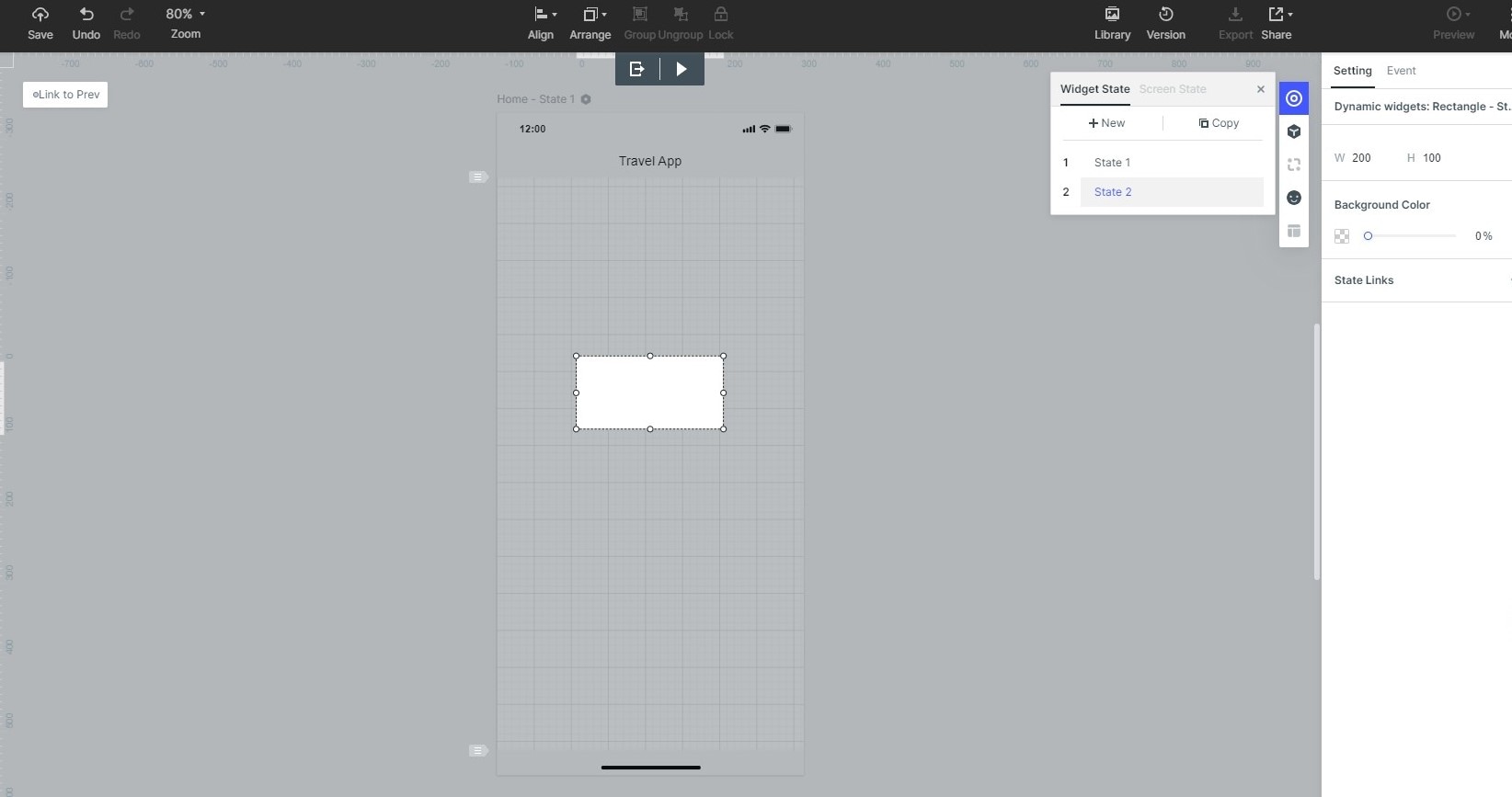
- You can use dynamic widgets to create interaction animation. The screen state can be used to implement an overall interactive animation within the screen. Animation effects of the dynamic widgets and screen state are achieved by the state as well.
Turn inspiration into a design decision
A gallery is a starting point, not a specification. When you save a reference, record the problem it solves, the audience it serves, and the constraint that makes the pattern work.
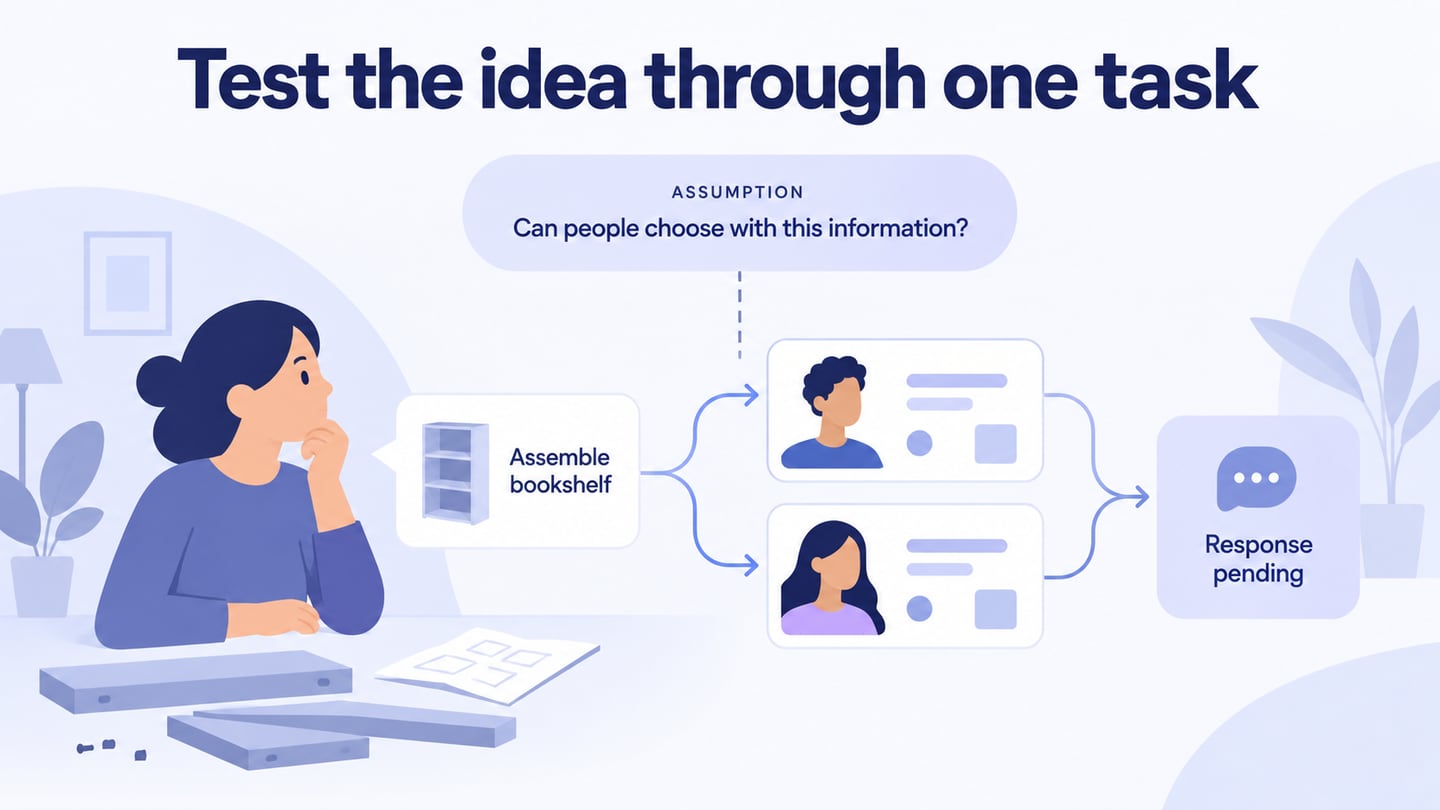
Then test the idea in your own flow with realistic content. This keeps inspiration tied to product goals instead of producing a collection of disconnected screenshots.