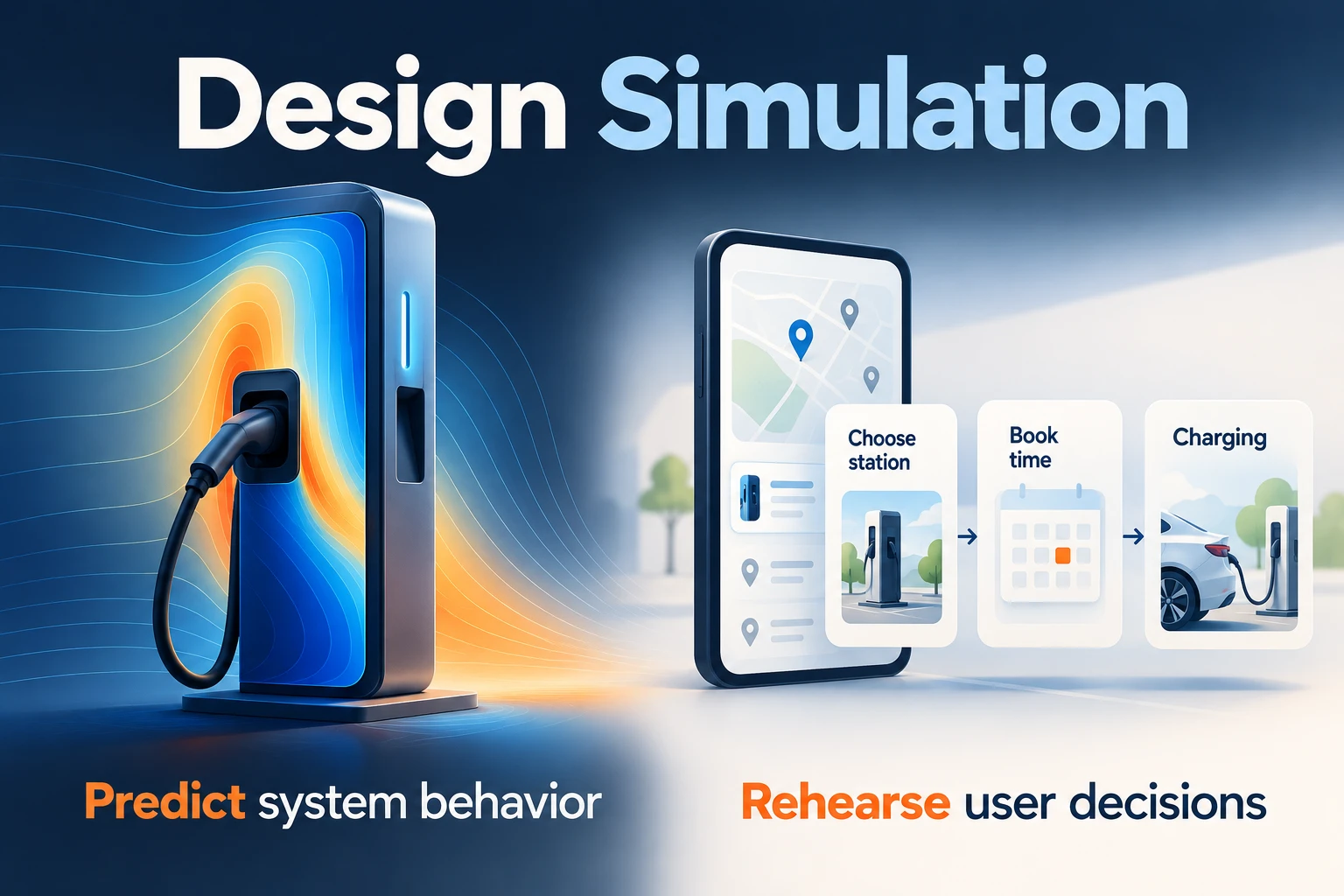
Design simulation uses a model to explore how a proposed product or system behaves under specified conditions. Engineers may predict temperature, stress, airflow, or timing before building a complete product. UX designers use interactive prototypes to explore a different question: can people understand the interface and complete a task? Both approaches make assumptions visible, but neither automatically proves that the finished product will work.
Choose the model around the decision you need to make. A thermal simulation can investigate a charging device's temperature; a Mockitt interactive prototype can help a team review how a driver starts charging, reads its status, and responds when a connector is unavailable. Keep those outputs separate so an attractive screen is never mistaken for engineering evidence.
What Is Design Simulation?
The term simulation is widely used in computer-aided engineering (CAE). A simulation model represents selected behavior of a system, often through mathematical relationships and numerical methods. Its usefulness depends on the question, the input data, and how well its assumptions represent the situation being studied.
Simulation can be used in different circumstances, including technology development, training, video games, and safety engineering. It can also explore the likely effects of an alternative course of action. A model deliberately leaves out details: the important issue is whether those omissions could change the decision.
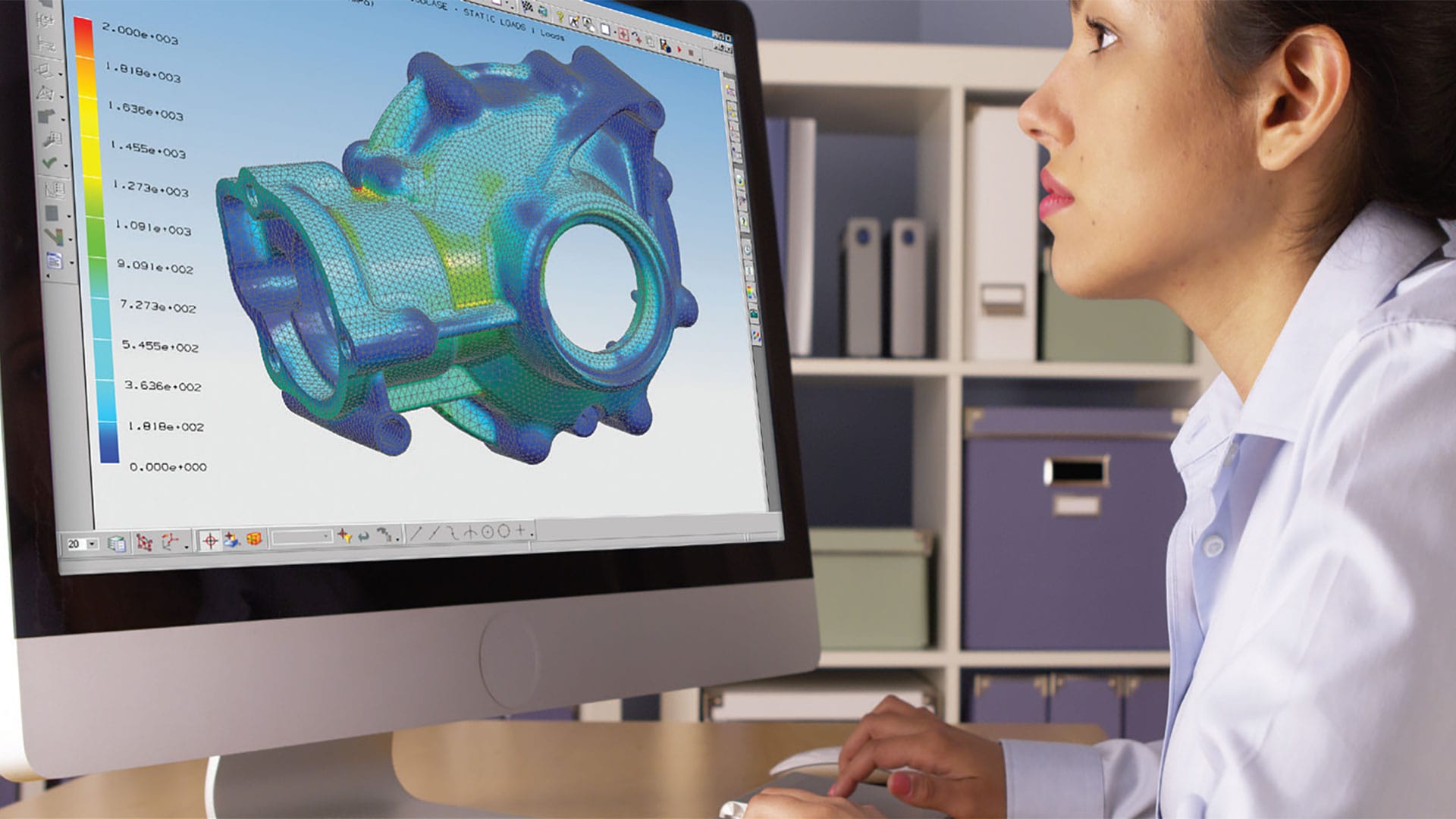
Design simulation can reduce the number of physical prototypes needed to compare alternatives. It still takes time to build the model, obtain suitable data, run it, and interpret the result. Physical measurements and tests remain important when checking whether a model represents real behavior. Saving time or money is a possible benefit, not an automatic outcome.
A useful simulation starts with a question and an observable output. Ansys describes the workflow as defining the problem, specifying the model and conditions, solving it, interpreting the output, and iterating. For example, changing a material or an operating condition can help expose how sensitive a result is to an assumption.
Before trusting a result, identify the model's valid range, the uncertain inputs, and the evidence used to check it. Verification asks whether the model is implemented and solved as intended; validation asks whether it represents the relevant real behavior well enough for its purpose. A successful solver run is not, by itself, validation.
An Example of Everyday Design Simulation
Consider the original car-design example. Building a new physical vehicle for every proposed shape would be expensive and slow. A digital model lets an automotive team change geometry and compare alternatives before committing to that work. Aerodynamics is one possible question; structural behavior and thermal performance are different questions requiring suitable models.
A 3D CAD drawing represents geometry. It is not automatically a simulation of airflow or a trustworthy prediction of drag. For an airflow study, the team also needs an appropriate method, operating conditions, material or fluid assumptions, and a way to assess the result. The shape of a model alone cannot supply those decisions.
CAD tools such as Tinkercad, SOLIDWORKS, AutoCAD, FreeCAD, and TurboCAD serve different modeling needs. Their mention here does not mean that every product includes the same solver or can validate the same engineering problem. Choose modeling and analysis tools according to the question and the capabilities actually required.
A digital designer can modify a car's existing design by changing its dimensions, interior, or exterior in the model. That makes alternatives easier to inspect, but the team must rerun any affected analysis. A cosmetic change can also alter physical behavior; reusing an earlier result without checking its assumptions can be misleading.
For a practical comparison, keep a short record of the baseline geometry, the change, the operating condition, the output being compared, and the remaining uncertainty. Compare like with like. A new shape under a different speed or load does not isolate the effect of the shape.
Common Uses of Design Simulation
Design simulation appears across engineering and research. These examples retain the same principle: model a defined behavior rather than treat a convincing picture as proof.
- Electrochemistry: battery researchers can model interactions such as transport and electrical or thermal behavior to investigate a design. Safety, capacity, and lifetime claims still need evidence appropriate to those outcomes.
- Telecommunications: simulations can explore electromagnetic behavior, antenna placement, and communication conditions. A coverage prediction depends on its environment and assumptions; it is not a universal reception guarantee.
- Geology: models help researchers investigate how materials and structures may respond to specified conditions. They can estimate possible effects under a scenario, rather than promise the exact time and outcome of a future earthquake.
- Optics: engineers model how light interacts with materials and structures to examine a proposed optical design.
Some products involve several interacting effects. COMSOL's explanation of multiphysics uses a phone to illustrate electrical, mechanical, and chemical behavior within one device. A model may need to account for those interactions instead of studying every effect in isolation.
The Relationship Between Design Simulation and UX
Engineering simulation and UX prototyping support different parts of product development. A simulation may predict a system state; a prototype can explore how people perceive and act on that state. Prototyping remains useful even when engineering simulations are available. It does not become unnecessary simply because a project is large or technically complex.
Take a charging-station interface. The engineering team investigates operating limits. The design team needs to explain the states a driver can encounter: ready to connect, charging, paused, completed, or unavailable. The prototype should communicate those states without inventing a live connection to a charger.
- Set the task. Ask a driver to start a session and find out whether charging has begun. Use a fictional station and connector so the exercise contains no customer or vehicle data.
- Define the inputs. List the states supplied by the engineering team and what they mean. If a state is uncertain, show an explicit checking state rather than display a false success.
- Build the screens. Create a station overview, connector selection, charging status, and an unavailable-connector alternative. Keep the station and selected connector visible during recovery.
- Connect and review. In Mockitt, connect the proposed actions to their screen states and preview the route. Review both starting a session and returning to choose another connector.
- Separate the findings. Record whether a person understood the status and next action. Leave electrical performance, actual sensor reliability, and safety validation to the relevant engineering tests.
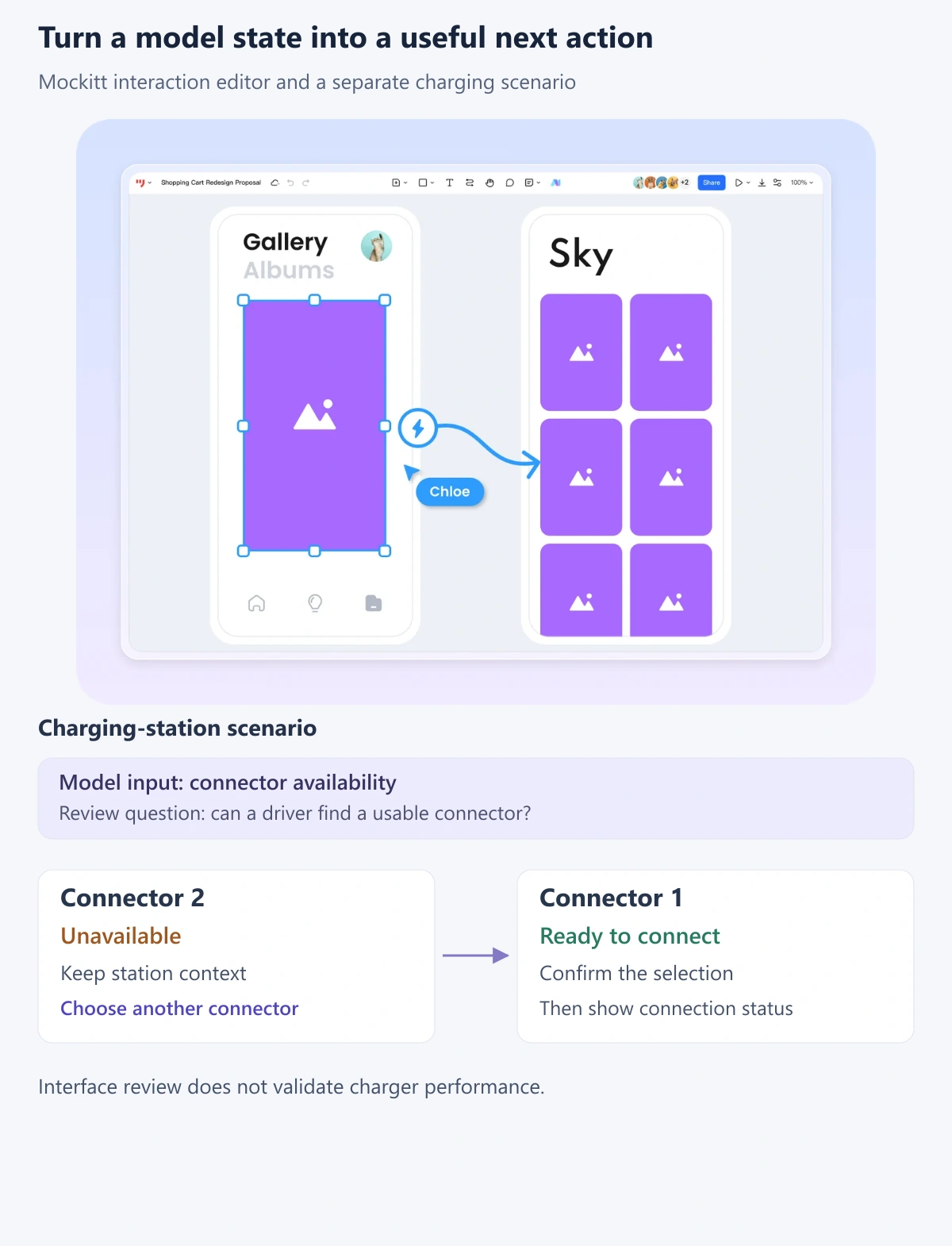
For example, the unavailable screen can say “Connector 2 is unavailable” and offer “Choose another connector.” Showing a generic error while clearing the station context would make the driver repeat work. This is a design decision the prototype can explore even before the physical system is connected.
Use scenario design to describe the situation behind the screens, including the driver's time pressure and the available alternatives. Share the proposed flow with the engineering team so labels and recovery options match states the implementation can actually provide.
The valuable outcome is a better-informed decision: which physical behavior needs further analysis, which interface response needs revision, and which assumption still needs real-world evidence. Simulation and prototyping work best when each is used for the question it can answer.