Website usability concerns whether intended visitors can accomplish relevant goals effectively, with reasonable effort and an understandable experience. Appearance matters, but a polished page can still make essential information difficult to find.
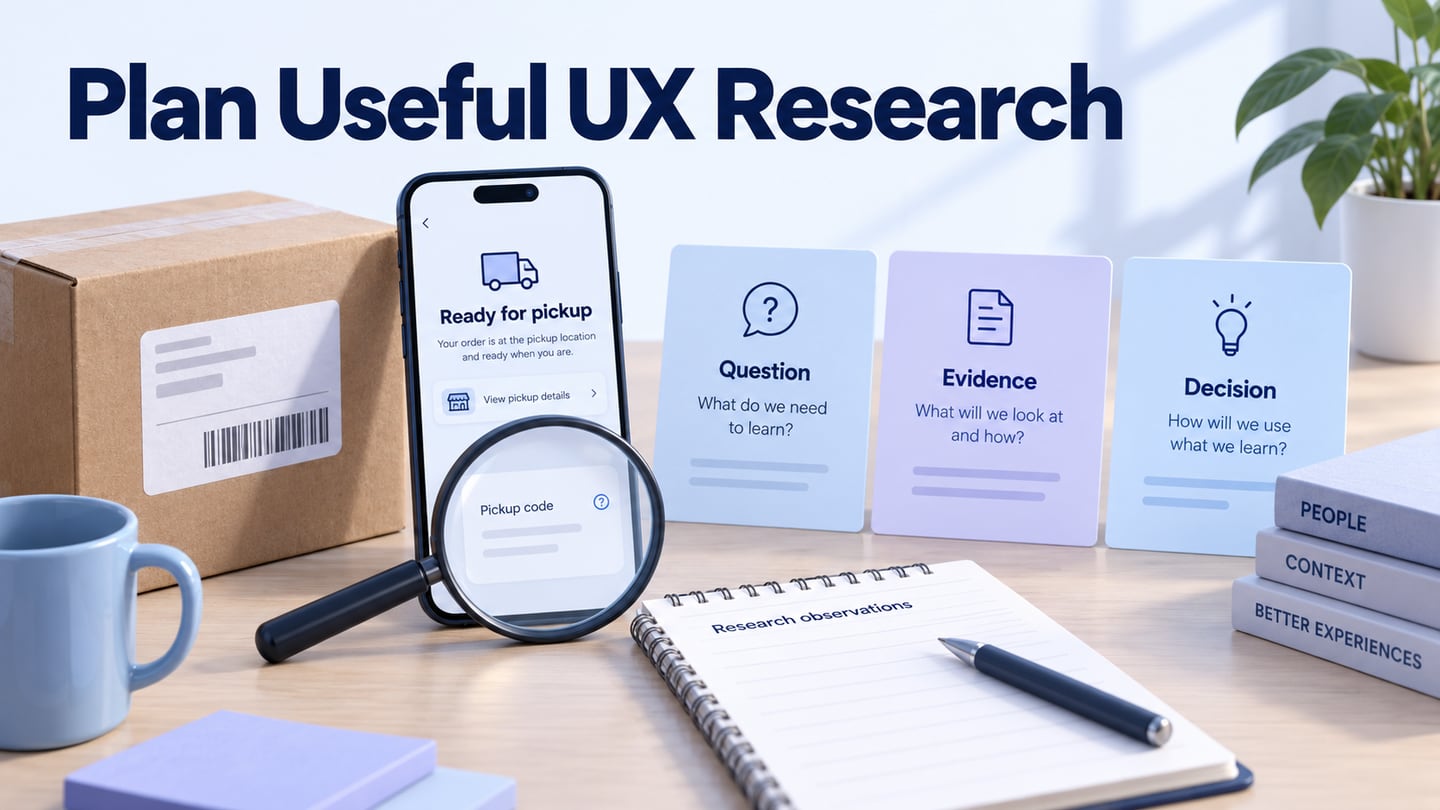
A focused usability-testing plan helps you observe where a website supports or obstructs a task. Define the question, recruit appropriate participants, and examine what they actually do. Testing can guide improvements; it does not guarantee search rankings, sales, or universal satisfaction.
What is Website Usability?
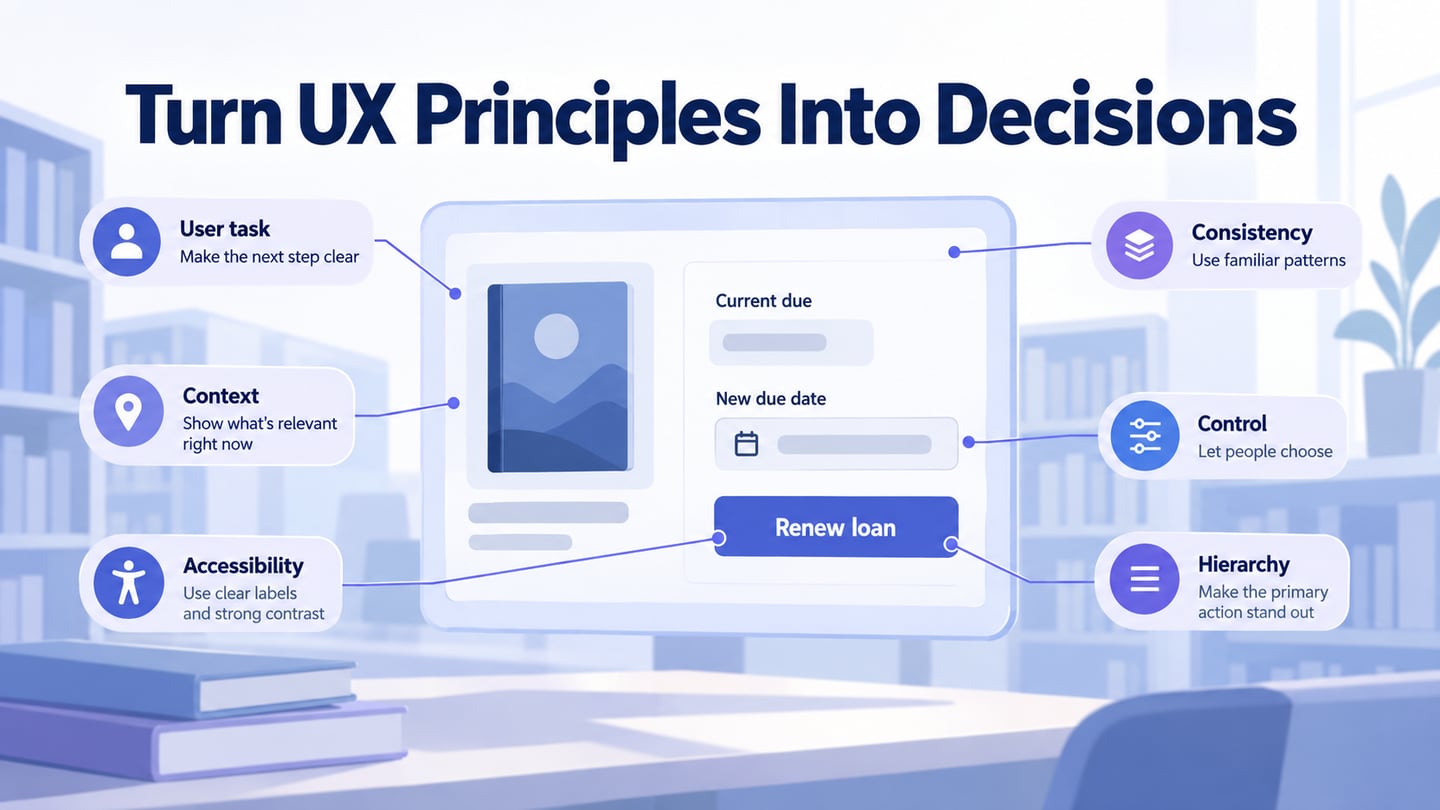
Website usability is more specific than whether a page looks attractive. Consider whether people can find information, understand the choices, complete the intended action, and recover from a mistake. Nielsen Norman Group’s usability introduction distinguishes usability from other aspects of product quality and explains why observing tasks is useful.
Speed, readable content and predictable navigation can affect a task, but each requires suitable evidence. A slow page may prevent someone reaching the answer; a fast page with unclear labels may be just as unhelpful. Avoid attributing an SEO or conversion change to usability without investigating other factors.
Define the audience and context before deciding what “easy” means. A first-time visitor finding a return policy and a staff member processing fifty returns have different needs. Record success, difficulties and perceptions against the relevant task instead of producing one unqualified score for the entire website.
How to Plan Website Usability Testing
Use these four stages to connect the test to a decision you can make.
1- Determine What You Want To Measure
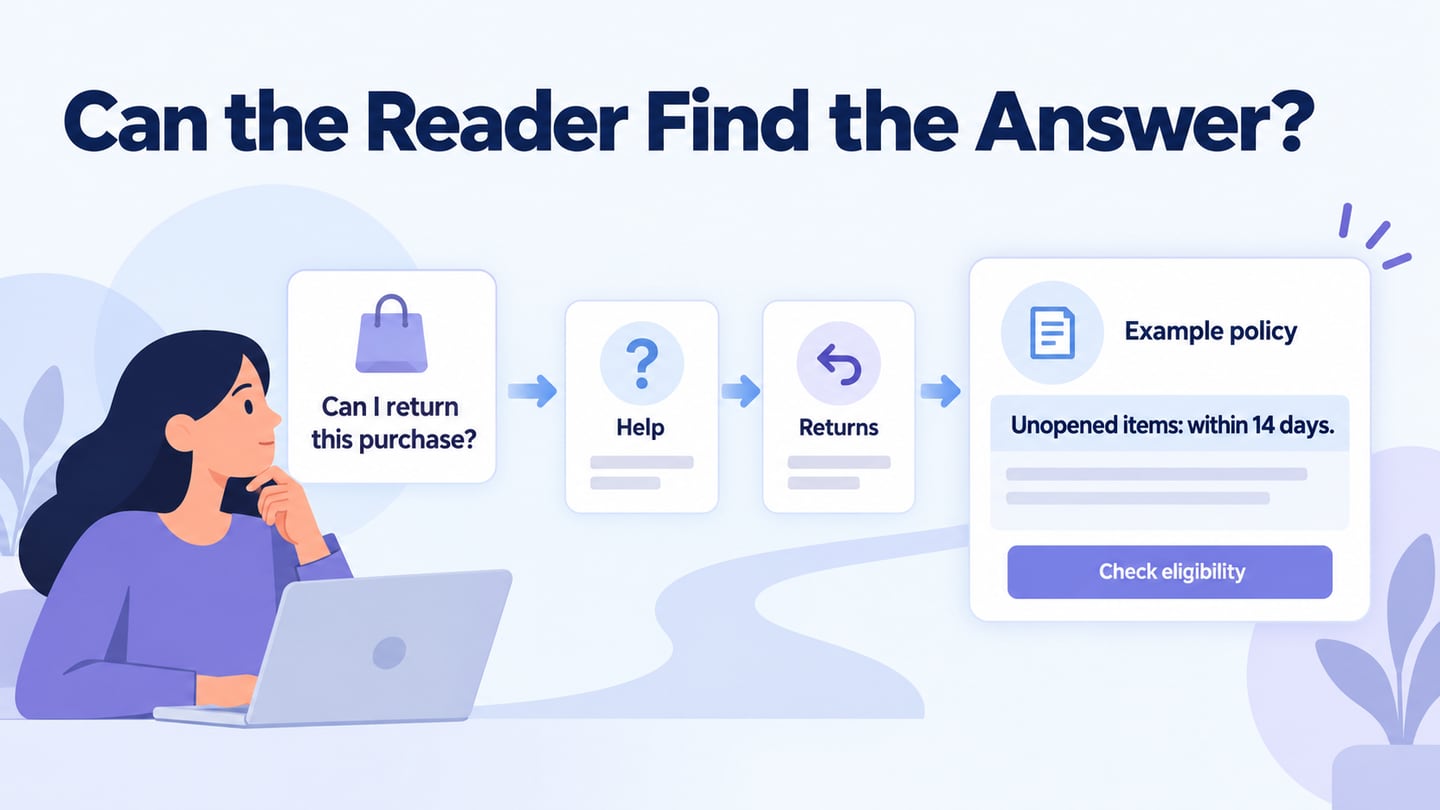
Choose an important task and name the uncertainty. For example, can a first-time customer find the conditions for returning an unopened item? Decide what completion means and which behaviours or misunderstandings you will observe. Test the part of the website needed for that question rather than trying to evaluate every page at once.
2. Choose a Method That Answers the Question
Moderated testing lets a researcher observe the task and ask follow-up questions. Remote or in-person sessions should be chosen for the participants, context and research needs, not an assumption that one is always faster. A/B testing compares defined outcomes across variants; it does not replace observation when you need to understand why people struggle. GOV.UK’s moderated-testing guidance explains task preparation and facilitation.
3. Recruit Relevant Participants and Prepare
Recruit people whose circumstances match the research question, including relevant experience and accessibility needs. Explain participation, consent and recording arrangements. Pilot the task and check the website or prototype access before the session. Convenience participants may help spot obvious issues, but do not present them as representative of the intended audience.
4. Observe, Analyze, and Decide What to Change
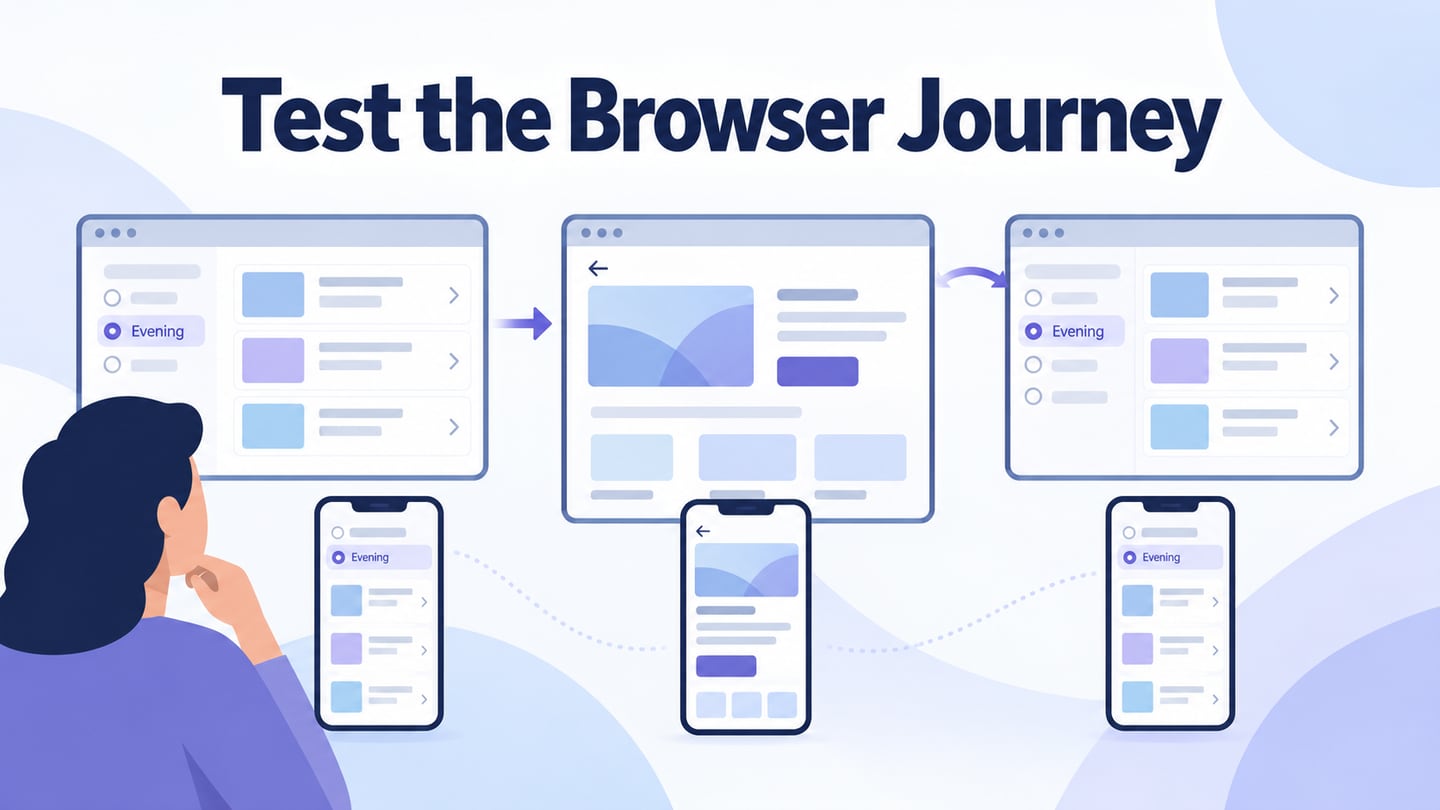
Give a realistic task without naming the control the participant should use. Watch the route, hesitation, errors and recovery; ask neutral follow-up questions at appropriate moments. Separate observation from interpretation. Group related findings, explain their impact, and decide what to investigate or change. Retest important unresolved questions rather than treating a journey map as a substitute for analysis.
A task example: find the return conditions
For a fictional online shop, prepare the task: You bought an unopened item last week and no longer need it. Find out whether you can return it and what you would need to do next. The example policy allows eligible unopened items within 14 days. These conditions are made-up research material, not a real policy.
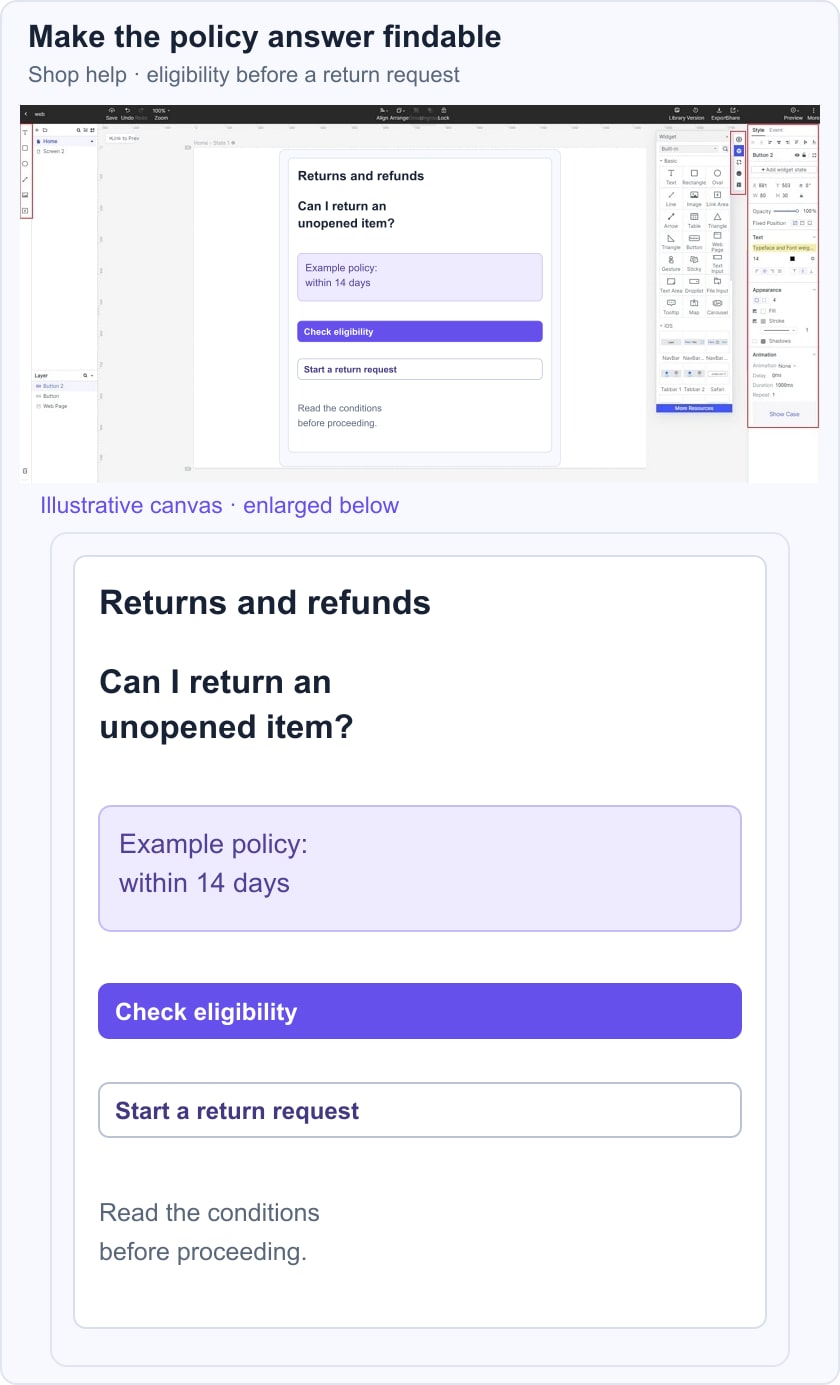
Start the participant on the agreed entry page without pointing to Returns and refunds. Observe which label they choose, whether they find the eligibility condition, and what they believe the next step means. Record help you provide. Finding the heading without understanding the condition is different from completing the task.
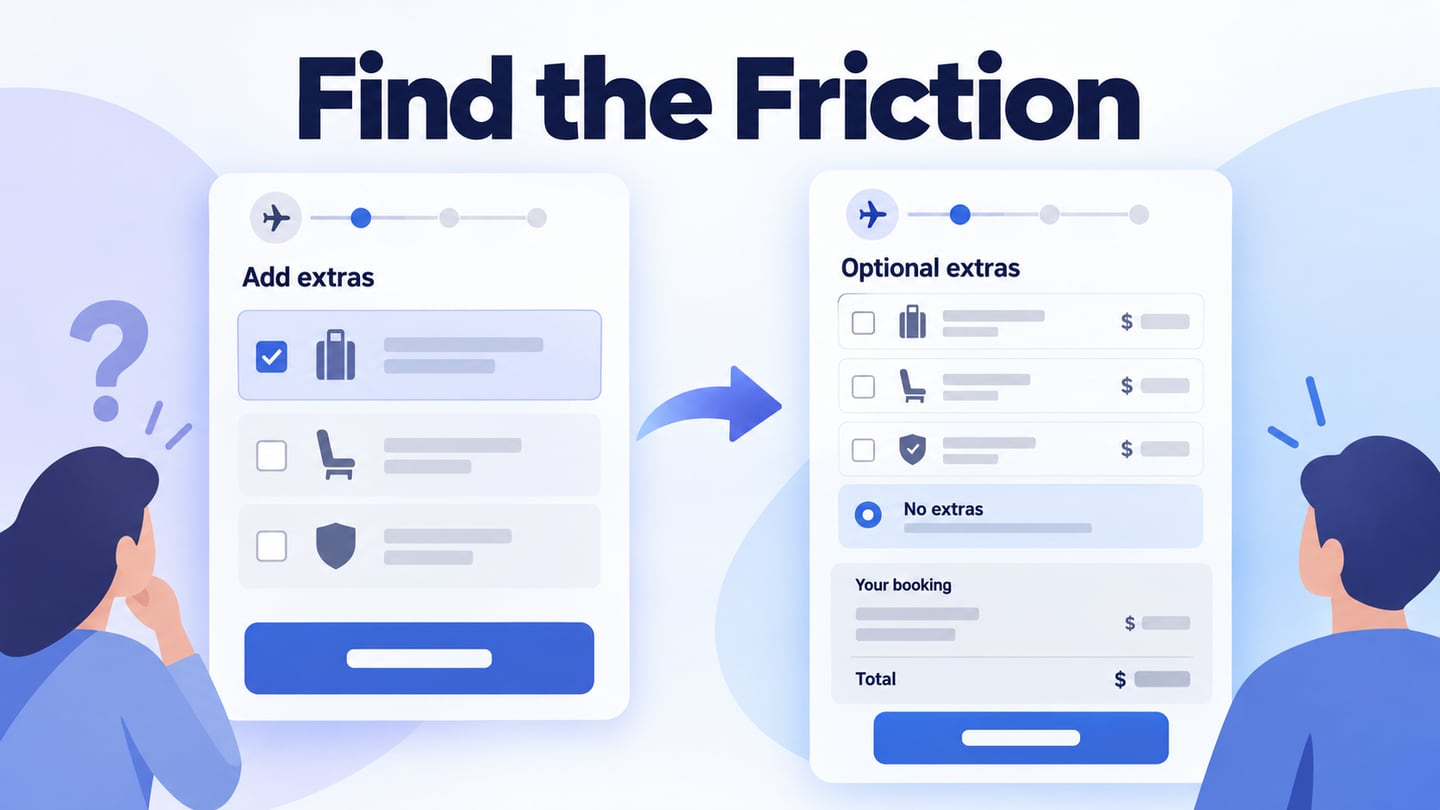
If the person looks under Orders but the answer is only in Help, investigate the information structure and language before adding another banner. If the policy itself is ambiguous, changing navigation alone will not resolve the problem. A useful finding connects the observed difficulty to the decision it affects.
Use Mockitt to Review a Proposed Improvement
A Mockitt prototype can represent an alternative help structure or return-request flow before implementation. Include the content needed for the task and explain which parts are simulated. It supports design review; it does not recruit participants or validate real transaction behaviour for you.
Use available components to arrange the page and keep repeated patterns consistent. Replace generic template text with realistic task content. Missing policy conditions can make an otherwise attractive prototype impossible to evaluate fairly.
Share the relevant version with collaborators and researchers. Keep design feedback distinct from participant observations, and agree which changes address the research question. Current access and sharing options depend on the workspace and permissions.
Set Up a Website Prototype for the Session
Choose a viewport relevant to the participant’s context and include a narrow layout if mobile use matters. A frame preset is a starting point, not evidence that the site responds correctly across all devices.
Create the entry page, destination and any necessary intermediate states. Use the actual wording you need to test. Historical device presets such as iPhone 12 do not define the current audience or the latest platform.
Use a custom size when a suitable preset is unavailable, and document the environment you intend to represent. Check text wrapping and navigation rather than relying on the device name alone.
Confirm that the test flow is reachable and that links outside the scope do not misleadingly appear to work. Do not promise that requesting a new device preset will automatically cause the vendor to build it.
Preview the task with a colleague before the session to identify setup failures. A pilot is useful preparation; it is not a substitute for research with the intended participants.
After revising the design, review the implemented page as well. Keyboard access, assistive-technology behaviour and other accessibility requirements need appropriate accessibility evaluation. Keep the evidence and remaining limitations with the design decision so the next iteration starts from what the team has actually learned.