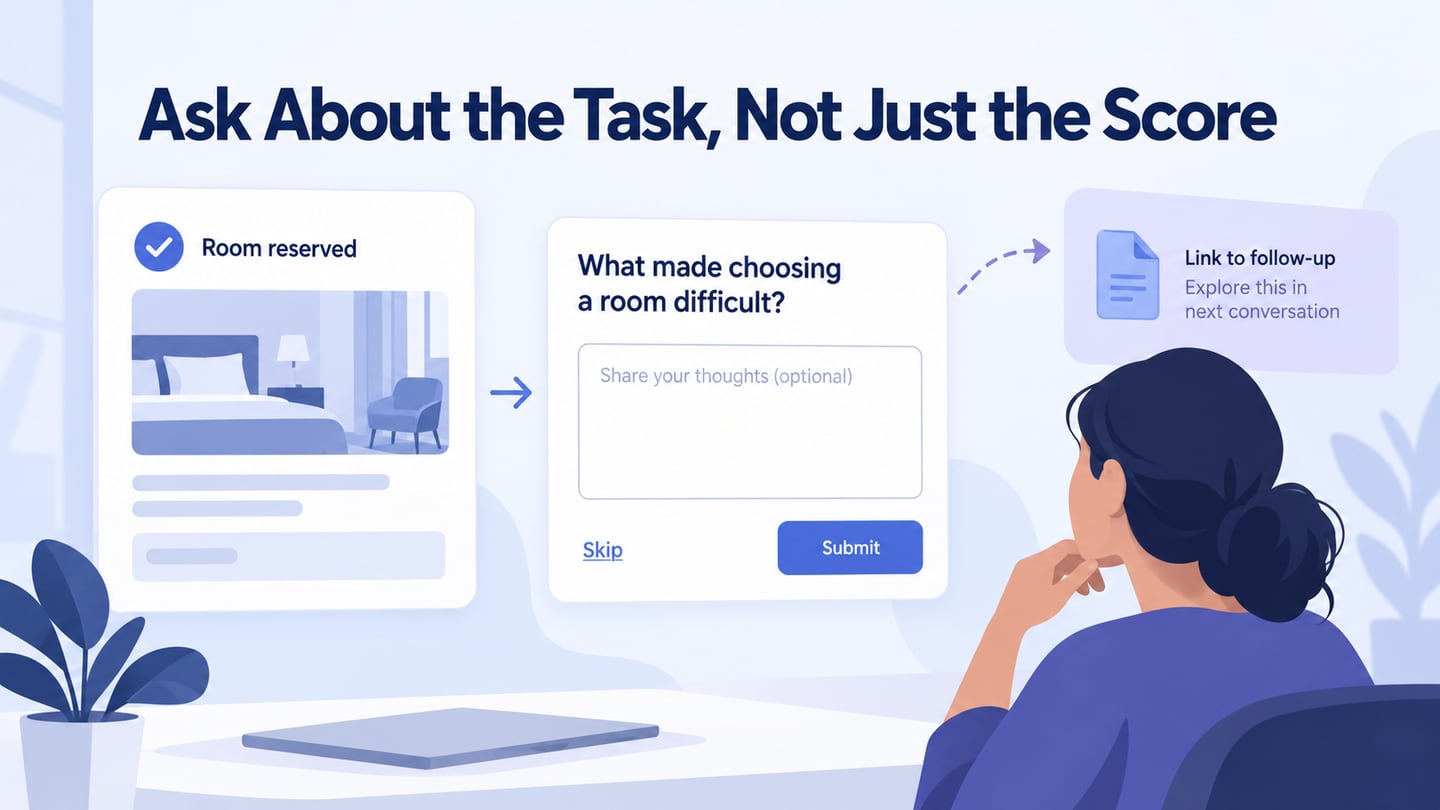

Useful UX examples reveal why a design decision fits a task. Feedback is a good place to start: the question, timing and context influence what you can learn. The ten patterns below focus on collecting and interpreting feedback. Use them alongside a suitable UX research method; a response box or a favorable score does not by itself demonstrate usability or increased revenue.
1. Attach Feedback to the Relevant Context
A comment such as “not working” is difficult to investigate without knowing the task and the part of the interface involved. A contextual report can include the selected area or an optional screenshot, with a clear explanation of what will be sent. Give people a chance to remove sensitive information rather than collecting the whole screen silently.
The useful output is a report connected to a specific question: what was the person trying to do, what happened, and what did they expect? Context helps interpretation, but one report is not evidence of how often the issue occurs.
2. Invite a Conversation With Clear Consent
An invitation to discuss a shopping or browsing experience can reveal reasons that analytics cannot. Make participation optional, state the purpose and expected commitment, and ask separately before recording or screen sharing. Do not interrupt a purchase with an unexpected call. The value comes from the conversation and its appropriate interpretation, not from a clever invitation slogan.
3. Combine Structured Choices With an Open Follow-up
A short set of understandable choices can help organize answers, while an optional open question captures reasons you did not anticipate. Include an appropriate other or not-applicable route instead of forcing every person into your categories. Keep each question tied to a decision and avoid asking multiple different things in one sentence. Report what the sample represents before generalizing.
4. Ask About an Experience After It Happens
ClassPass documents review prompts after a member has attended a reservation and later logs in. This is a concrete example of connecting a question to an experience the person actually had. The transferable lesson is timing and relevance; it does not establish that the same prompt, rating scale or frequency is appropriate for your product.
5. Investigate an Obstacle Without Assuming Its Cause
A long pause in a funnel can mean confusion, comparison, distraction, or simply that the person stepped away. An optional question about what is preventing progress may help, but the timer alone does not diagnose the problem. Keep assistance available without forcing an answer, and compare responses with task observation or other relevant evidence.
6. Learn From a Decision to Go Back
When someone leaves a new workflow for a previous route, a concise optional question can help identify the reason. Do not block the return path or assume the person dislikes the entire design. Preserve unfinished work when possible. Separate a missing capability from unfamiliarity, a technical failure, or a preference before deciding what to change.
7. Put Broad Sentiment Questions in Context
A recommendation or satisfaction question collects a reported attitude, not a direct measure of task success. If you use one, define the audience, timing and follow-up purpose. Avoid prompting only the people who completed everything successfully; that can exclude the difficulties you most need to understand. A modal is not unobtrusive merely because it appears between tasks.
8. Ask What Explains a Rating
A follow-up such as “What would most improve this experience?” can give context to a numerical response. Read the explanation before assigning it to a feature request. Similar scores may reflect different problems, and a single open answer does not quantify their prevalence. Group observations carefully, retain the relevant context, and investigate important ambiguities.
9. Discuss Roadmap Ideas Without Turning Votes Into Promises
A public proposal board can make planned work easier to discuss. Explain whether an item is an idea, under consideration, or committed, and keep that status current. Votes can reveal interest among participants, but they do not establish demand across the whole audience or resolve cost and dependency questions. A conversation about the underlying task is often more useful than a count alone.
10. Listen Beyond the In-product Survey
Support conversations, interviews and public discussions can surface problems that never reach a feedback widget. Treat public comments as leads for investigation rather than permission to expose personal information or proof that the loudest request represents everyone. Follow up appropriately, look for context, and document how the evidence informed the decision.
Choose the Pattern for the Decision
Start by defining what you need to learn, who can answer, and how the answer could change the design. Keep participation proportionate, make optional questions genuinely optional, and record the limits of the evidence. Feedback collection is useful only when the team has a responsible way to interpret and act on it.
Prototype one optional feedback moment
For a fictional room-booking service, show Room reservation saved with Cedar room, 10:00–11:00. Below it, offer an optional question: What made choosing a room difficult? Provide Send feedback and Skip. The reservation remains complete regardless of the answer.
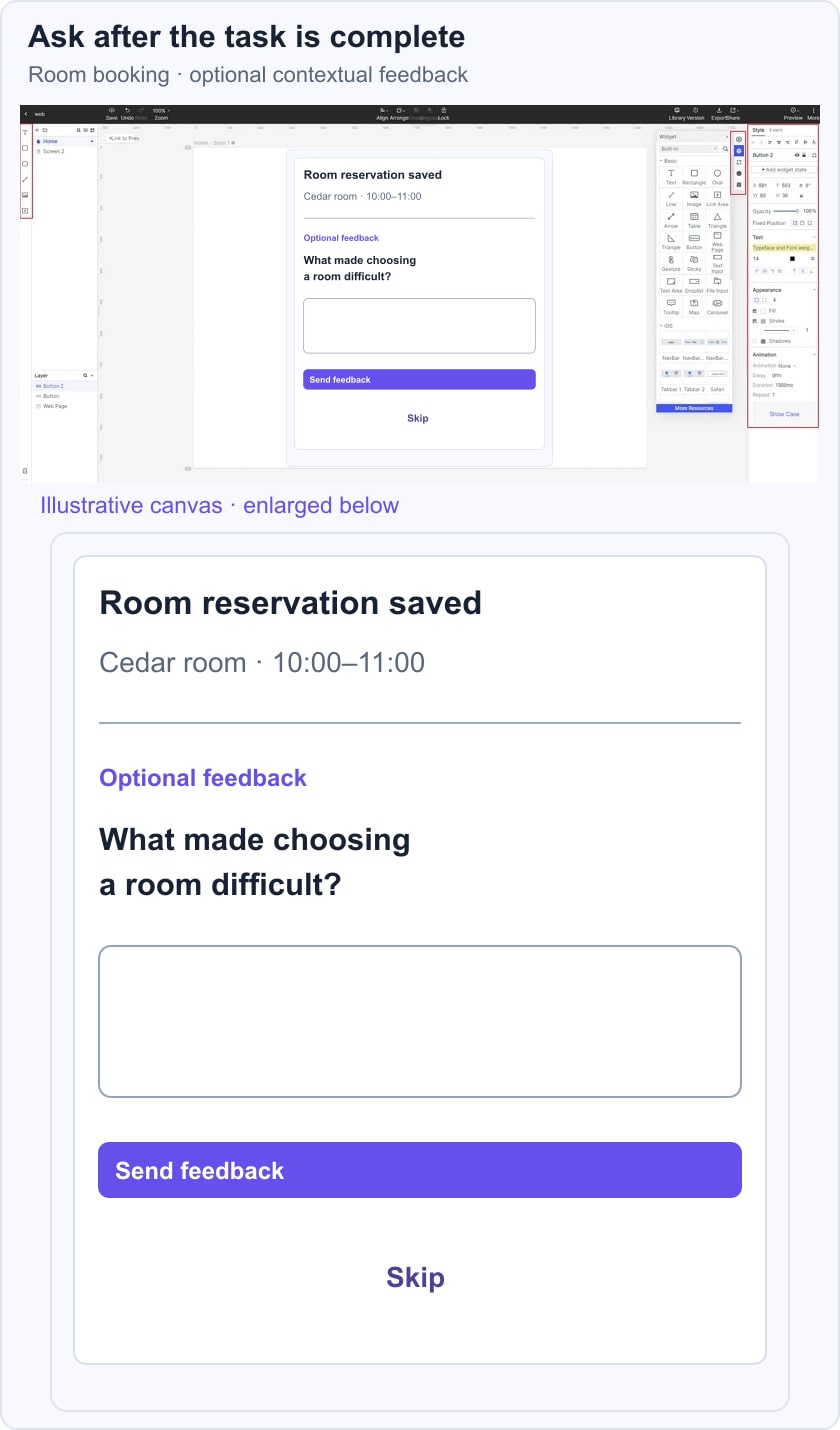
In a prototype of the feedback flow, check whether the confirmation is clear before the question appears and whether skipping returns to the booking without losing it. Also specify where feedback goes and what response, if any, the person should expect. Do not claim the prompt improves satisfaction before gathering evidence.
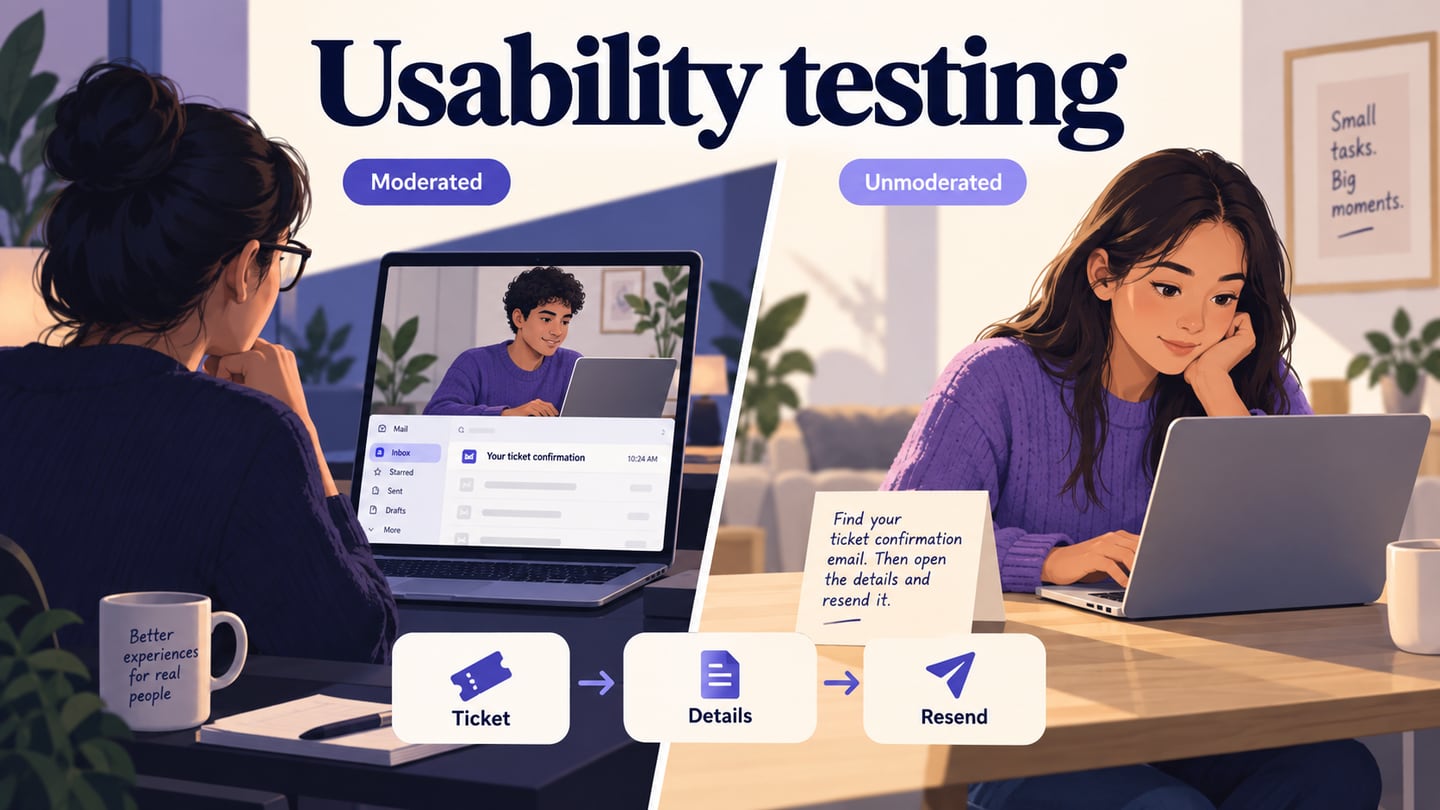
If the answer suggests that room capacity was hard to compare, turn that into a research question and inspect the relevant selection task. Moderated usability testing can help examine the behaviour behind the report. The survey gives a lead; the next method should address what remains unknown.