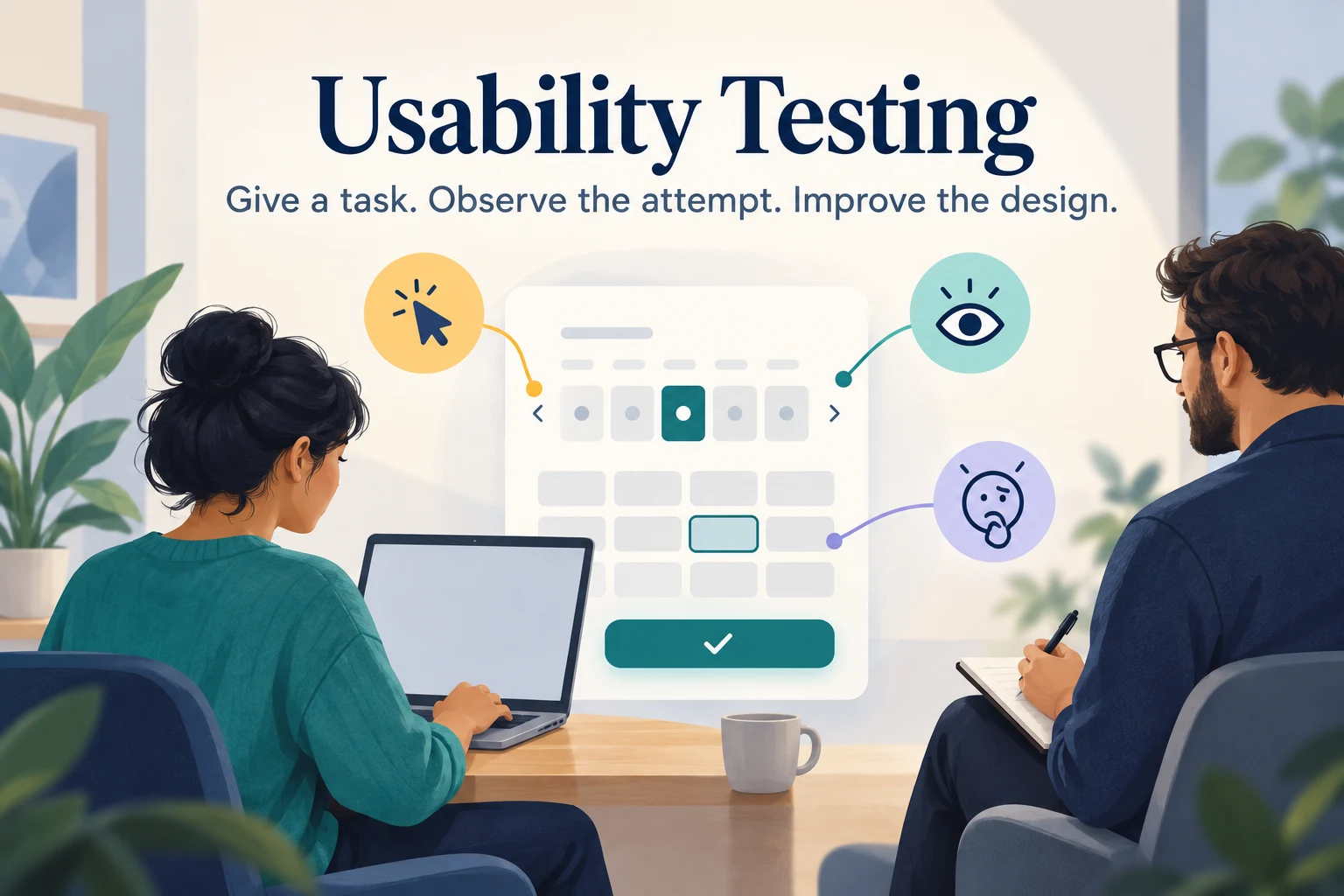
To conduct user experience testing, choose a task that matters, recruit people who represent its users, give them a realistic scenario, and observe what they do before asking for opinions. Record where the task succeeds, where it breaks down, and what evidence should change the design. A useful test produces a decision about the experience, not merely a list of preferences.
You can investigate a live product or a focused clickable flow. For an early interaction review, use Mockitt to prepare a testable prototype with a clear starting screen, the required states, and a recovery path. This guide uses a fictional appointment-rescheduling flow to show how tasks, observation notes, and findings fit together; the example is not a completed research study.
What is Usability Testing?
Usability testing lets you observe software, an app, or another service from a user's perspective. A participant attempts relevant tasks while a researcher observes behavior and asks follow-up questions. Unclear labels, difficult navigation, confusing feedback, and missing recovery routes can become visible during the task.
UX research is broader: interviews can explore needs, analytics can reveal usage patterns, and usability testing can examine how a specific design supports a task. Testing is not a replacement for functional quality assurance, and a participant saying they like a screen is not evidence that they can use it. Nielsen Norman Group's introduction to usability testing describes its central roles: participant, facilitator, and task.
- Observe whether people understand the interface and can reach the intended outcome.
- Explore their first impression and expectations, then compare those expectations with behavior.
- Identify the points that cause difficulty and the context in which they occur.
When to Do UX Usability Testing?
Usability testing can inform discovery, early design, development, and improvements to a live service. Test when a decision is still changeable and you have enough of the experience to investigate it. Early tests can examine labels or navigation with simple sketches; later tests may need realistic content and interactive states.
A high-fidelity prototype is not always required. Choose fidelity around the question: a paper flow may expose a confusing sequence, while a date-selection interaction needs enough behavior to make the choice meaningful. Tell participants what is simulated. If the prototype cannot support a task or an assistive technology, do not interpret that limitation as evidence about the finished product.
What Types of Usability Testing Are There?
Moderation and location are separate choices. A remote session can be moderated or unmoderated, just as an in-person study can use different levels of facilitation.
- Moderated: a facilitator introduces tasks, observes the attempt, and asks neutral follow-up questions. This is useful when the team needs to understand unexpected behavior or investigate a complex task.
- Unmoderated: participants follow prepared tasks without a live facilitator. Instructions must stand on their own, and the selected research system must capture the evidence you need.
Remote Testing
Remote participants use the product from their own location. A moderated session may use screen sharing; an unmoderated study may use a research platform. Recording and interaction capture depend on the tools, permissions, and setup—they are not automatic properties of every remote test. Pilot audio, access, screen sharing, and recording consent before the first session.
Face-to-face Testing
In-person testing brings a participant and facilitator together in a suitable environment. It can help when physical context, equipment, or observation outside the screen matters. Give observers a clear role and avoid interrupting the participant with a stream of questions. If the product is normally used in a busy workplace, note the limits of testing it in a quiet meeting room.
How to Conduct Usability Testing?
1. Find Users
Recruit people who have the relevant need or experience. Asking nearby colleagues is convenient, but they may know the design or lack the real task context. First-time users are appropriate for first-use questions; existing users are appropriate when you need to understand established habits or a changed workflow.
Do not exclude technical people merely because of their profession. A developer can be a representative participant for a developer tool. The concern is prior involvement in the design and mismatch with the target audience. Team members can pilot the setup, but that pilot is not a substitute for research with intended users.
For appointment rescheduling, recruit people who have recently managed appointments online. Include the relevant device habits and access needs. Use screening questions about experience, rather than telling respondents which answers qualify them.
2. Define the test objectives and goals
Specify what the session must teach you before writing the tasks. For this example, ask whether a person can find an existing appointment, select a suitable new slot, and explain whether the original appointment remains booked. Decide what observable behavior would answer each question.
| Research question | Participant scenario | Evidence to observe |
|---|---|---|
| Can people find the change route? | You cannot attend next Tuesday. Find out how to move your appointment. | Starting route, labels considered, wrong turns, help needed |
| Can people select an acceptable slot? | Choose another appointment after 3 p.m. next week. | Availability understood, date/time selected, constraints noticed |
| Is the result clear? | Finish the change and explain what you believe is booked now. | New slot understood, original-slot status, next action |
Avoid instructions such as “Click Reschedule,” which reveal the interface answer. Define task completion before the session: for example, the participant reaches the confirmation with a qualifying slot and correctly explains the booking. Keep assisted and unassisted completion separate.
3. Prepare the test object
A live website also needs preparation: confirm accounts, sample data, permissions, and a safe way to reset the task. For a prototype, include the main route and the states needed by your research questions. A simulated calendar should offer meaningful choices; a single clickable rectangle can make a task look easier than it is.
For the example, prepare Appointment detail, Available slots, Review change, Confirmation, and a Slot unavailable state. In Mockitt's preview, begin at Appointment detail and check the route to the confirmation. Then test Back and the unavailable-slot recovery path. Record any deliberately unbuilt interaction, and reset the chosen date before each participant. This preparation checks the research instrument; it is not evidence of usability.
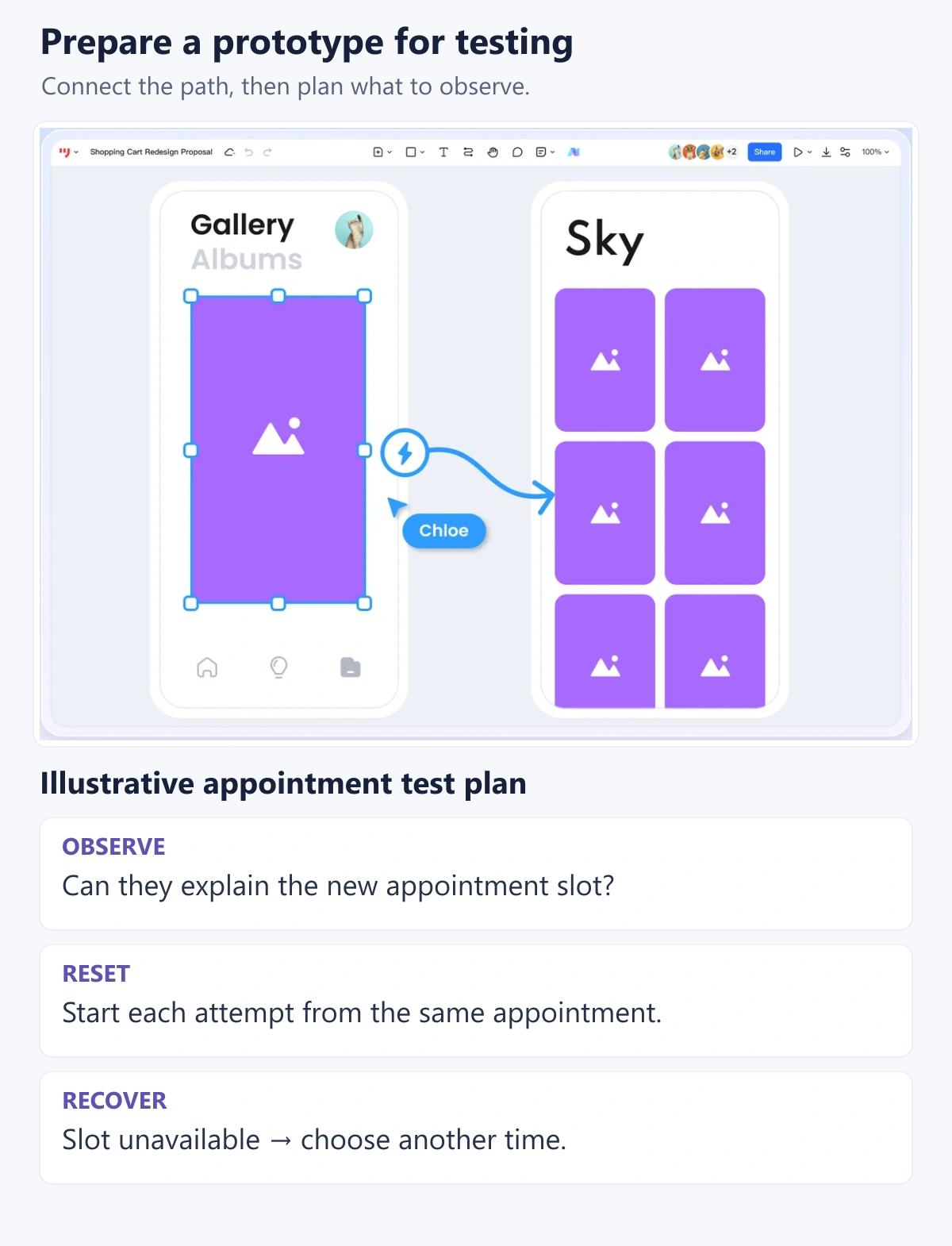
Keep an observation sheet ready with participant code, task, prototype version, action, outcome, assistance, and note. Use fictional appointment data. If a participant encounters a prototype dead end, record it as a prototype limitation and adapt the session consistently instead of scoring it as a design failure.
4. Prepare Questions and Run the Session
Start with a short explanation: the design is being evaluated, the participant is not being graded, and they may stop. Explain any recording and observers. Present one scenario at a time, allow the participant to attempt it, and ask them to describe what they are thinking when that fits the study.
Use neutral prompts such as “What are you looking for?” or “What did you expect to happen?” Avoid teaching the interface or defending the design. If someone is stuck, allow a reasonable attempt, record the difficulty, then offer the minimum help needed to investigate the next part. Note that assistance explicitly.
A questionnaire can capture perceived ease or confidence, but keep those responses separate from observed performance. After the rescheduling task, ask “What do you believe is booked now?” before asking how easy it felt. A positive rating can coexist with misunderstanding the result. If you use a standardized scale, retain its wording and scoring method rather than inventing a percentage from a few responses.
5. Create a Test Report
Document findings, including positive behavior worth retaining. Connect each finding to an observation, the affected task, its impact, and a proposed next decision. Distinguish what happened from your explanation of why it happened.
| Record field | Illustrative entry |
|---|---|
| Observation | A participant reaches confirmation, then returns to the old appointment to check whether it still exists. |
| Interpretation | The confirmation may not make the replacement of the old slot clear. |
| Impact | Uncertainty after completing the main task; possible repeated booking checks. |
| Next action | Clarify old/new slot status in the summary, then test comprehension again. |
| Evidence required | Actual session note, participant code, version, and timestamp before treating this as a finding. |
This table is an example format, not a claim that a study produced that result. In a real report, include the observed count and denominator when useful, but do not present a small qualitative sample as a population percentage. Prioritize by consequences, recurrence in the study, and recovery difficulty. Assign an owner to each decision and retain unresolved questions for the next round.
How Do I Recruit Participants for My Usability Test?
Identify the behaviors and constraints that define likely users: frequency of the task, familiarity with the domain, device, language, and access needs. Customer support and other teams can help describe these characteristics and find recruitment channels, but their opinions are not participant evidence.
Prepare a short screener, check availability and accessibility needs, explain the session, and handle consent and incentives consistently. For rescheduling, avoid recruiting only people who book every week if occasional users are part of the intended audience. Include the relevant range rather than assuming one participant represents an entire group.
The GOV.UK moderated-testing guide provides practical guidance on neutral tasks, facilitation, and preparation. Use it to plan a consistent session rather than improvising a different procedure for each person.
How Many Participants Do I Need for Useful Usability Testing?
The number depends on the question, method, diversity of users, and decision risk. A small qualitative round can reveal problems and support iteration; it cannot establish a precise completion rate for an entire customer population. GOV.UK's research-planning guidance describes 4–8 participants as a usual range for a round of methods such as usability testing, with further rounds when needed.
Five participants are not a guarantee that a fixed percentage of problems will be found. Nielsen Norman Group's small-round testing argument concerns iterative discovery and comparable users; distinct groups and different tasks can require broader coverage.
For quantitative comparisons, plan sample size around the measure, expected variability, effect you need to detect, and desired uncertainty. Twenty participants per condition do not automatically make a result statistically significant. If a release decision depends on a measured improvement, use an appropriate study design and statistical planning.
How Long Does a Usability Test Have to Last?
There is no universal 15-minute session or three-week project. Duration depends on task complexity, participant needs, setup, and follow-up questions. A short study of one label may be brief; a multi-step workflow needs more time. Pilot the session to check the estimate and avoid exhausting participants.
For the rescheduling example, an initial plan could reserve 5 minutes for introduction and context, 20 minutes for the tasks, and 10 minutes for follow-up. Treat that as a planning example and adjust after the pilot. Budget recruitment, analysis, design changes, and a follow-up round separately from session time.
Conclusion
User experience testing helps teams make design decisions from representative users' behavior. Start with a specific question, build only enough of the task to investigate it honestly, observe without leading, and connect findings to changes that can be checked again. The useful output is a clearer decision and evidence trail—not an unsupported claim that a design has passed every usability test.