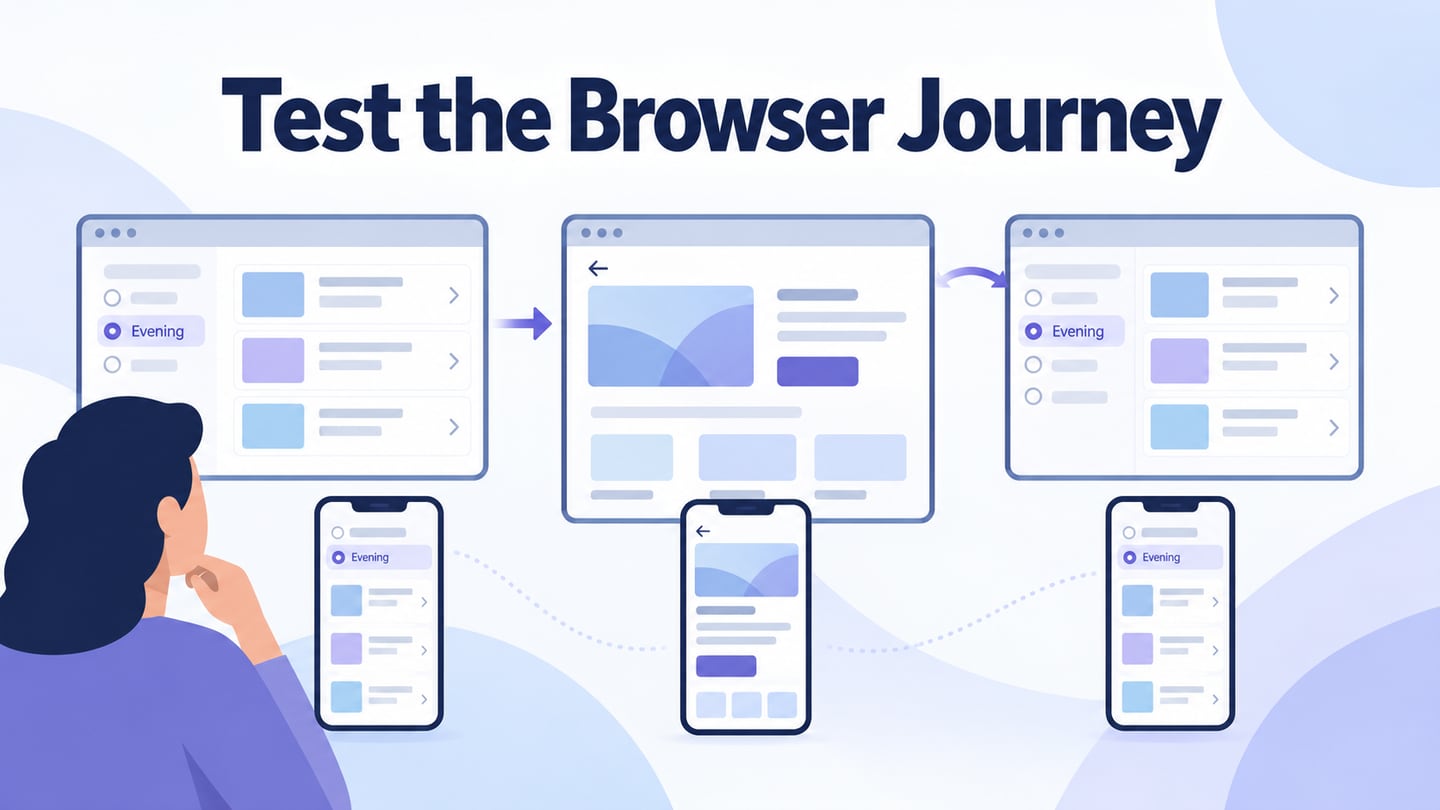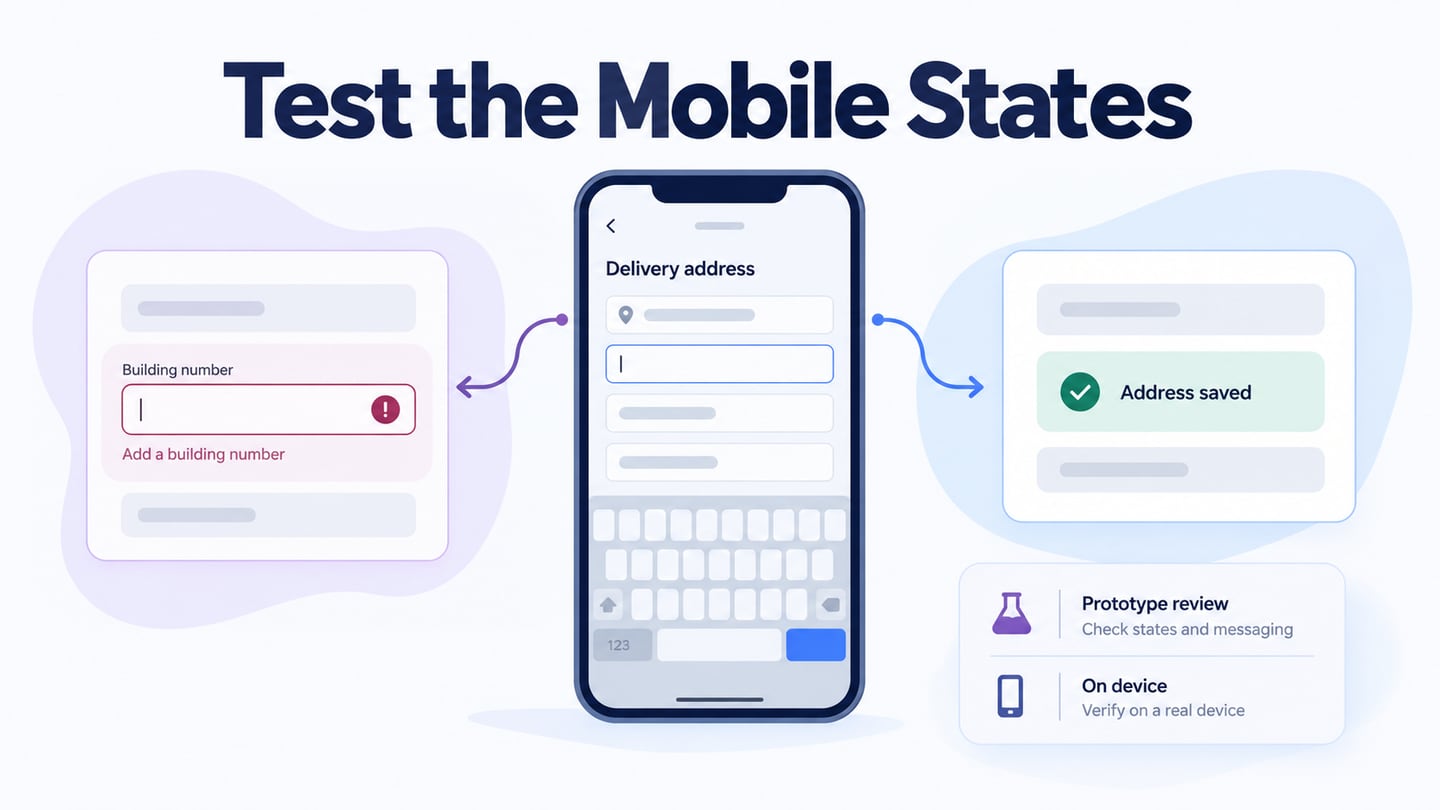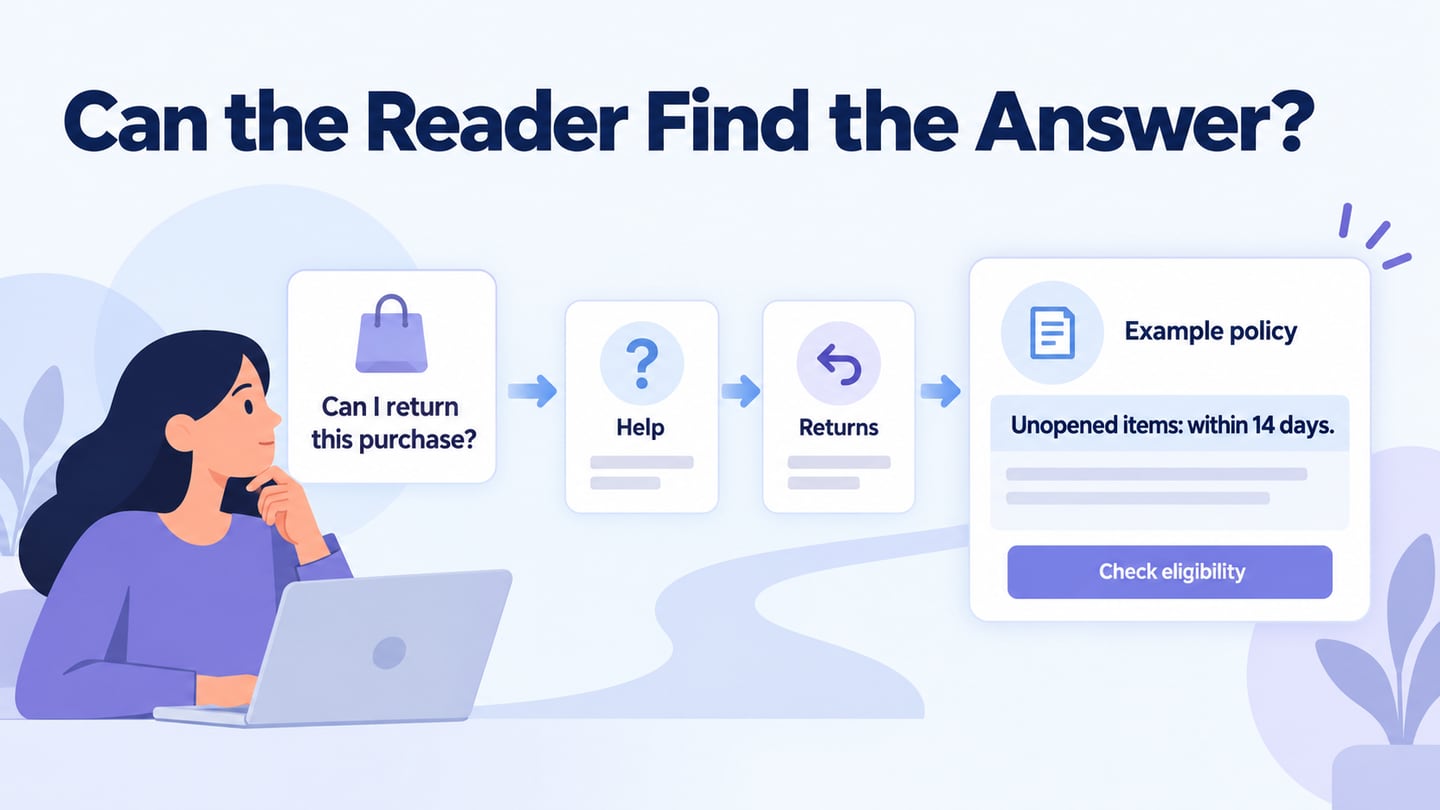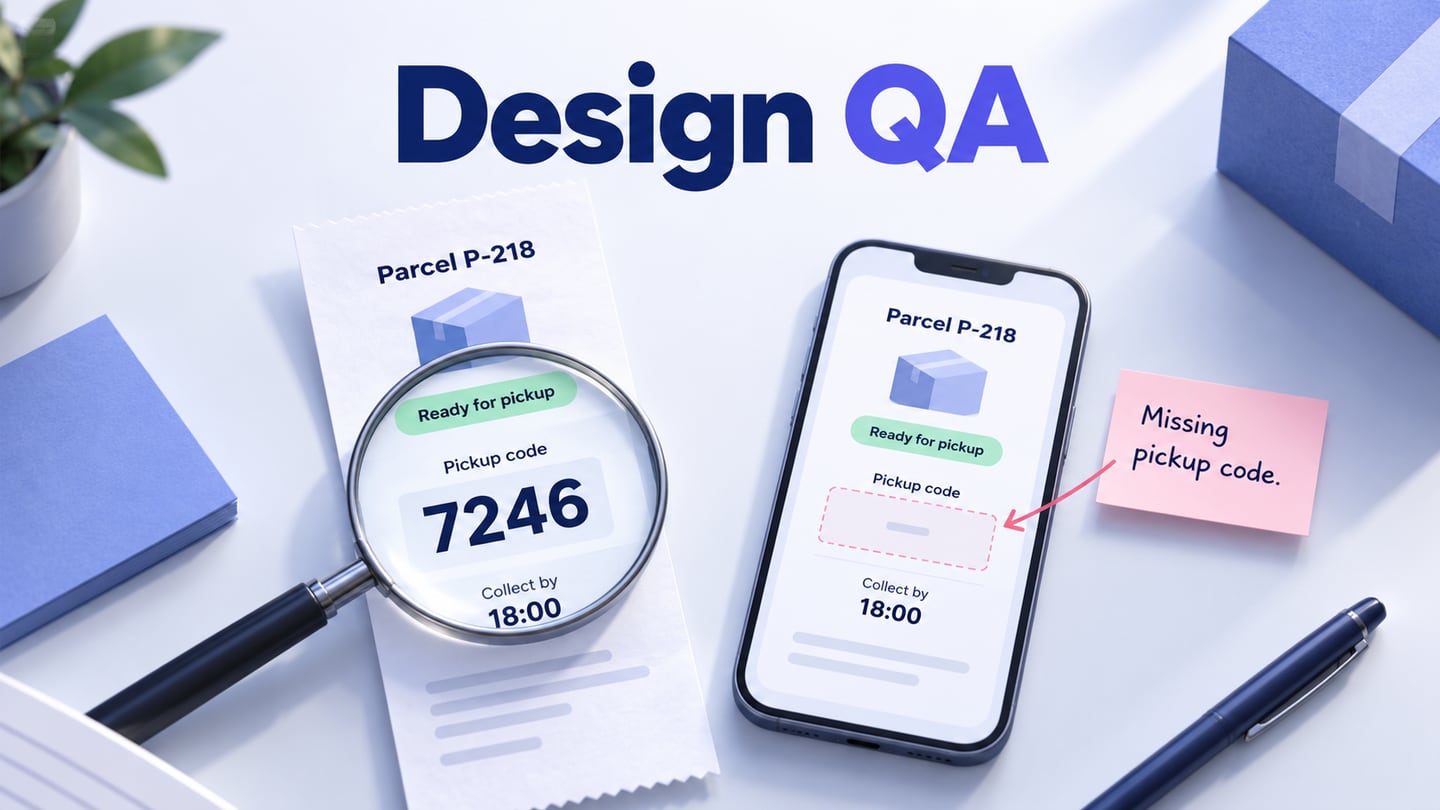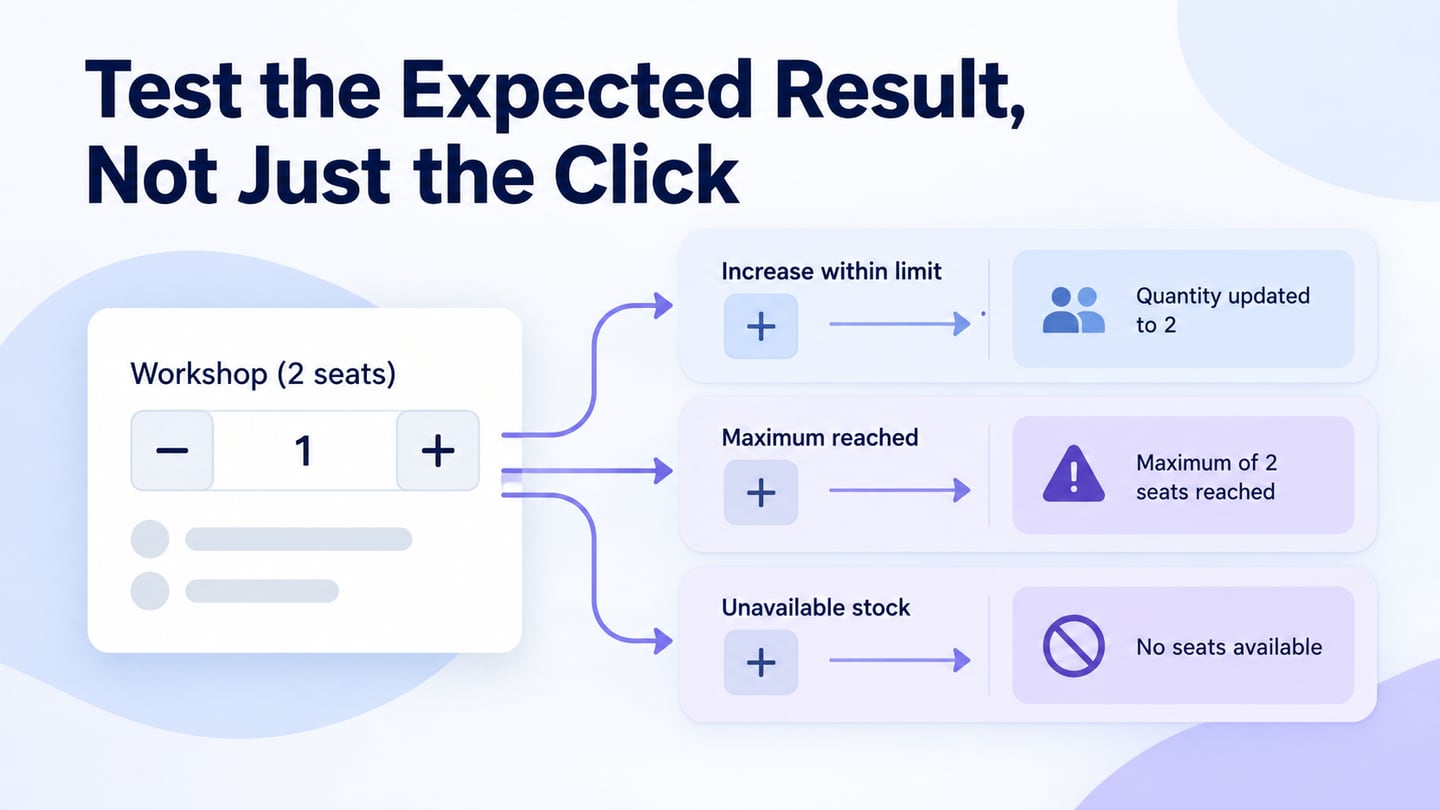
UI testing checks whether the visible interface behaves as expected under defined conditions. It includes controls, messages, layout and navigation; broader performance, accessibility and usability work requires additional methods. A shared interface prototype can help review a proposed flow early, while tests of the implemented application verify actual behaviour. Keep those two kinds of evidence separate.
What Mockitt Can Help You Review
Mockitt can support designing screens, linking states and sharing a prototype for feedback. Use it to examine labels, sequence, expected messages and missing branches before implementation. It is not a substitute for an automated test runner that executes the production application, checks real data, or measures its performance.
Share the relevant flow with reviewers and use comments to connect observations to specific elements. Confirm access and the version under review. Feedback from teammates is useful for rules and scope; representative users are needed when the question concerns how the intended audience understands the task.
A Practical UI Testing Workflow
Begin with the requirement and the result you need to verify. Then decide whether the question can be answered by prototype review, manual application testing, automated checks, or a combination. A tool should follow that choice rather than define the whole testing plan.
Step 1: Build the Relevant Prototype or Test Setup
- Name the task and state its starting conditions. For example, the person is signed in and two workshop seats remain available.
- Identify the controls and messages needed to complete the task. Include relevant pending, error and unavailable states rather than only the successful screen.
- In a prototype, add the components required to represent those states.
- Arrange them with realistic labels and data so the reviewer can interpret the decision.
- Connect the relevant actions to their intended results, and note which rules are simulated.
- For the implemented application, prepare controlled test data, account permissions and a known starting state. Do not run consequential tests against real customer records without an appropriate test environment.
Step 2: Inspect and Exercise the UI
- Preview the prototype to check the proposed sequence and wording. In the actual application, execute the test steps and compare the observed result with the stated expectation. Inspect layout, input behaviour, keyboard access and error recovery as relevant. A screen looking correct in preview does not prove that the application saves the right data.
Step 3: Review With the Right People
- Ask stakeholders to check the rules and ask likely users to attempt relevant tasks when usability is the question. Give neutral instructions rather than narrating the route. Record what happened, where it happened, and whether assistance was required. Keep observations distinct from preferences and suggested solutions.
Tips for a Useful UI Test Plan
A useful test record contains a precondition, action, expected result, actual result, environment and evidence. This makes a failure reproducible and helps distinguish a design ambiguity from a software defect.
Write a test case before running it
For a fictional workshop booking, suppose two seats are available and the quantity is already two. The test action is to attempt an increase. The expected result is that the quantity stays at two and the limit is understandable. If the interface disables the increase control, a visible explanation such as Maximum available selected should still communicate why.
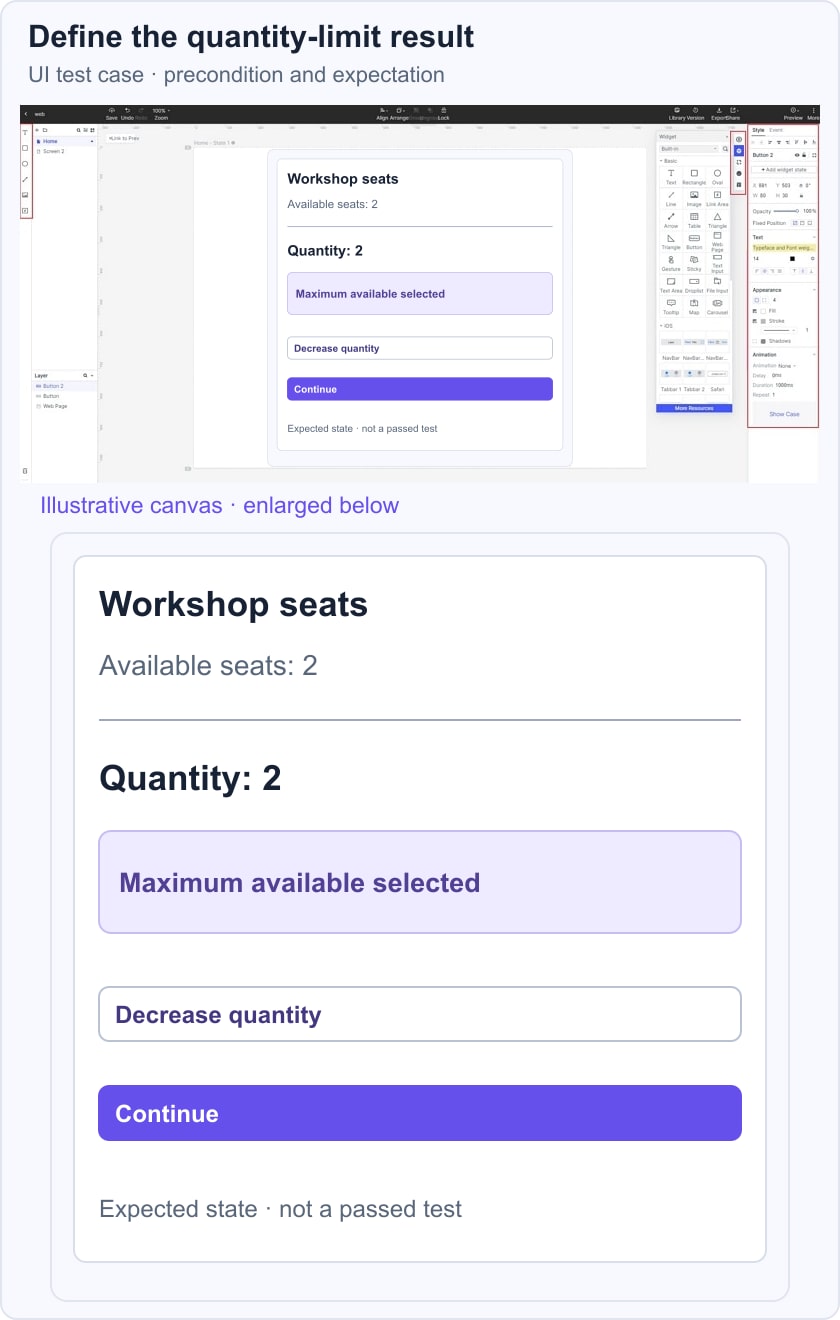
Add separate cases for reducing to one seat, invalid direct input if typing is supported, and availability changing before confirmation. Record the actual result only after executing the case. The example defines expected behaviour; it does not claim any test has passed.
In a prototype review, inspect whether the limit and next action make sense. In implementation testing, verify the data rule and repeated requests as well. Connect unresolved behaviour to functional specifications so the expected result is agreed rather than guessed.
Choose Which Cases to Automate
Repeated, stable checks with clear outcomes are often useful automation candidates. Exploratory work and evaluation of whether people understand a task require human judgment. Account for setup, maintenance and failure diagnosis rather than automating every control. Playwright’s testing guidance emphasizes user-visible behaviour and independent test setup for browser applications.
Test Early and Revisit Meaningful Changes
Review a risky decision while it is still inexpensive to change, then test the actual behaviour as implementation becomes available. Repeat relevant regression checks when the affected functionality changes. Earlier testing can reveal some problems sooner; it does not guarantee every defect will be found.
For an early accessibility pass, use the prototype accessibility testing checklist to document layout and focus intent separately from checks that require a real browser and assistive technology.
Choose Tools by the Question
Use a design tool for representing an idea, a test runner for repeatable application checks, and appropriate research methods for usability. Accessibility evaluation needs tools and knowledgeable human review: W3C’s evaluation guidance explains why a tool alone cannot determine conformance. No single product supplies all these forms of evidence.
Recruit and Assign Reviewers Deliberately
Match participants to the task and research question. Teammates can identify requirement conflicts, while intended users can reveal misunderstandings the team no longer notices. Include relevant accessibility needs and levels of experience. Do not treat a collection of favorable opinions as proof that the workflow is usable.
Make Time for Analysis and Retesting
Allow time to reproduce failures, clarify the expected behaviour, fix the cause and check the changed path again. Prioritize by impact and risk rather than the number of screenshots collected. A test cycle is complete when its findings and remaining limitations are understood, not merely when someone has clicked through every screen.