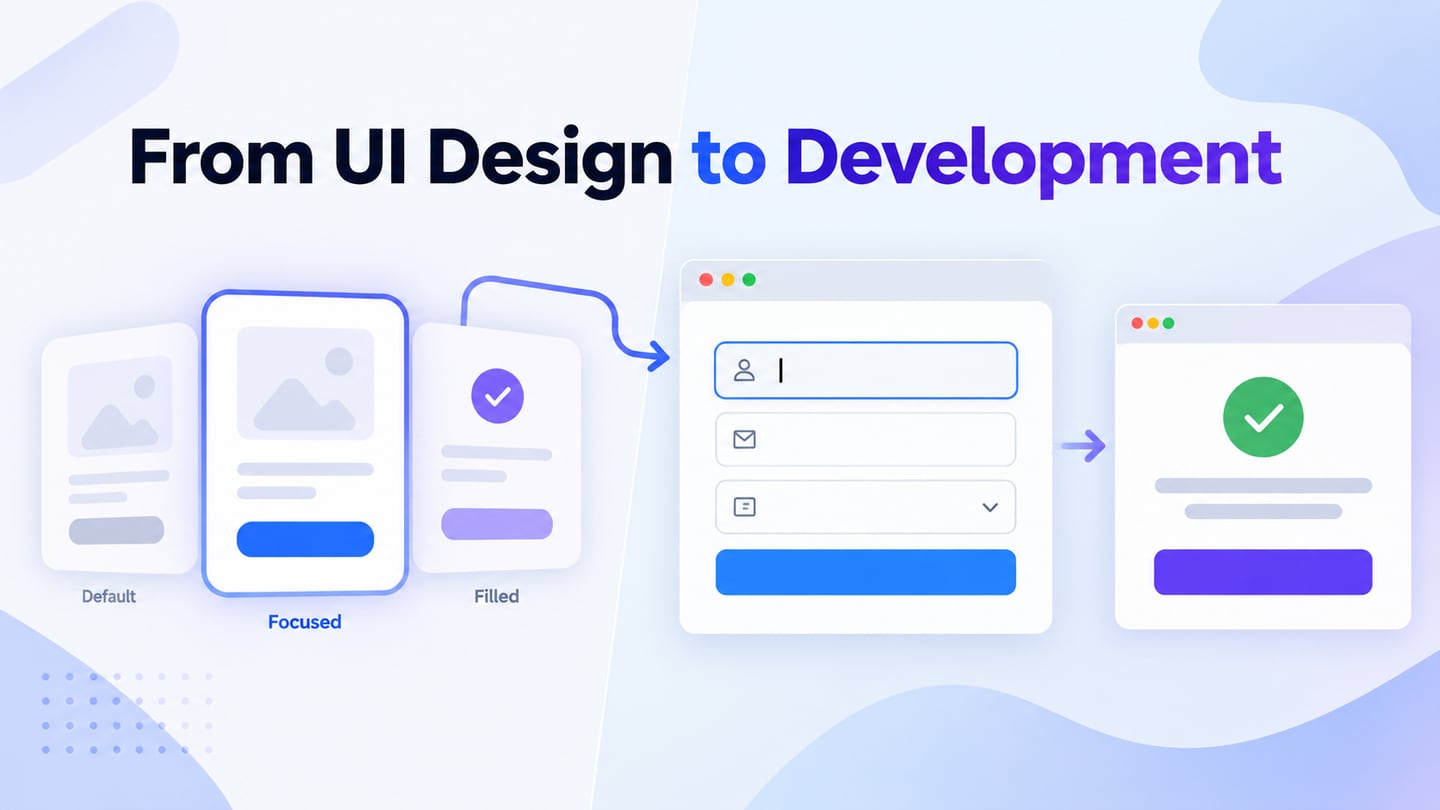
UI development turns an interface design into working controls, layouts, and states. UX work considers the wider experience of completing a task, including whether the interface solves the right problem. The two overlap, but a visual prototype and a production application are different deliverables. Use an interactive prototype to discuss the intended behavior before committing to implementation.
Use Mockitt Before Implementation
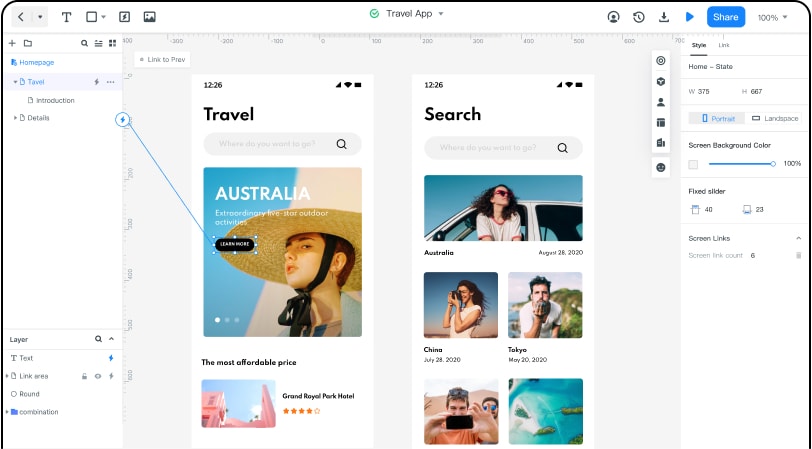
Mockitt supports the design and review part of UI and UX work: arrange screens, connect a task flow, and share the concept with reviewers. It does not replace application development, backend services, or implementation testing. The historical editor image below illustrates linked screens; the feature groups that follow explain how to use a prototype as a design reference.
Asset Library
The asset library provides starting elements that you can adapt to the product’s vocabulary and task.
- Starting assets: Choose suitable widgets, icons, and templates, then replace example content. Check the current workspace and plan for availability rather than assuming every asset is free.
- Reusable assets: Save and reuse consistent elements so a change to one pattern can be discussed across the screens that use it.
- Team assets: Use the sharing and library options available in your workspace, and agree who maintains the patterns. Avoid treating a library as a substitute for documented usage rules.
Design
Represent screens and interaction states visually before building the working interface.
- Arrange components from the asset library, then check the layout with realistic labels and content lengths.
- Connect imported design images with link areas when you need to explain a flow; these links do not implement the underlying application logic.
- Preview supported gestures and transitions where they help explain the task. Record behavior that must be tested in the real browser or app.
Efficient Presentation and Review
A review is more useful when the audience knows the task and the questions to answer:
- Use presentation or preview modes to inspect the flow at a relevant size.
- You can let others see your prototype by merely sharing a link or QR code.
- Collect comments from the reviewers who have access to the project.
- Before an offline presentation, check the export or preview options available to your workspace and test the chosen file in advance.
Cloud Editing
You can quickly start using the software directly through the browser without installing.
- Check that the current revision has saved before sharing it, and keep a clear record of important design decisions.
- Use shared links to help reviewers find the intended project and revision instead of exchanging unrelated copies.
- Review workspace permissions and your team’s backup requirements; cloud editing does not guarantee that data can never be lost.
Multi-member collaboration
Mockitt supports shared review and collaborative design work. Assign responsibility for changes and document unresolved questions. For a UI design process, the handoff should include states and behavior as well as the finished-looking screen.
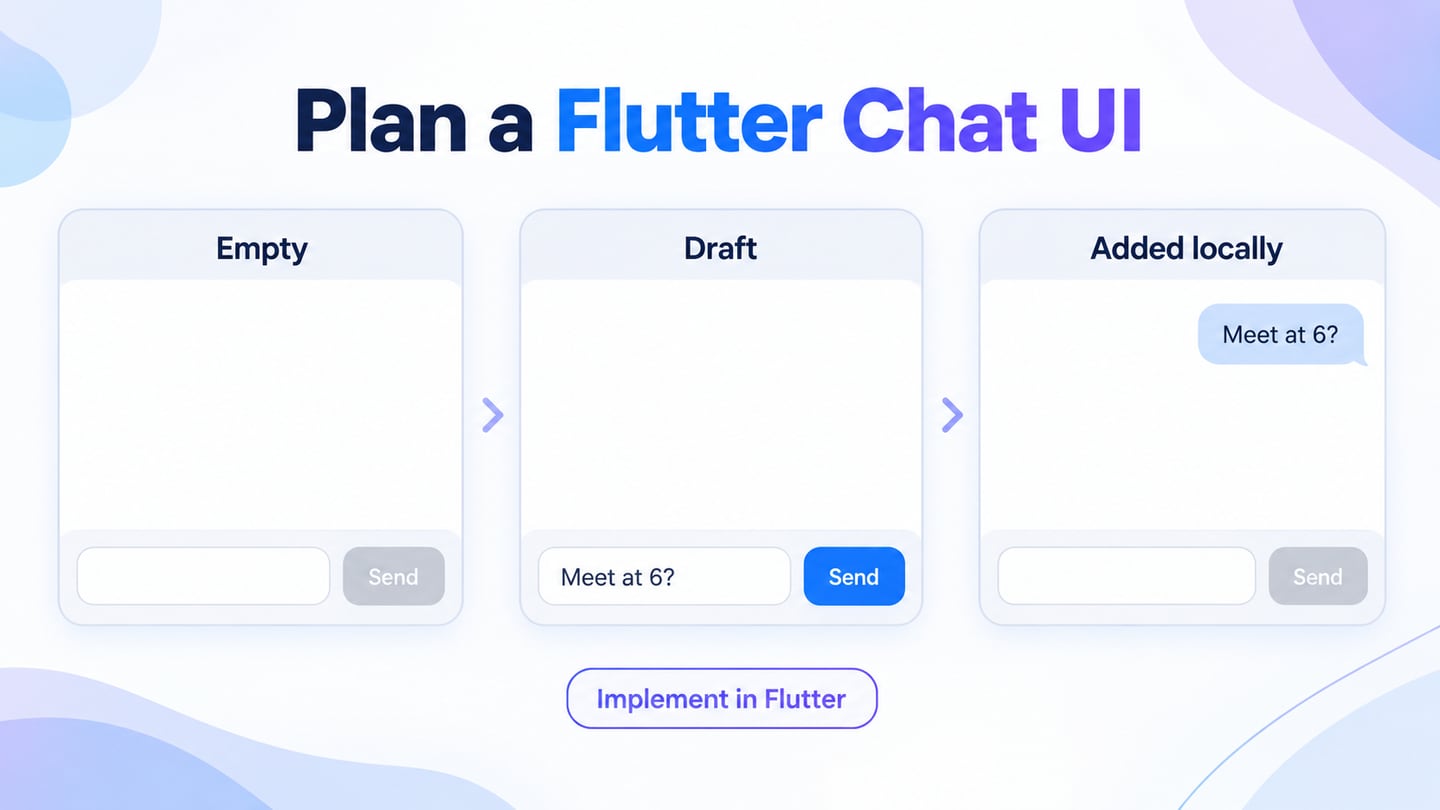
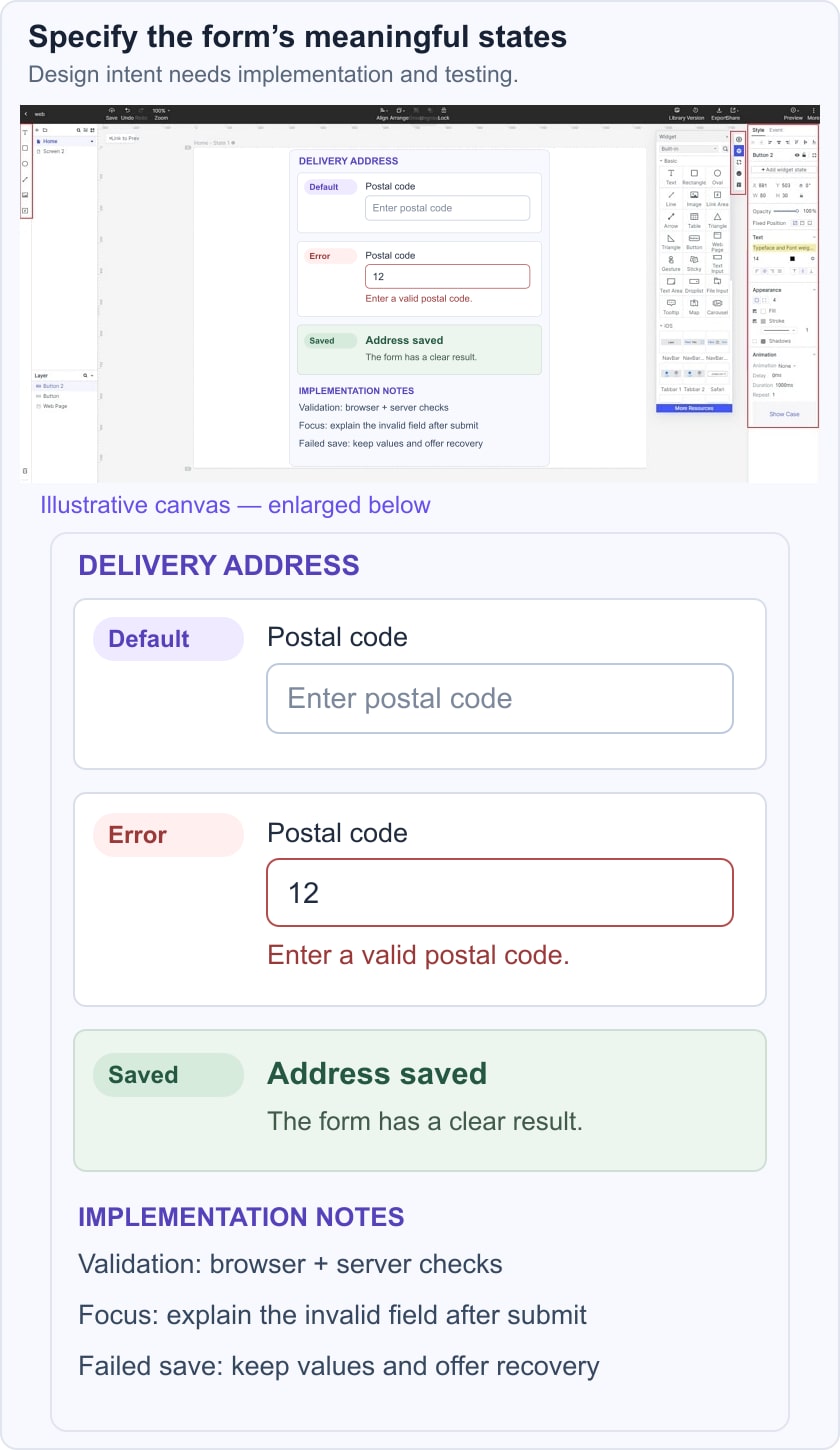
For a delivery-address form, prepare three states: a blank form, an invalid postal-code message, and a saved address. Beside them, note whether validation happens in the browser or on the server, where focus moves after submission, and how a failed save is explained. Use sample details rather than personal customer data. The developer can then implement and test those rules instead of guessing them from a single screenshot.
What Is User Interface Development?
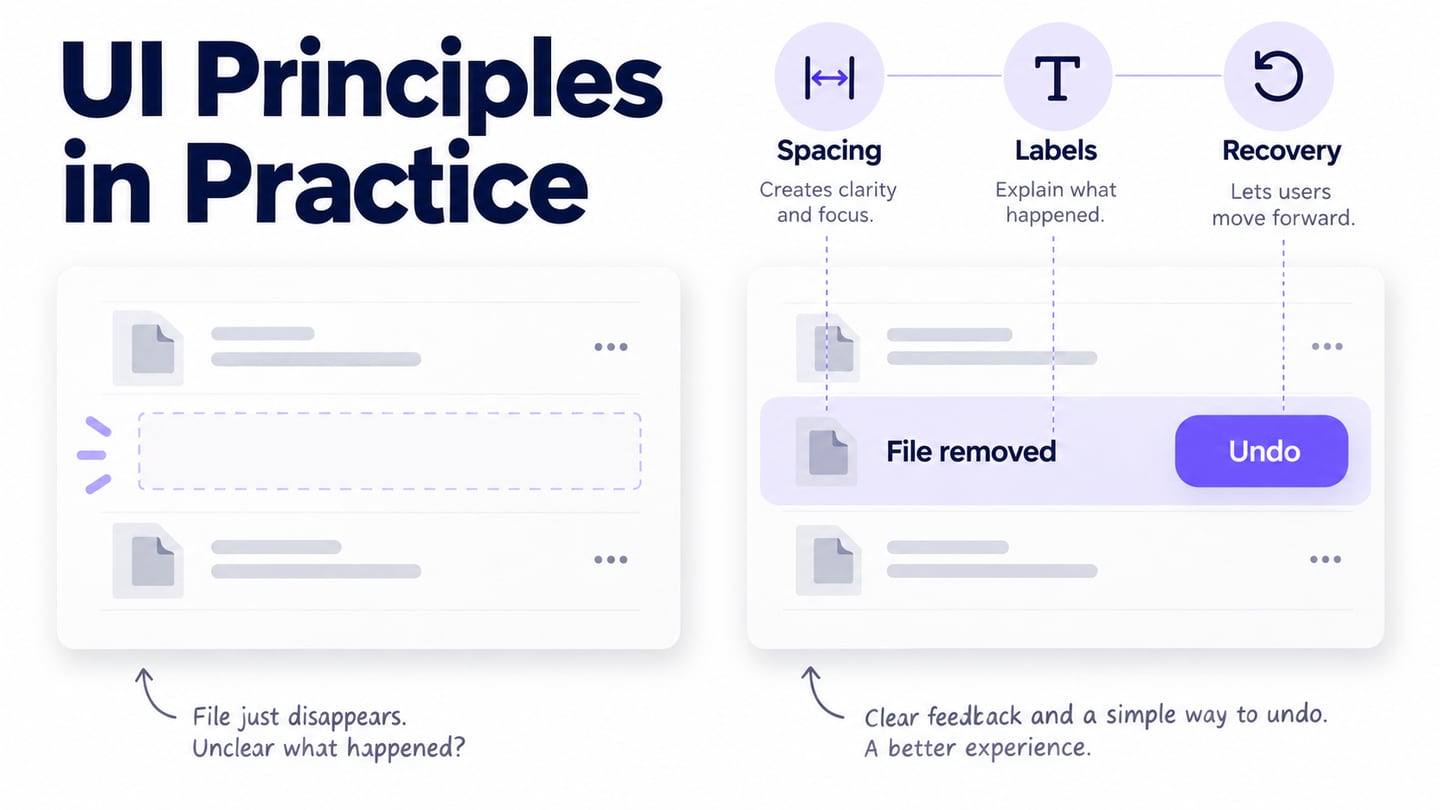
UI development is the implementation of the part of a product that people interact with. On the web, it involves semantic HTML, CSS, JavaScript, responsive layouts, accessible controls, and integration with application state and services. MDN’s core web-development curriculum provides a useful overview of these foundations. Typography, colors, and icons matter, but so do loading, error, disabled, and success states. A React component library such as Material UI can supply implementation building blocks; the team still needs to choose the right behavior and test it.
What is UX Development?
“UX development” is used differently by organizations, so clarify the role rather than assume one universal job description. Nielsen Norman Group’s definition of UX covers a person’s overall interaction with a company, its services, and its products. Research, information architecture, interaction design, content, and evaluation can all contribute. In the address-form example, UX work asks whether the required information is understandable and necessary; UI development makes the fields, validation, and saved result work reliably. Both need feedback from users and evidence from the implemented experience.
Agree on the evidence needed before launch: a user can complete the task, the controls work with a keyboard, errors explain how to recover, and the responsive interface remains usable at small widths. A successful prototype review is a useful step toward that result, not a replacement for those checks.