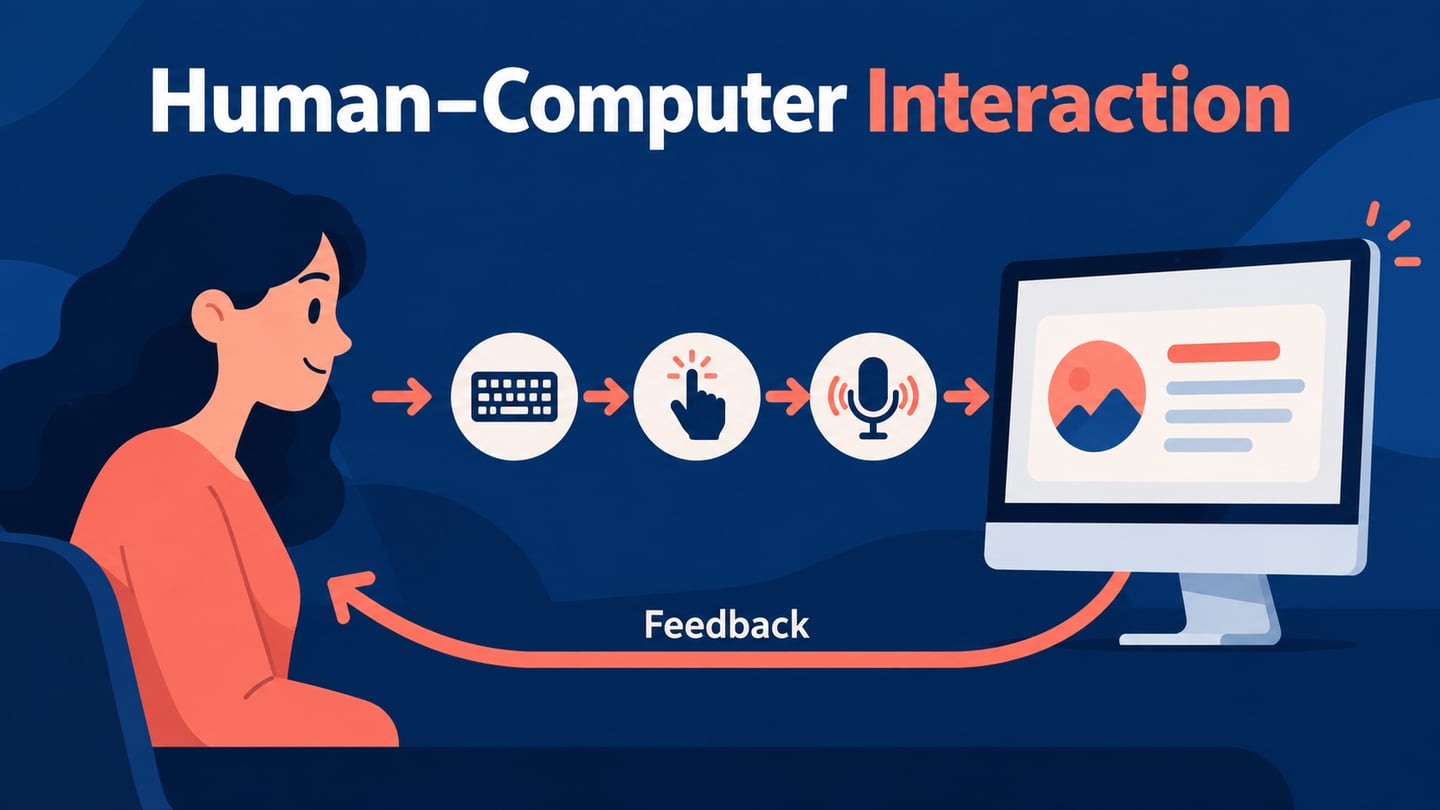
Google User Experience Research invites people to give feedback on Google products through research studies. To take part, register through Google’s official research program and wait for a suitable study invitation. Signing up does not guarantee selection or a reward. This guide explains participation and introduces tools used in broader UX research work.
- Part 1: What is Google User Experience Research
- Part 2: How to Use Google User Experience Research
- Part 3: The Best Tool for User Experience Design
What is Google User Experience Research
Google user experience research is a structured program that invites users to give feedback on Google products (both in development and live products). Google users and non-users talk to the Google user experience research team and detail their thoughts about Google products and features by participating in user research studies.
The five tools below support different parts of independent UX research, such as organizing findings, recruiting participants or evaluating prototypes. They are separate products, not a list of tools required to join Google’s research program.
1. Miro
Miro enables ux researchers and designers to create end-to-end design flows, organize insights and collect feedback without constraints. Miro allows you to create visual customer journey maps and empathy maps, on a canvas. All the ux research can seamlessly be translated to designs as well.
2. Maze
Maze enables you to test your prototypes with real users real fast and get quantifiable insights you can act on instantly. You just need to paste a link to your prototype to get started with Maze.
3. Respondent.io
If you are looking to conduct user interviews, respondent has to be your best choice. The tool helps you gain a deep understanding of your target audience by recruiting business professionals and the general population for research interviews.
4. Qualitrics
Qualtrics is a great choice for ux researchers looking to run surveys with their target audience. You can collect feedback from customers at every meaningful touchpoint and instantly analyse their comments.
5. UserTesting
This is another tool that helps you get remote or in person feedback from a largest and most diverse first-party panel.
How to Use Google User Experience Research
Google runs several kinds of studies, including remote sessions, in-person research, longer studies and surveys. Some eligible sessions offer a thank-you gift, but a gift is not guaranteed for every participant or study. Surveys typically do not include one. Check the invitation and Google’s program FAQ for the applicable terms.
If you are 18 years and older and have ever used the internet in any way, you can apply to google user experience research. You don't even have to be Google user, a fan of technology or a computer expert to sign up.
During registration, provide accurate information so the research team can consider you for suitable studies. If there is a match, Google may send a follow-up questionnaire and an invitation with the session details. Not everyone who registers is selected, and an invitation may not arrive immediately. The invitation explains the format, timing and any participation requirements.
The Best Tool for User Experience Design
Every ux research eventually ends up as input to user experience design. As you design a product or service for your end users, it is natural that you will need to start creating prototypes and visual designs. You may also need to further validate the prototypes you create with end users.
Mockitt provides an online workspace for creating interface designs and prototypes. Use components and widgets to represent a task, connect the relevant screens and share the result for review. A prototype helps you discuss an idea with participants; it does not replace recruiting users or planning a research study.
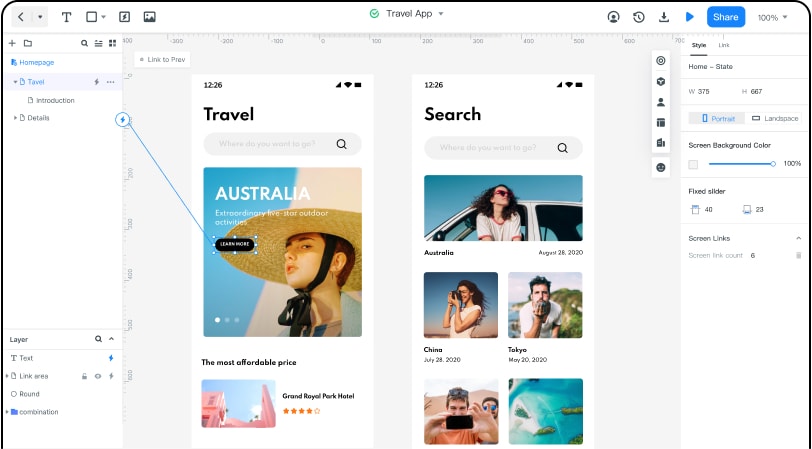
All your historical changes are available in one place and you can retrospect them at any time. Mockitt also makes collaboration efficient by allowing multiple users to create versions and manage them as a team. Mockitt version control focusses on continuous creation, none of your ideas are wasted and product iterations are a lot more seamless and clearer. Mockitt is a cloud-based prototyping platform which lets you test, share, and gather feedback quickly while saving data. Therefore, it is a tool that you would like to start using not just for visual design but also while testing ideas and concepts.
Google’s program lets selected participants contribute feedback to Google research. For your own product, start with a research question and recruit people who match the intended users. Mockitt can help turn proposed design changes into a prototype to review; the study method and interpretation remain part of your research process.