Application design is the work of defining how an app helps people complete tasks: its content, screens, navigation, interactions, and feedback. It connects user needs with an interface that a team can build and test. Visual styling is one part of this work, rather than the whole process.
Building an application involves many considerations, from the purpose of the app to the situations in which people use it. Whether the task is messaging, posting, gaming, taking photographs, or booking a service, the design needs a clear outcome and an understandable route to reach it.
Good app design balances utility, accessibility, visual clarity, and simplicity. Mockitt’s UI design workspace can help a team arrange interface elements and keep reusable components consistent while developing that design. Start with the task and required content before choosing decorative details.
What is Application Design? - A Brief Introduction.
Application design brings together user experience and interface design. It includes understanding the user’s goal, organizing information, planning the sequence of screens, and defining what happens when someone takes an action. Development, marketing, and launch depend on that work, but they also involve separate technical and business responsibilities.
From deciding the layout and wording to reviewing the flow, the work commonly includes the following activities. They overlap: feedback can send the team back to research or problem definition.
- Research
Research begins with the people who will use the application and the circumstances of their task. Understand the existing workflow, market alternatives, costs, and constraints. Interviews, observation, and support questions can help reveal where the current approach fails. A competitor’s feature is a useful reference, not evidence that your users need the same thing.
- Ideation
Ideation brings research into possible solutions. Sketch different routes through the task, identify the information each screen needs, and compare the trade-offs before committing to one layout. Keep the alternatives small enough that changing a direction is still practical.
- Problem Identification
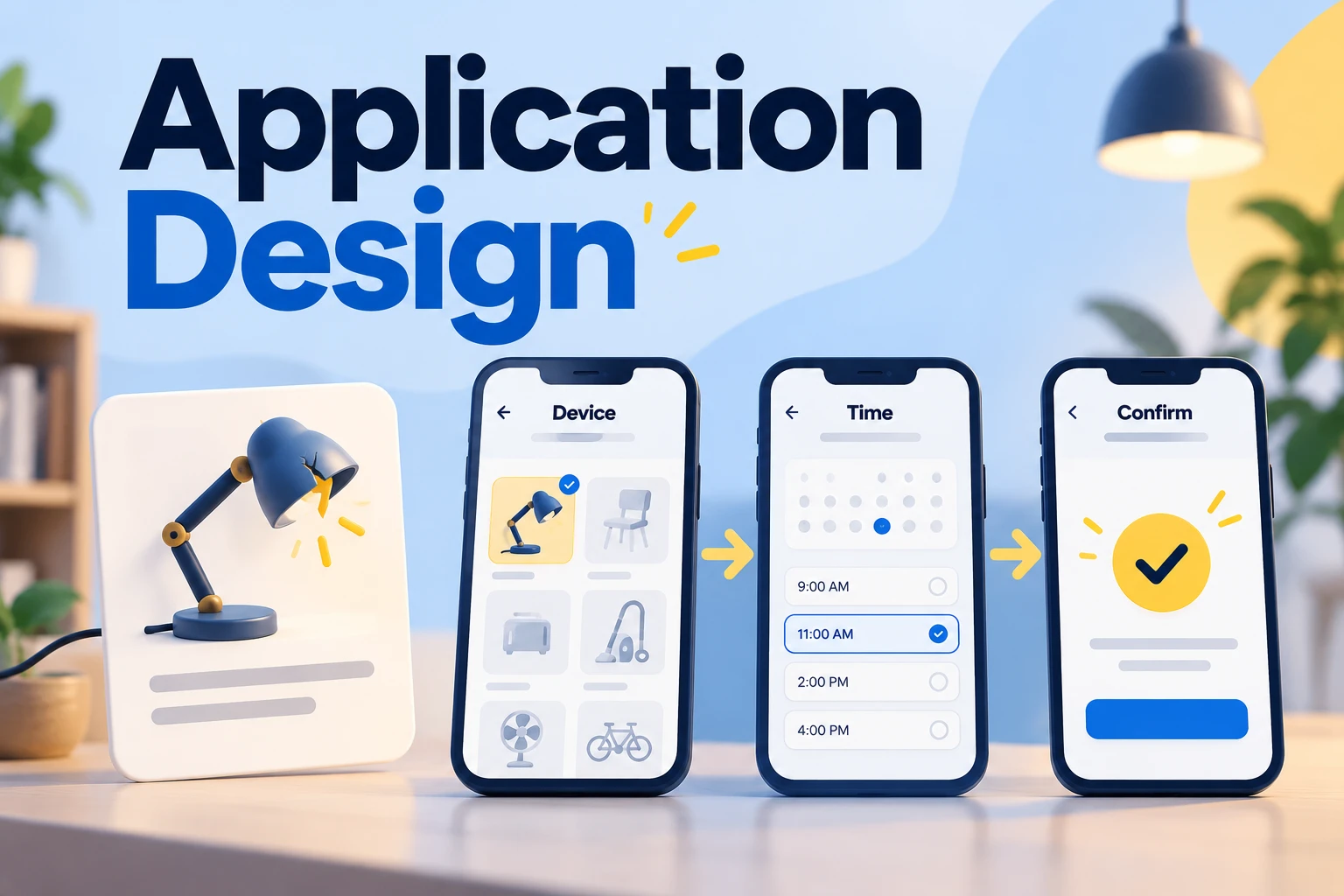
Problem identification turns observations into a question the team can investigate. State who is struggling, what they are trying to accomplish, and what gets in the way. For a repair-booking app, the problem might be that people cannot tell which appliance types are accepted or whether a chosen slot is confirmed.
- Design and Develop
Once the basic aim and route are defined, develop the layout, content, and interactive states. Adapt the design to the platform and input method: an iOS app, an Android app, and a web application do not share every convention. Screen size, keyboard behavior, navigation, and accessibility affect the design.
The visual design and interface are refined together. Decide which information needs emphasis, where a person can make changes, and how the app explains loading, empty, error, and success states. Developers then implement those behaviors and the systems behind them; an attractive prototype does not establish that the app is ready to launch.
- Feedback
Gather feedback before treating the application design as final. Let likely users attempt a realistic task, observe where the sequence or wording is unclear, and revise the relevant parts. Prototype testing can uncover usability problems; testing the built app is also needed to find implementation defects and check actual behavior.
- Launch and Stay Updated
Once the app has been implemented and checked, launch it through the appropriate channel. Continue learning from actual use, support issues, and changing needs. Updates should solve observed problems while preserving familiar behavior where it still works.
An Example of Everyday Application Design.
Application design appears in everyday activities, from mobile messaging to web-based shopping. Studying a familiar app can help you identify how screens, content, and actions fit together.
Instagram provides a familiar example of several connected tasks: browsing a feed, opening a profile, searching, and messaging. Consider the decisions behind such an experience: where a person starts, how they return to the previous context, and how an action’s result becomes visible. The Instagram redesign example offers a separate visual exploration.
Myntra, Amazon, and Google apps offer other familiar starting points for analysis. Compare one task at a time rather than declaring an entire app easy to use. A successful product can still contain confusing flows, and the same layout may not fit a different audience.
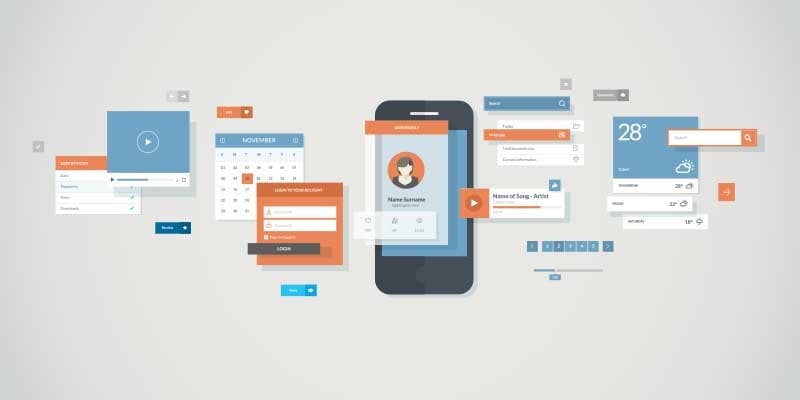
Common Uses for Application Design.
Application design supports many different purposes. The following principles help connect the interface to the task rather than adding features for their own sake:
- Use familiar controls and make essential actions discoverable; provide a visible alternative when a gesture would otherwise hide the action.
- Match the design to its purpose. A game may need rich interaction, while a messaging app needs a clear route to read and send messages.
- Map the user’s journey as part of the design process, including entry, completion, and recovery. Journey mapping is not a feature that every app must expose to users.
- Use small interactions to explain a state change, such as a selected option or a saved change.
- Keep navigation understandable. Add motion only when it helps explain the relationship between states, and respect reduced-motion preferences.
Application design is used across many kinds of product:
- Learning and educational websites and applications
- Games for recreation and entertainment
- To make chatting and messaging applications easier to use
- To enhance the fun of shopping by making the app design straightforward
- To improve the experience of web applications
The key to making the application design user-friendly is to build it based on the expectations of users rather than adding enormous features that can complicate it.
The relationships between Application Design and UX.
Application design shapes the interface through which people experience a product. UX also depends on factors beyond that interface, such as reliability, content, policies, and customer support. Their relationship can be understood through the following points:
- The interface gives people a way to interact with a service and communicate with its provider.
- Relevant personalization can reduce effort, provided people understand and can control it.
- Relevant content and understandable controls help people make informed decisions.
- Clear actions and feedback help people understand the service, including what it cannot do.
- Completion, mistakes, and support needs can show where the experience needs improvement; appearance alone is not enough.
Example: Design a Repair-Booking Flow
Imagine a community repair service that accepts lamps, toasters, and radios. A resident needs to choose an item, select a visit, and check what to bring. Keep the first version focused on arranging that visit; a social feed or loyalty system would not answer this task.
| Screen | Information and action | Result to show |
|---|---|---|
| Choose an item | Three accepted appliance types, plus a short explanation of restrictions | The selection stays visible when moving forward |
| Choose a visit | Available date and time, venue, and expected visit length | A chosen slot, with a route to change it |
| Check the booking | Appliance, visit details, and what to bring | Editable details before the final action |
| Confirmation | A clear result and the next practical step | A reference and instructions, rather than an unexplained check mark |
With only three appliance types, visible choices help residents compare them without opening another control. Use the dropdown versus radio-button guidance to decide when a larger list needs a different approach.
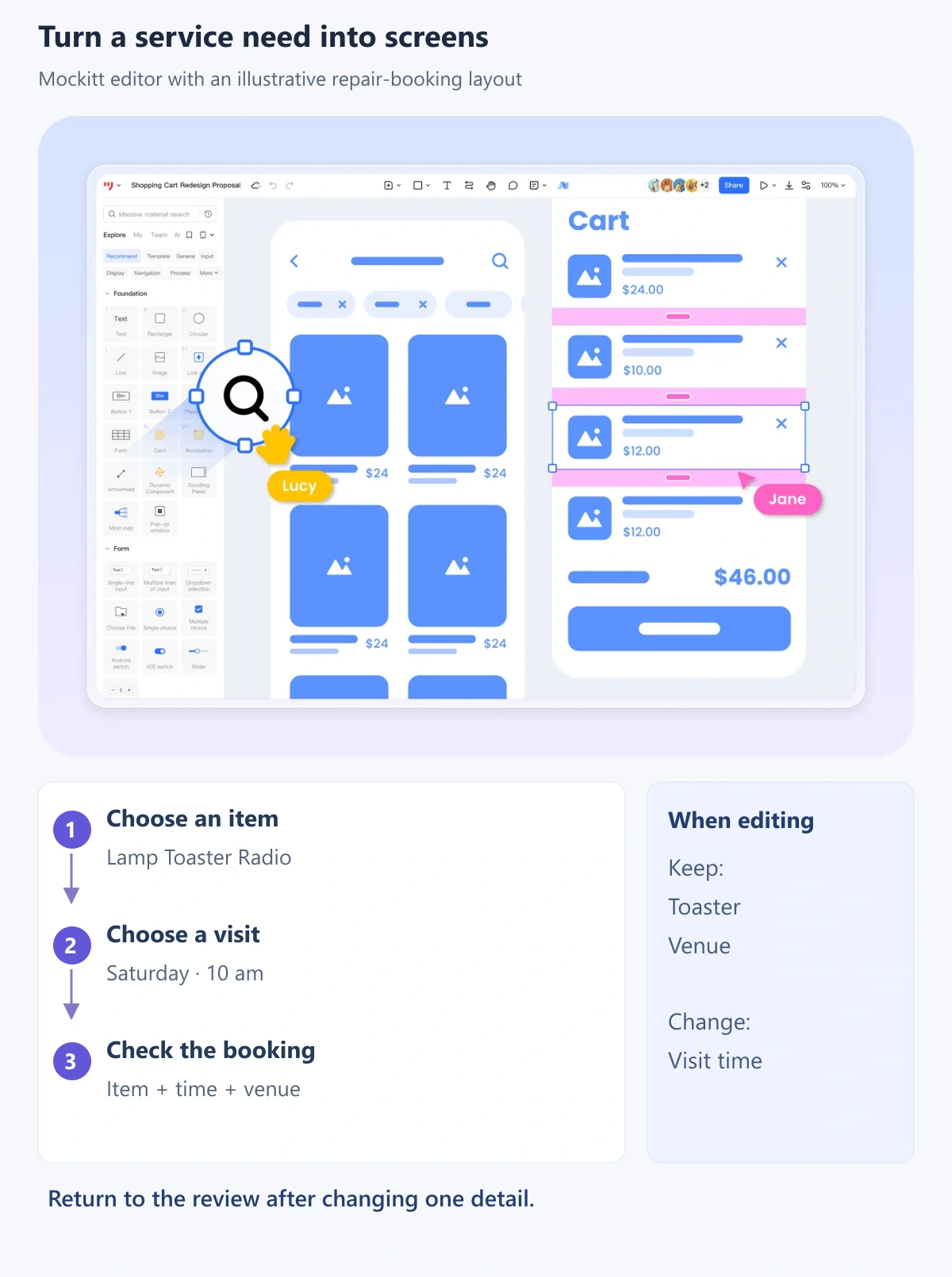
Build the selection and review states, then ask someone to book a toaster repair and change the time before confirming. Watch whether they can find the change action and whether the appliance remains selected. Include a slot-unavailable state so the flow does not depend on everything succeeding.
The GOV.UK check-answers pattern provides a useful reference for allowing corrections before submission. Keep the person’s valid answers when returning to edit one detail. In a real service, capacity and confirmation must come from the booking system; the prototype demonstrates the intended interaction.
Conclusion
Planning, designing, developing, testing, and launching an app takes time, resources, and the right expertise. Clear application design gives people an understandable way to interact with a service.
Application design is iterative work. Define a useful task, make the route understandable, and use feedback to improve the parts that cause difficulty. A focused flow that people can complete is a stronger starting point than a large collection of polished but disconnected screens.