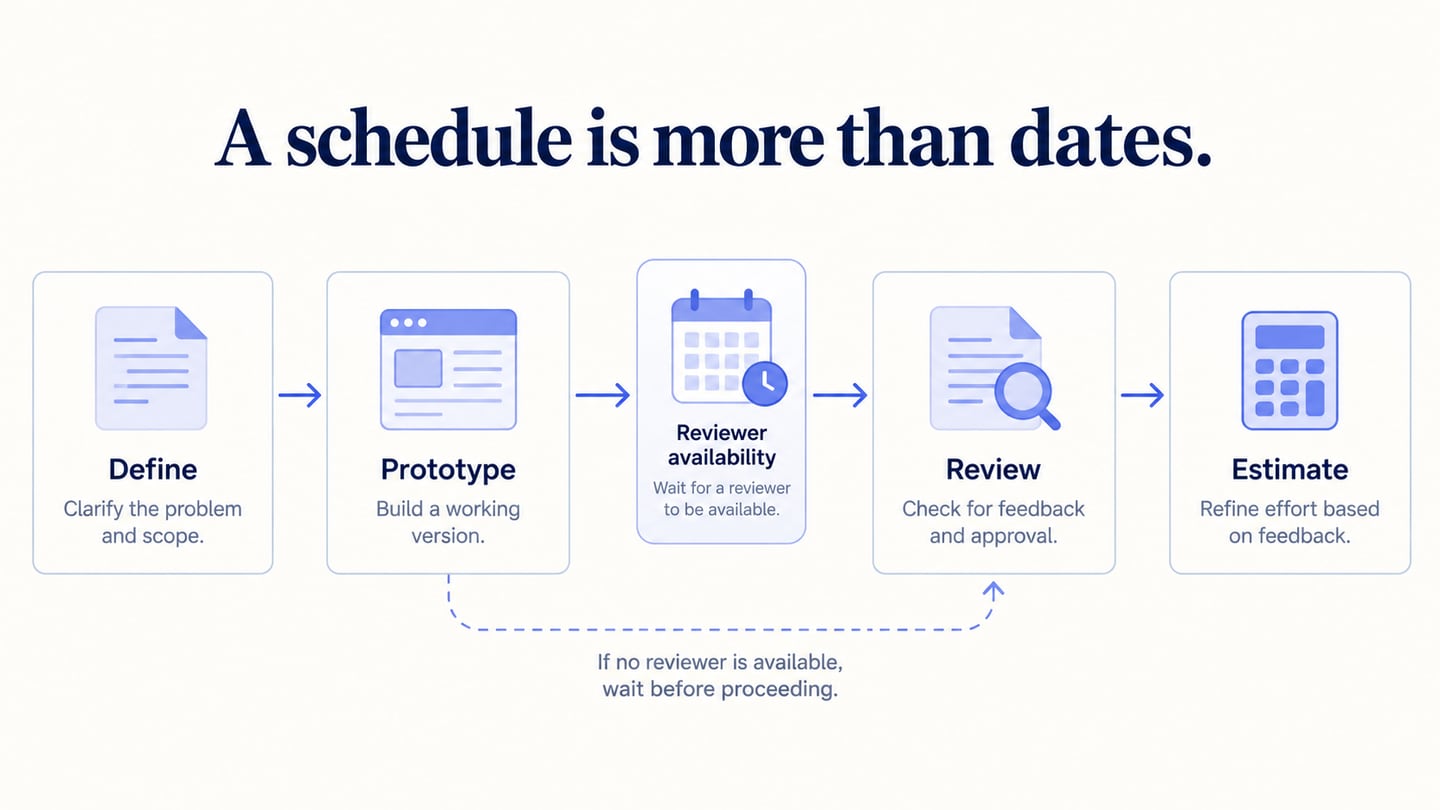
A project plan explains what a team will deliver, why it matters, who is responsible and how the work will be coordinated. It connects scope, milestones, resources, dependencies and risks. A list of dates alone is a schedule; the wider plan also explains how decisions and changes will be handled.
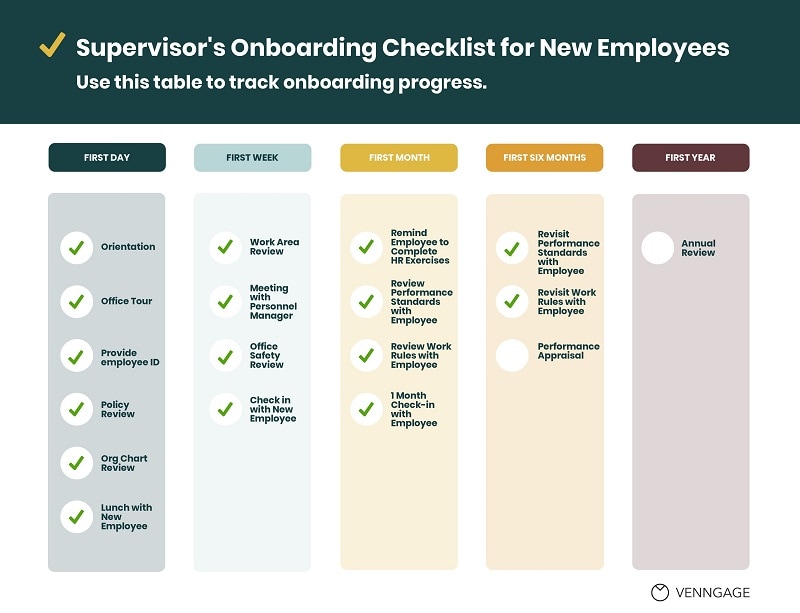 Original checklist example: task completion needs an owner and acceptance evidence.
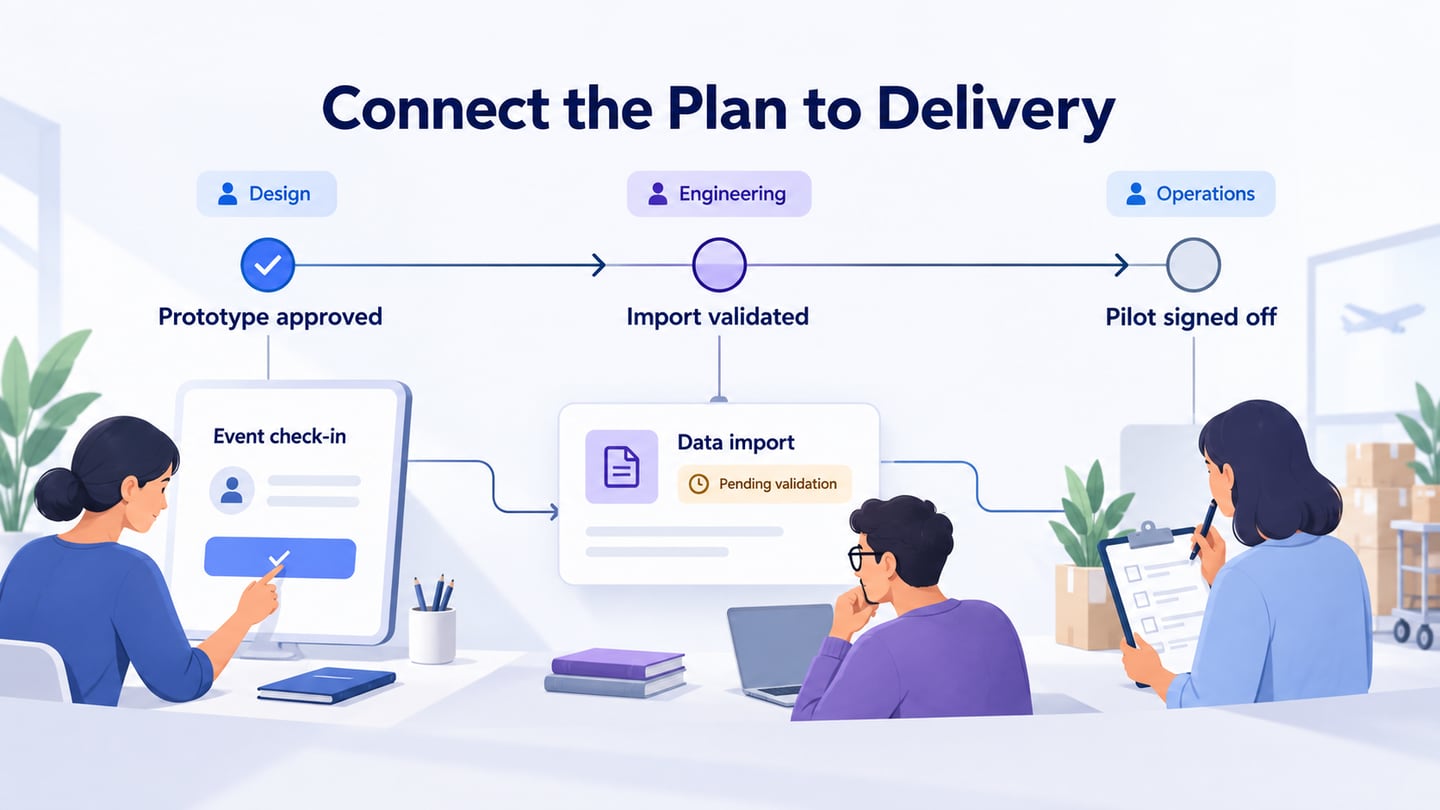
The nine planning activities below form a useful sequence. An event check-in app provides a running example: the team needs an agreed interface, a validated attendee import and an operational pilot before launch. Those are planning assumptions for an illustrative project, not results from a completed release.
Project Plan Fundamentals: Nine Decisions to Make
We are going to walk you through the basic fundamentals of project planning process, which need to be followed in order to make a good project plan.
1. Explain the Goal and Business Case
State the problem and the intended outcome in terms the team can evaluate. For event check-in, the goal might be to let authorized staff find an attendee and record their arrival reliably. Explain why the work is needed, identify the sponsor and record the expected benefits without presenting an untested forecast as a guaranteed return.
2. Agree Who Needs to Be Involved
Identify the sponsor, delivery team, users and people affected by the change. Decide who approves scope, who reviews the design and who accepts operational readiness. Regulators or external partners may matter in some projects; they are not mandatory participants in every plan.
3. Define Scope and Exclusions
Describe what this release includes and deliberately excludes. The check-in pilot might include attendee search and arrival status, while ticket sales and badge printing remain out of scope. Record assumptions such as a reliable venue connection. Excluded work can still be valuable; it simply is not part of this commitment.
4. Define Goals and Acceptance Criteria
Translate the goal into checks the team can actually perform. For example, authorized staff must distinguish an attendee who has arrived from one who has not, and repeated check-in attempts must not create duplicate records. Agree who verifies each criterion. Do not add numerical targets without a reason and a measurement method.
5. Specify Deliverables
List tangible outputs and the evidence needed to accept them. For the example: an approved prototype, a validated import procedure and a signed-off pilot. A meeting is an activity; a reviewed decision record is its deliverable. Include documentation or staff guidance when it is necessary for operation.
6. Connect the Schedule to Dependencies
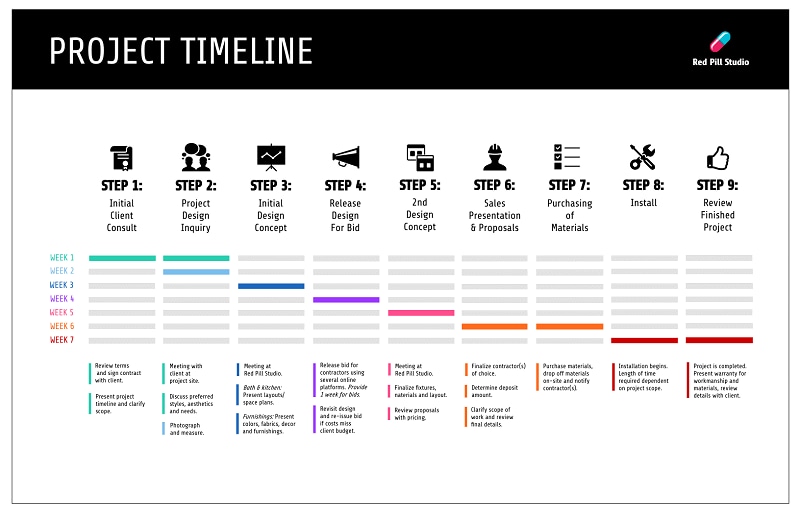
Break the deliverables into tasks, estimate effort with the people doing the work and identify dependencies. Prototype approval informs implementation; an import check must use representative test data before the pilot. Show the sequence, available capacity and uncertainty rather than promise a date based only on a template.
7. Assign Owners and Decision Rights
Give each deliverable an accountable owner and identify contributors and reviewers. Design owns the review artifact, engineering owns implementation verification and operations owns pilot readiness in this example. Confirm responsibilities with the actual team; a label in the plan is not evidence of available capacity.
8. Plan for Risks and Changes
Record what could disrupt delivery, the warning sign, a responsible person and a response. If attendee data arrives late, the import validation and pilot may be affected. Agree how to raise the issue and revise the plan. A requested feature change should be evaluated for scope, effort and dependencies before it is accepted.
9. Review Progress Against the Plan
Use a short review to compare completed evidence with the agreed deliverables, discuss blocked work and update forecasts. Keep decisions visible to the relevant stakeholders. A task marked complete should have its required acceptance evidence, while a prototype awaiting review should remain visibly unapproved.
Three Planning Tools to Evaluate
These tools support different planning workflows. The summaries refer to their public feature information, not a hands-on ranking or a claim that every feature is included in every plan. Choose the view and controls your project actually needs.
Trello
Trello organizes work in boards, lists and cards, with options for task details and collaboration. It can suit a lightweight delivery board where each card has a clear owner and acceptance criterion. Check current plan requirements for additional views, custom fields and automation before relying on them.

Wrike
Wrike describes project views, Gantt planning and work-management features. It is worth evaluating when the plan needs to coordinate dependencies and several contributors. Check the relevant plan, setup effort and reporting needs instead of assuming there is no learning curve.

Zoho Projects
Zoho Projects describes task scheduling, Gantt dependencies and progress tracking. Compare those capabilities with your actual workflow and team access needs. Price and included features can change; use current plan details rather than call it universally inexpensive.

For any tool, test a small representative plan: add the three deliverables, connect their dependencies, assign owners and mark one task blocked. Check whether everyone can see what changed and what decision is needed. The older logos shown here identify the products; they do not demonstrate their current interfaces.
Review the Product Before Scheduling Its Release
An unclear interface can hide unresolved work in the project plan. A prototype review helps the team identify missing states and agree what should be implemented before estimating the remaining work. It supports the plan rather than replacing task scheduling, resource management or release checks.
Use Mockitt to make the selected interaction reviewable. Keep its review status separate from engineering completion: an approved design is not a working import or a production release.
For an event check-in app, prototype the attendee search and check-in state using synthetic attendee data. Ask operations staff to review an already-checked-in attendee and an unmatched search. Record the required changes, then connect prototype approval, import validation and pilot sign-off in the plan. The earlier workspace screenshot below illustrates design organization, not a completed event system.
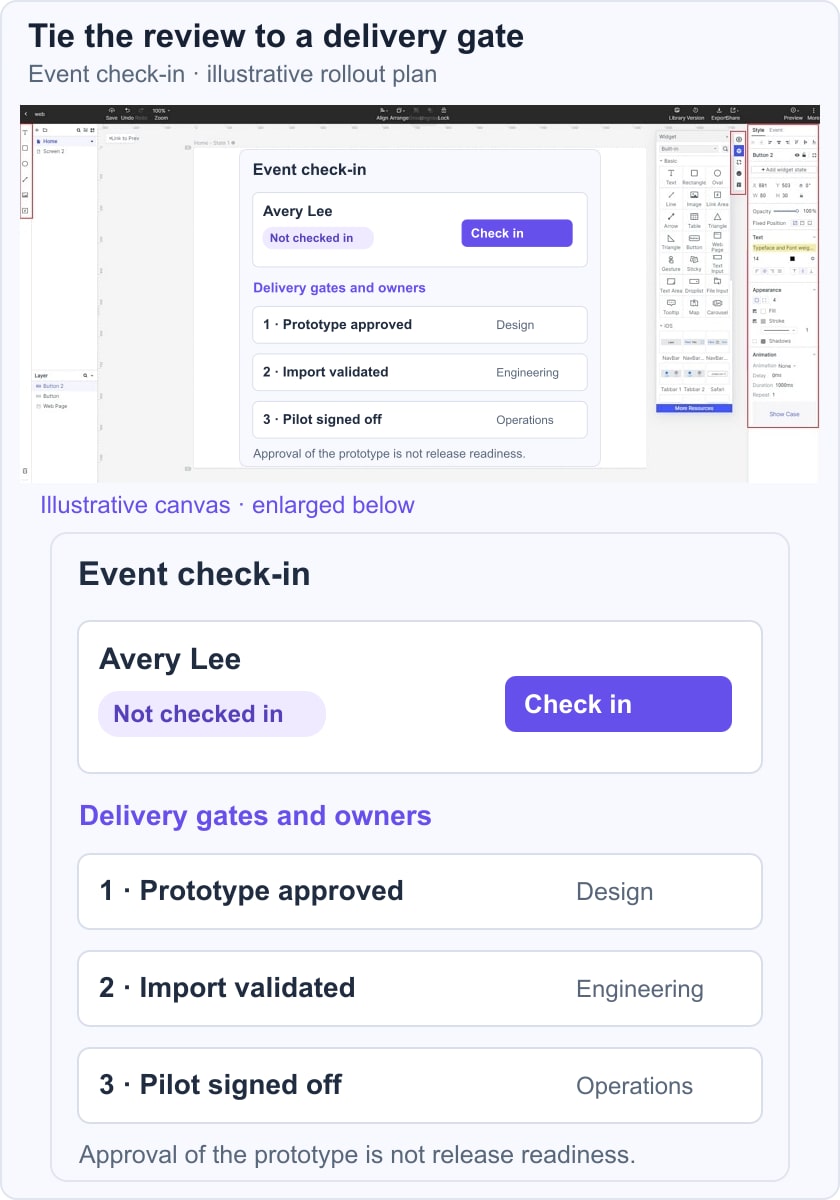
Update the plan when the review changes the work. Preserve the reason, owner and effect on dependencies so the next status discussion can focus on a real decision. A useful plan remains a shared explanation of delivery, not a document that is finished once the dates are entered.