“Spotify design system” can mean two different things: Spotify’s internal Encore family of systems, or the public guidelines for products that integrate Spotify content. They serve different users and should not be treated as one downloadable app builder. This distinction complements the broader design-system overview and helps you choose the right reference for your project.
What Is Spotify’s Encore Design System?
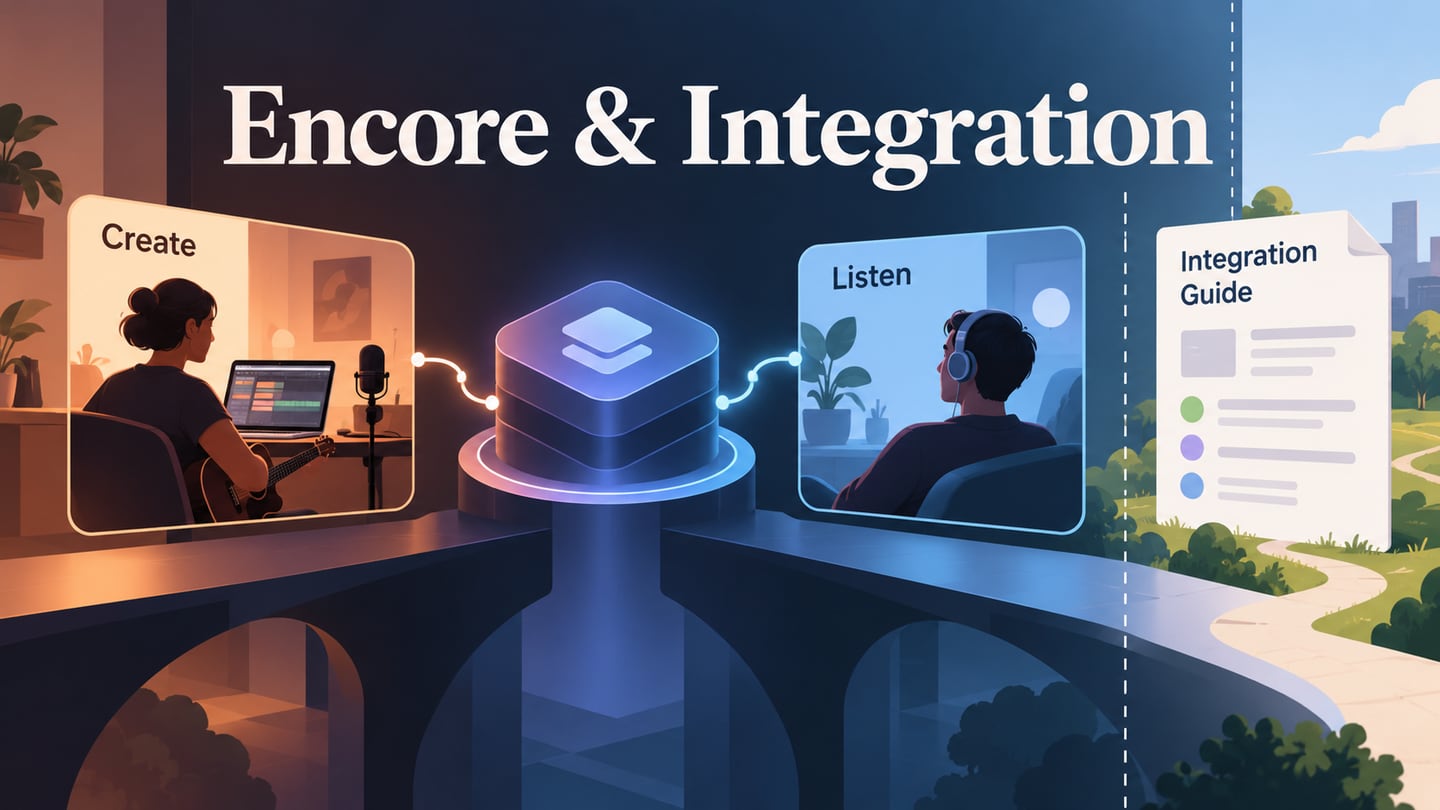
Spotify’s published Encore account describes a family of design systems built on shared foundations, with more specific systems for different product needs. It is an organizational and technical approach to reusable design, not the Spotify listening application itself. Public accounts help explain the approach; they do not imply that every internal component is available to outside developers.
Three Lessons from the Encore Approach
Spotify’s later engineering account describes layers including foundations and more specialized systems. The useful lessons concern consistency, local needs and maintenance rather than consumer features such as playlists or social following.
Shared Foundations Reduce Repeated Decisions
A foundation can give multiple teams common visual and technical starting points. A team then spends less effort redefining those basics for each screen. The benefit depends on adoption and maintenance; a shared component does not make every task easy to use without product research and testing.
Local Systems Can Serve Different Needs
Creator, advertising and consumer experiences need different workflows even when they share an underlying language. A family of systems allows specialized components close to those tasks. The lesson for a smaller team is to distinguish a broadly reusable rule from a pattern that only makes sense in one product area.
Clear Boundaries Help Systems Evolve
A team needs to know which layer owns a change and which consumers it affects. Document the reason for a local component and avoid copying shared foundations into several disconnected versions. This is a maintenance lesson, not a promise about Spotify customer support or a feature of the music service.
Public Guidelines for Spotify Integrations
If you are showing Spotify content in your own product, use the current developer design guidelines and the documentation for the integration you actually use. These public requirements are separate from Encore’s internal component architecture. The five topics below help frame the design review; consult the official rules before release.
1. Use the Official Logo or Icon Correctly
Use the provided brand assets rather than redrawing or modifying the mark. The original image below illustrates color/background variants. Select the permitted variant for the surrounding background and preserve the relationship between icon and wordmark. Check the official clear-space, contrast and sizing guidance for the final placement.
 Historical Spotify icon variants; use current official assets and placement guidance.
A logo must remain legible in the actual interface, including narrow layouts. Keep sufficient space around it and do not distort, rotate or combine it with an invented badge. Use the current official assets and rules as the reference; an old screenshot is not a substitute for that check.
2. Attribute Content and Preserve Its Context
Spotify content comes with requirements for attribution, presentation and links. When displaying data such as track or album information, follow the rules for that content and integration. Do not invent artwork, imply access to unavailable content, or remove the contextual information a person needs to understand its source.
3. Choose a Supported Embed or Integration
Spotify Embeds can place supported interactive content on a website you control. The documentation describes creating an embed from supplied HTML and additional API options. Use that supported route instead of assuming that an old “widget builder” provides unrestricted custom playback. An embed and a custom playback integration have different capabilities and requirements.
4. Name Your Application Without Implying Endorsement
Choose an application name that identifies your own product and follows the current Spotify naming rules. Registering an app does not mean Spotify endorses it. Avoid a name, spelling or presentation that suggests an official Spotify product or partnership when none exists, and keep the identity shown during authorization consistent with the product people are using.
5. Keep Brand Identities Distinct
Present your product’s identity separately from Spotify attribution. Do not merge the marks into a new combined logo or use a pairing that implies an unauthorized relationship. Review the complete page, including headings, buttons and marketing copy, because a technically correct logo can still appear in a misleading context.
Prototype the Integration Boundary
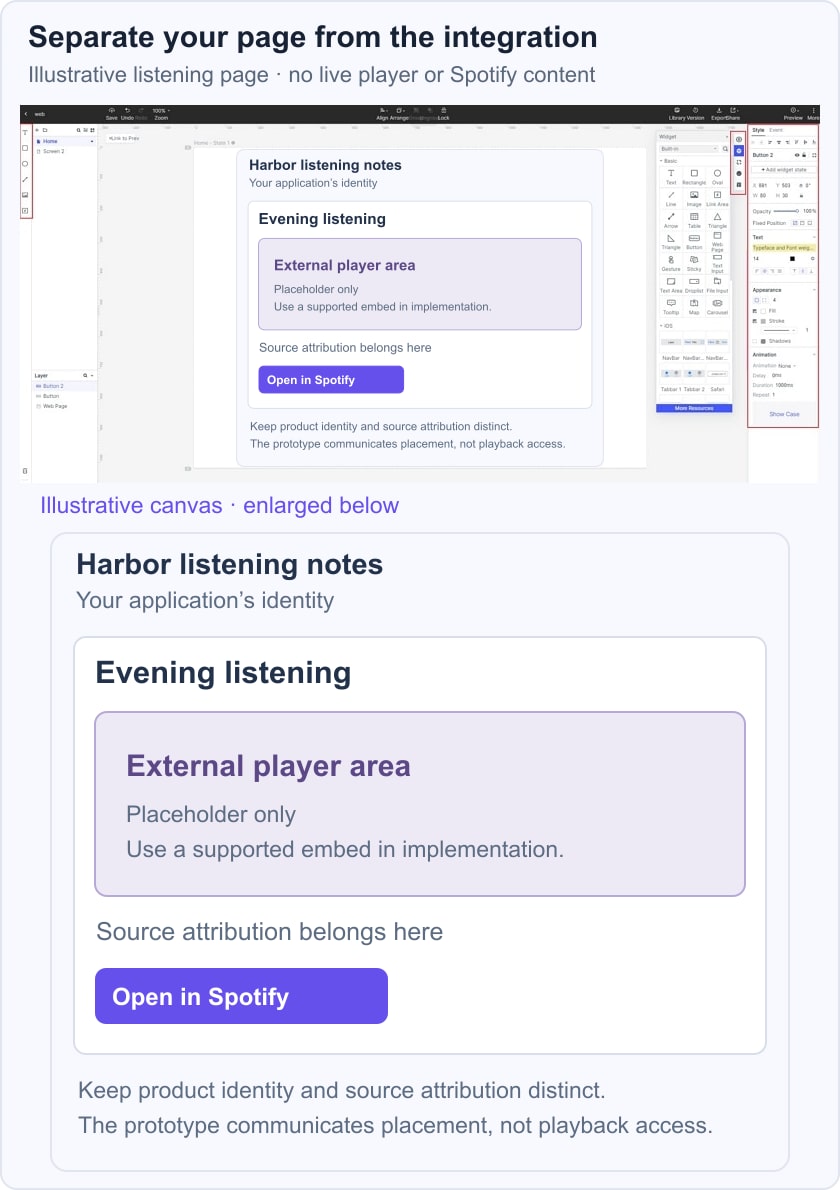
Use Mockitt to sketch a fictional listening page with a clearly marked external-player area, a source-attribution position and an “Open in Spotify” action. Label placeholder content as illustrative. The prototype shows where the integration belongs; it does not demonstrate working playback, authorization or access to Spotify content.
Make the Page Structure Understandable
Keep your product’s header separate from the player area and its attribution. Review whether someone can tell which part belongs to your application and which action takes them to an external service. The historical editor screenshot illustrates text and style controls, not a connected Spotify feature.
Test the Next Action
Connect only the states needed to review the task. For example, show where a person goes after choosing the external link and what remains on the original page. Explain any nonfunctional player placeholder during review so people do not mistake a visual mockup for a live integration.
Use Components with a Clear Purpose
Use available prototype elements to organize the page, then verify real integration details with the developer. A Spotify interface redesign studies a listening experience, while this exercise studies the boundary between your product and a third-party service. Keep those objectives separate when choosing review questions.
Review Feedback and Implementation Requirements
Record which labels, attribution positions and transitions reviewers understand, and what still depends on the supported embed or API. Avoid adding decorative animation that suggests playback or synchronization the prototype cannot provide. Before release, verify the actual integration, current platform requirements and accessibility of the implemented page.
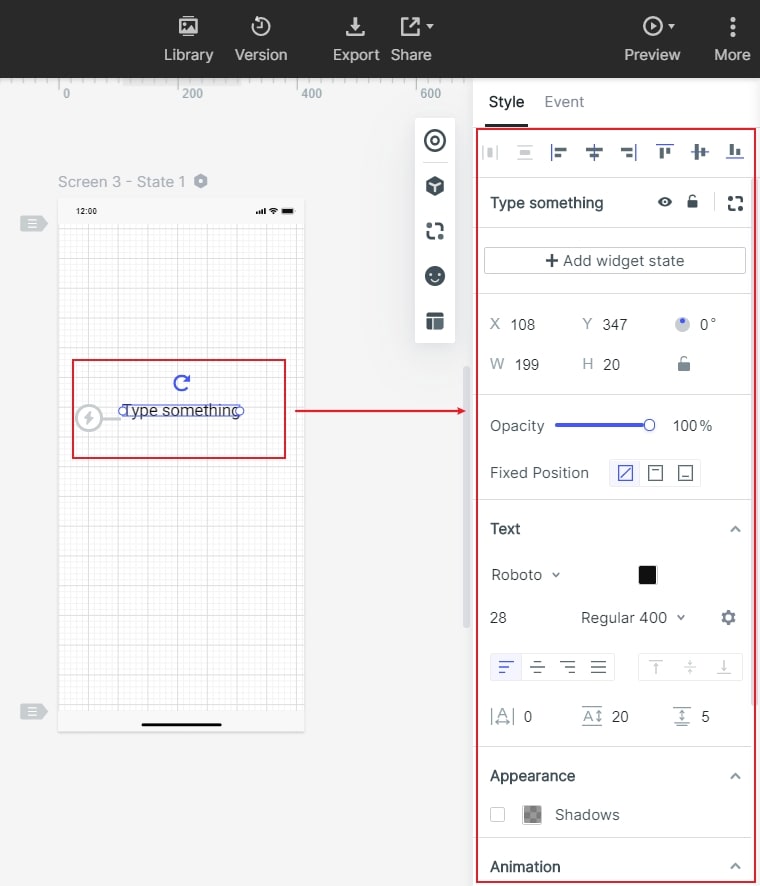 Historical Mockitt editor capture; interface details may differ from the current product. The selected text controls do not demonstrate a Spotify integration.